

Graphics & Design
Remove Background -
Automatic removal is paired with adjustable brushes and an undo history.
Apps observed in Apple’s US App Store charts for Graphics & Design.
Showing 301–320 of 401
Automatic removal is paired with adjustable brushes and an undo history.

Several preview styles can explore a visual idea before manual finishing.

Batch processing can reduce repeated changes across a short series.

Countdowns, clocks and theme sets combine decoration with simple information.

The saved garage accepts multiple views, and you can choose output angles and aspect ratios.
Exposure control and image-sequence export support iterative timing work.

右键和悬停保存减少来回复制,可在服务中整理集合。
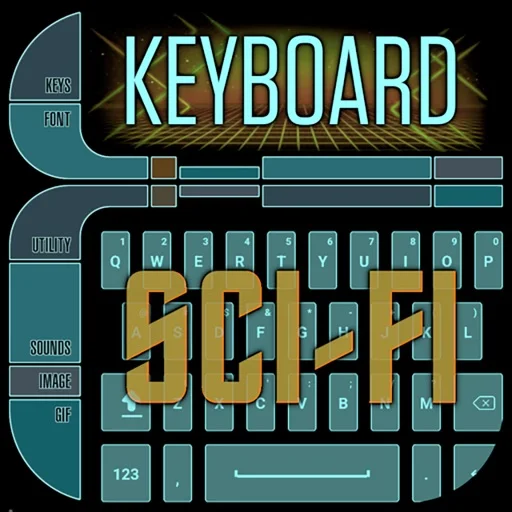
Themes, key styles and sound choices allow extensive customization.
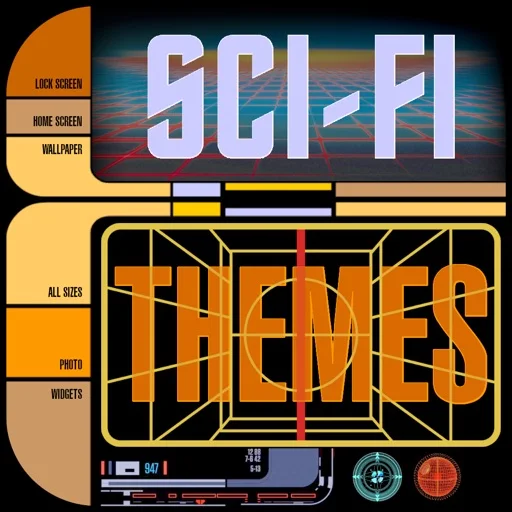
Image widgets, a clock and icon packs allow several visible surfaces to use related artwork.

Matched visual assets reduce the work of assembling a consistent layout.
Teacher-selected tools and a freer mode support different practice preferences.
图形移动时连线跟随,可输出SVG、图片和多页PDF。

Several visual themes offer different decorative choices.
偏移、阵列、修剪和精确坐标便于重复构造二维图形。

A selected ratio and one entered dimension replace repeated manual multiplication.

本地文件设计与可选协作工作区结合,布局和原型可在同一工具中完成。

Brushes, vectors, PSD/GIF output and shared presets serve different art styles.
Adjustable grids and a clean full-screen reference make it easier to compare proportions section by section.
An image can be used as a background and worked over using layers and blending.
Brush customization, rulers and blend modes support both loose drafts and more finished work.