Create useful AI photos and video clips
Choose a reference, direct a limited change and finish the output with accurate text and branding.
The short answer
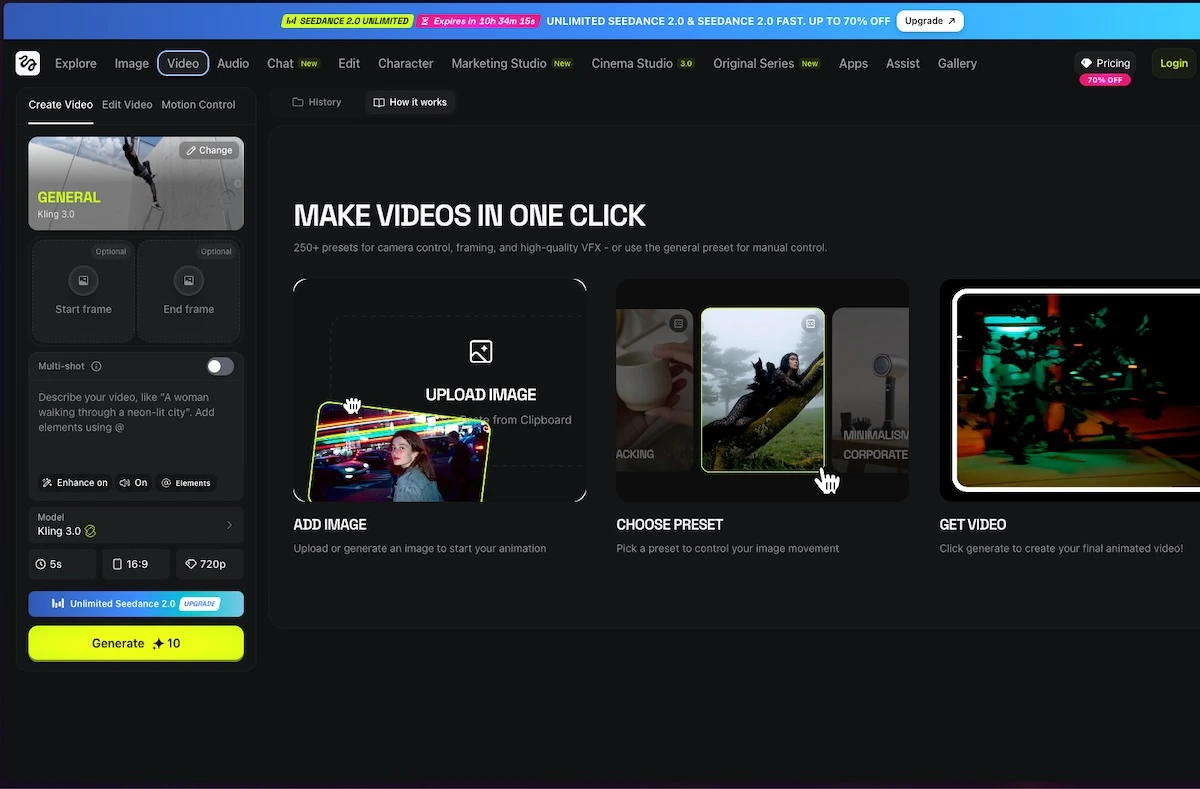
Choose the input and shot type first: one-photo animation, reference-video motion, a transition or a product advertisement.
Side by side
| Your situation | Useful route | Check before choosing |
|---|---|---|
| Choosing a tool | Read a function-led selection | Task fit and platform |
| A limit decides eligibility | Read the condition-specific guide | Current plan and output boundaries |
| Ready to carry out the task | Follow the relevant tutorial | Inputs, steps and saved result |
What material do you already have?
One still can support a restrained animation. A motion-reference workflow needs the reference video it asks for. A product rotation needs real views of the product; the generator cannot verify an unseen connector or label.
Choose the matching route
- One photo and a small motion: use the image-to-video walkthrough.
- A specific treatment or transition: compare the named Higgsfield catalogue workflow.
- Movement demonstrated in another clip: inspect Swagga’s published Motion control input.
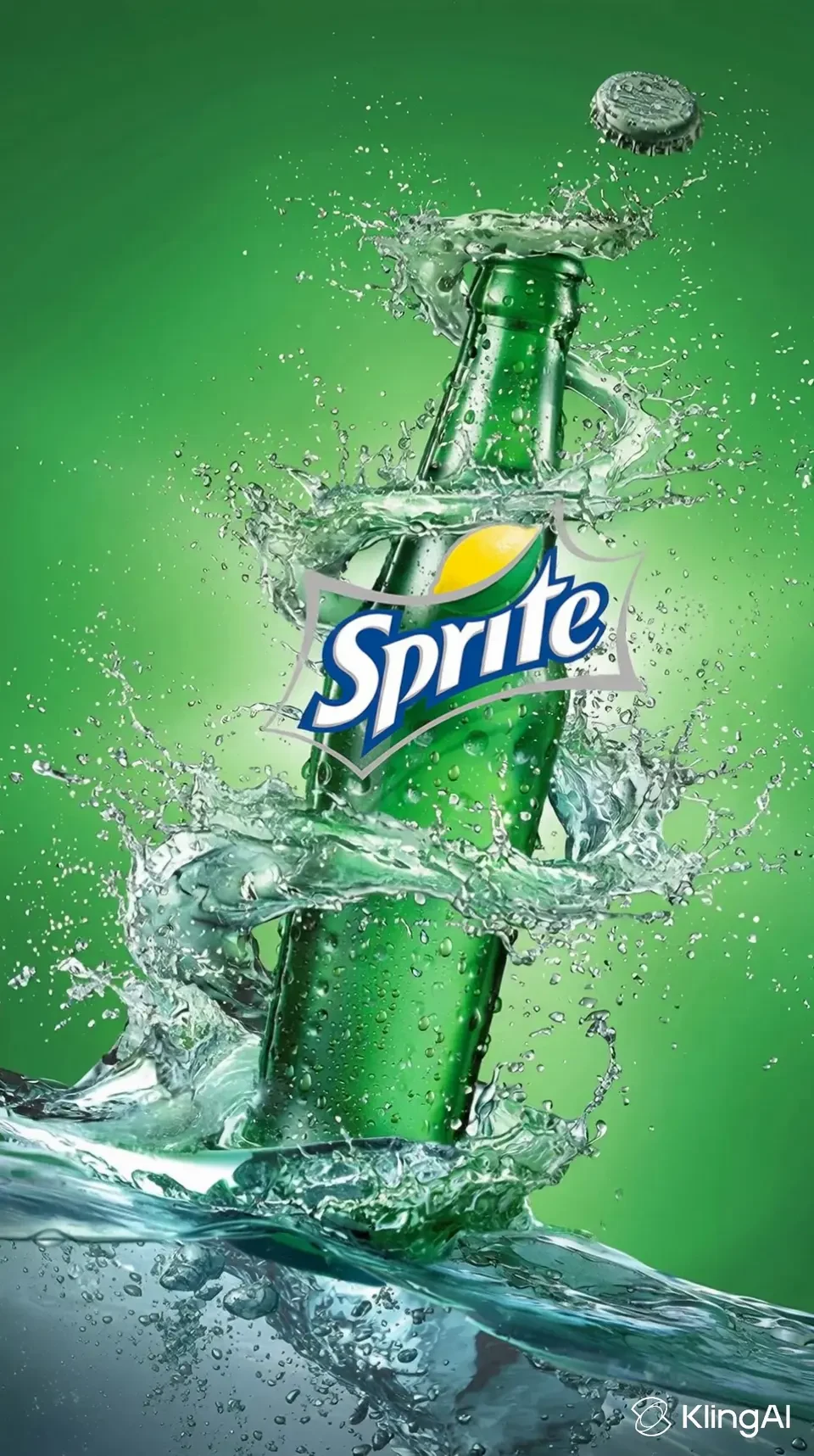
- Product advertisement: use a shot list and keep exact branding editable outside generation.
What makes the output usable
The downloaded clip preserves the important subject detail throughout its duration, matches the destination crop and has the expected export entitlement. Higgsfield free-account generations carry a visible watermark; a free allowance included in a paid plan is not a free-account clean export.
Limitations & considerations
- Use the current official access and purchase terms for your actual account and country.
Use the linked official pages for current platform, access and purchase conditions.
Sources & scope
Reviewed October 24, 2026. Product facts follow the linked provider documentation. Selection advice, example prompts and explanatory diagrams are iApp4Me editorial guidance. Availability and plan terms are dated October 24, 2026.
- Higgsfield: creator tools
Official catalog of creative workflows.
- Higgsfield: official platforms
Official browser platform, account requirements and mobile-app clarification.
- Swagga.ai: photo and video studio
Official product identity and creative workflow descriptions.
- Higgsfield: pricing
Live plan entry point; account offers and model access can vary.
- Swagga.ai: pricing
Official pricing entry point; public extraction did not expose a full entitlement table.
- Adobe: generative credits FAQ
Generation allowances depend on plan, feature and model.
- Higgsfield: free-account and paid-plan watermark rules
Free accounts add a visible watermark; paid plans apply to new generations, not retroactive removal.