How to Create Product Videos with AI from Existing Photos
Build a short product story from real photos, using AI for motion and a conventional edit for exact claims and branding.
The short answer
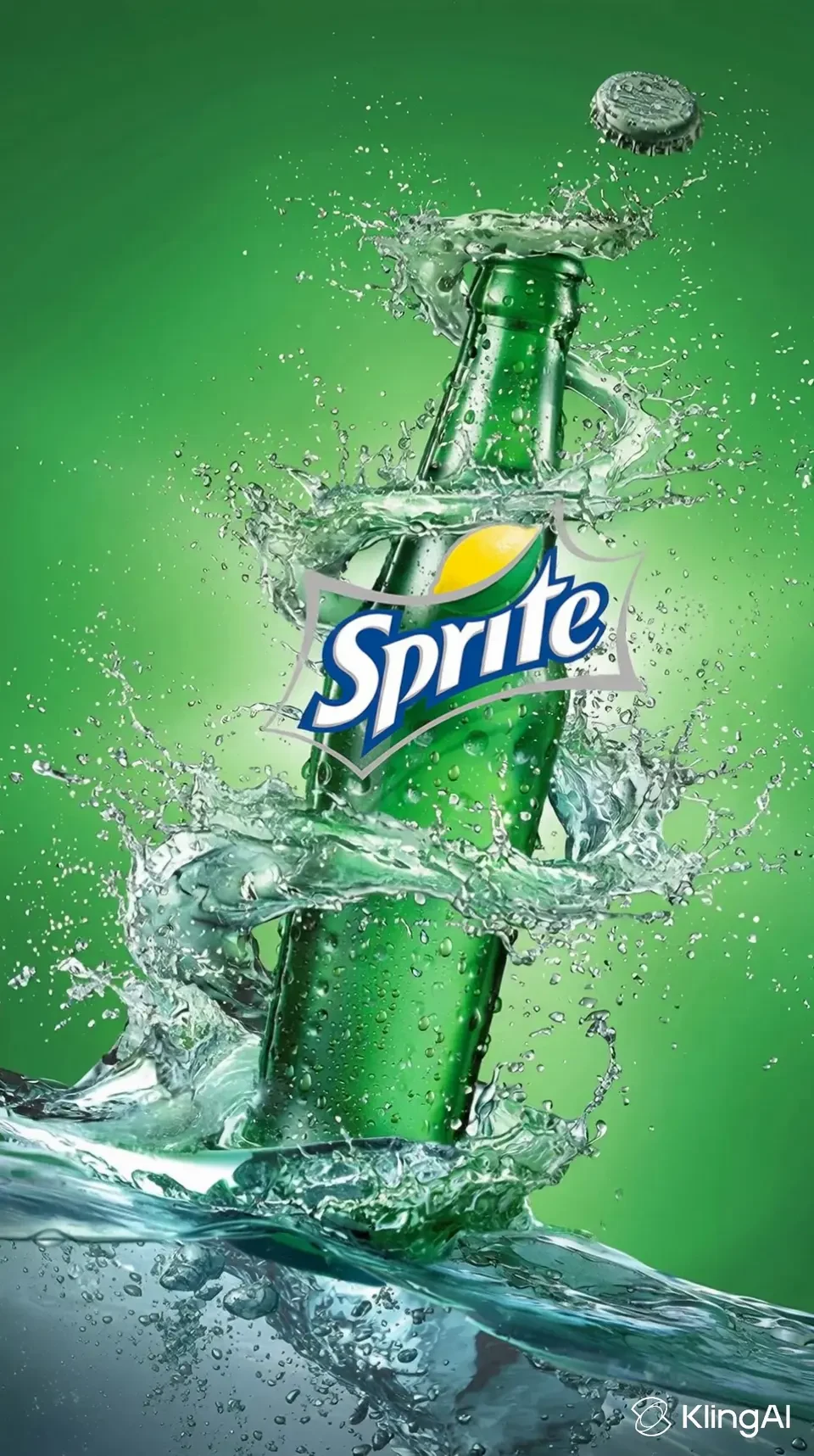
Start with accurate product photos and a three-shot storyboard: identify the product, show one useful detail and end with a clear next step. Generate short motion clips from those references, then add exact branding, text and audio in an editor. Inspect every shot for invented features or altered packaging.
Side by side
| Your situation | Useful route | Check before choosing |
|---|---|---|
| Product recognition | Use an accurate opening view | Real shape and color |
| One useful detail | Generate a controlled close shot | No invented feature |
| Price or call to action | Add an editable end card | Exact wording and readable duration |
Write a three-shot story
A product video needs a reason to keep watching. Begin with recognition, move to one useful detail and finish with a next step. For a notebook, that might be the cover, a close view of the binding and a final view with the product name. Do not ask one generation to tell the entire sales story.
Write the purpose of each shot before choosing an effect. A dramatic rotation is useful only if it reveals something the audience needs to see. Keep the clip length and visual emphasis proportionate to the product and the destination.
Prepare references that support truthful motion
Use real photos with consistent color and visible edges. Supply the back or side view when that part will appear; a generator cannot establish an unseen connector, label or material from the front view alone. Keep a reference sheet of details that must not change.
Separate the photographed product from the surrounding scene. AI-generated backgrounds can add atmosphere, but they should not imply a real setting or product capability that you cannot support. For an early concept, label it as a concept when the finished visual could otherwise mislead.
Choose a product-oriented workflow
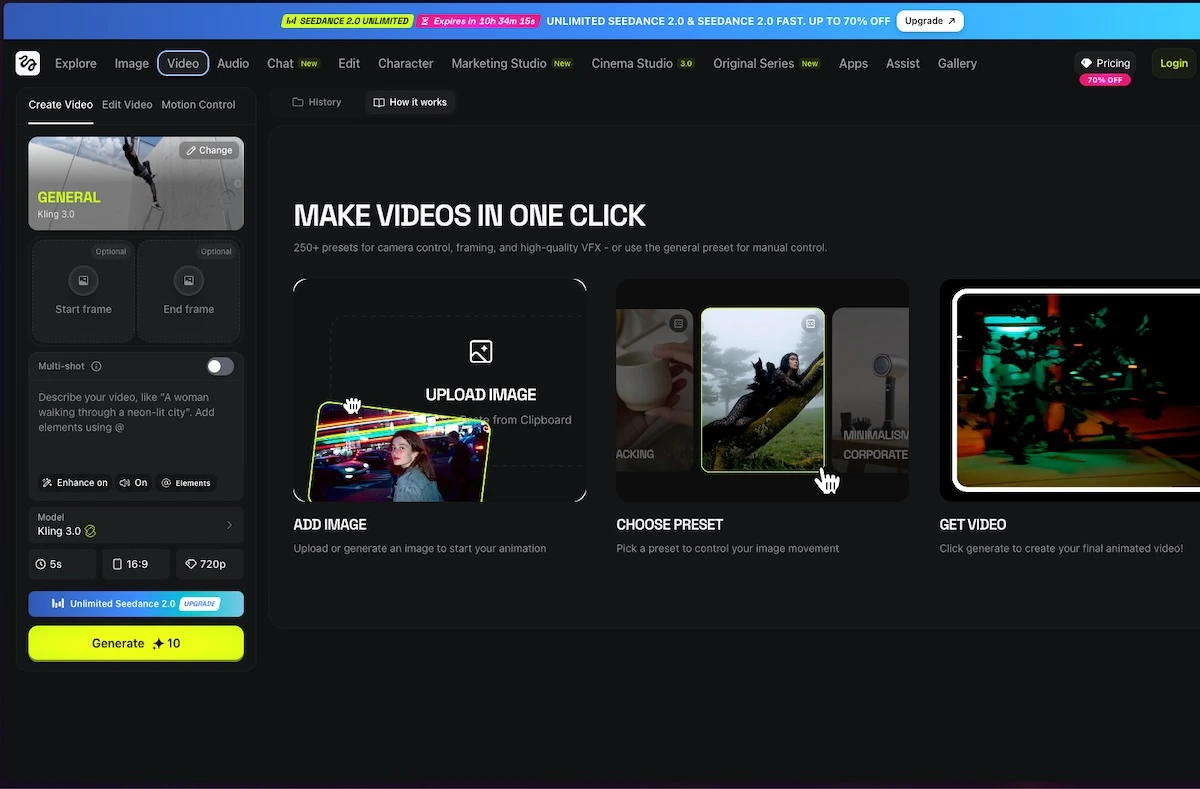
Higgsfield’s official catalog includes advertising and product effects, and Swagga.ai highlights a product-reveal workflow. These are relevant starting points for motion from existing product imagery. Check which inputs the current tool accepts before preparing a large batch.
Generate one short shot first. Keep the intended camera move clear and avoid requests that expose an unphotographed part of the item. If the output changes the product’s proportions or logo, reject that shot rather than trying to hide the error behind a faster edit.
Swagga.ai: photo and video studio
Image source and original context
Finish exact details outside the generator
Place the real logo, product name, price and call to action in a conventional editor. That keeps spelling, alignment and later revisions manageable. Use a clean end card with enough time to read it on a phone, and avoid putting essential wording behind platform controls.
Match the product color across the shots before adding a strong grade. A beautiful background is less useful if the item no longer resembles the product being sold. Add captions or a short explanation only when they clarify the benefit, rather than filling every second with text.
Check the published version as a complete piece
Review the downloaded video, not only the browser preview. Inspect labels, accessories, moving shadows and the transition between real photography and generated footage. Confirm the output size and aspect ratio for the destination, then keep a master copy before any platform recompression.
Budget for revisions and check the applicable commercial-use terms for the selected service and model. A subscription is not a blanket explanation of every input or output right. Keep the source photos and the finished edit together so a product update can be made without rebuilding the whole project.
Limitations & considerations
- Check current access and purchase terms for your country and account before paying.
Use the linked official pages for current platform, access and purchase conditions.
Sources & scope
Reviewed October 24, 2026. Product facts follow the linked provider documentation. Selection advice and example prompts are iApp4Me editorial guidance. Screenshots and provider examples are credited beside each image. Availability and plan terms are dated October 24, 2026.
- Higgsfield: creator tools
Official catalog of creative workflows.
- Swagga.ai: photo and video studio
Official product identity and creative workflow descriptions.
- Higgsfield: pricing
Live plan entry point; account offers and model access can vary.
- Swagga.ai: pricing
Official pricing entry point; public extraction did not expose a full entitlement table.
No comments yet. Be the first to share your experience.