Photo & Video
1-Click Video Converter
可预览截图和调整常见编码格式,支持批量。
Apps observed in Apple’s US App Store charts for Photo & Video.
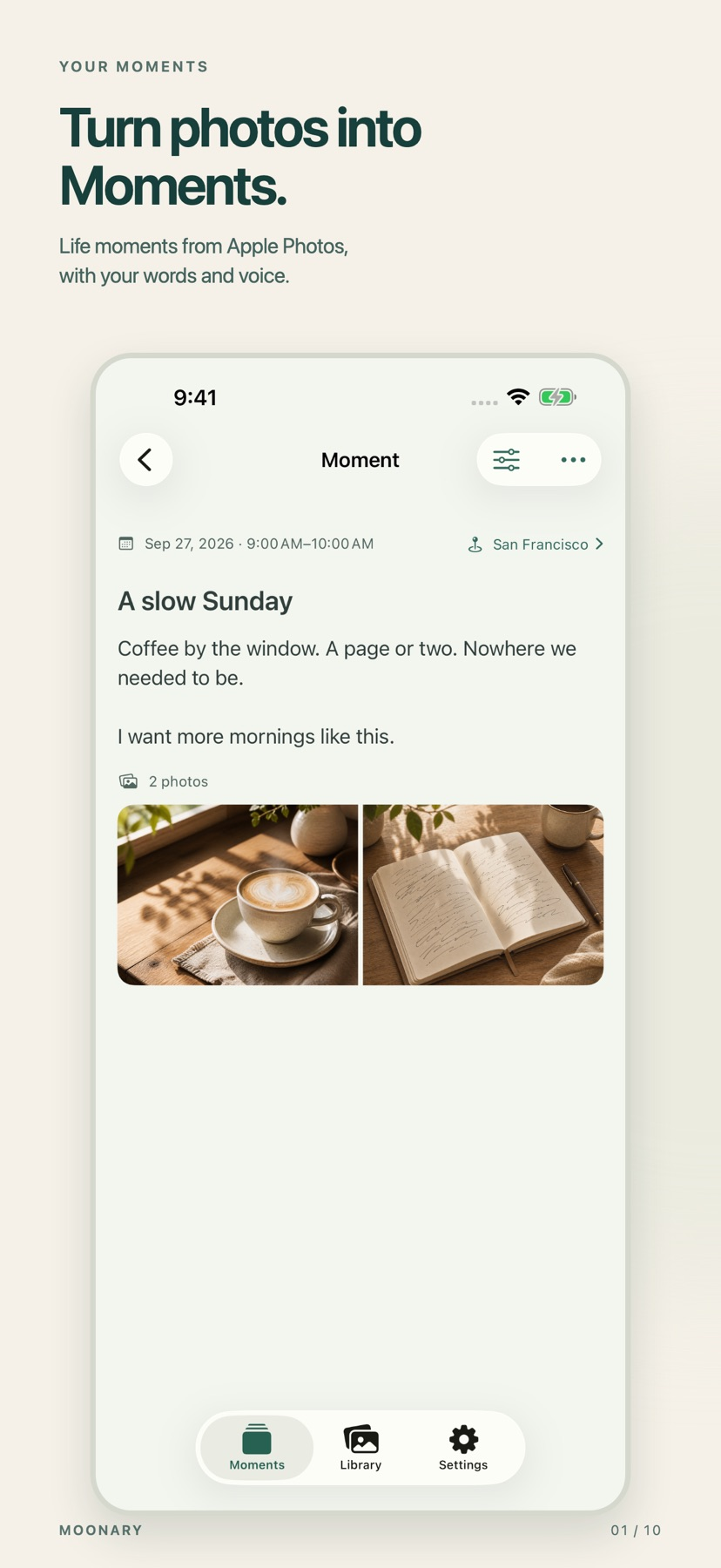
Add writing, voice and attachments to photo Moments, then revisit them through a timeline, calendar or collection.
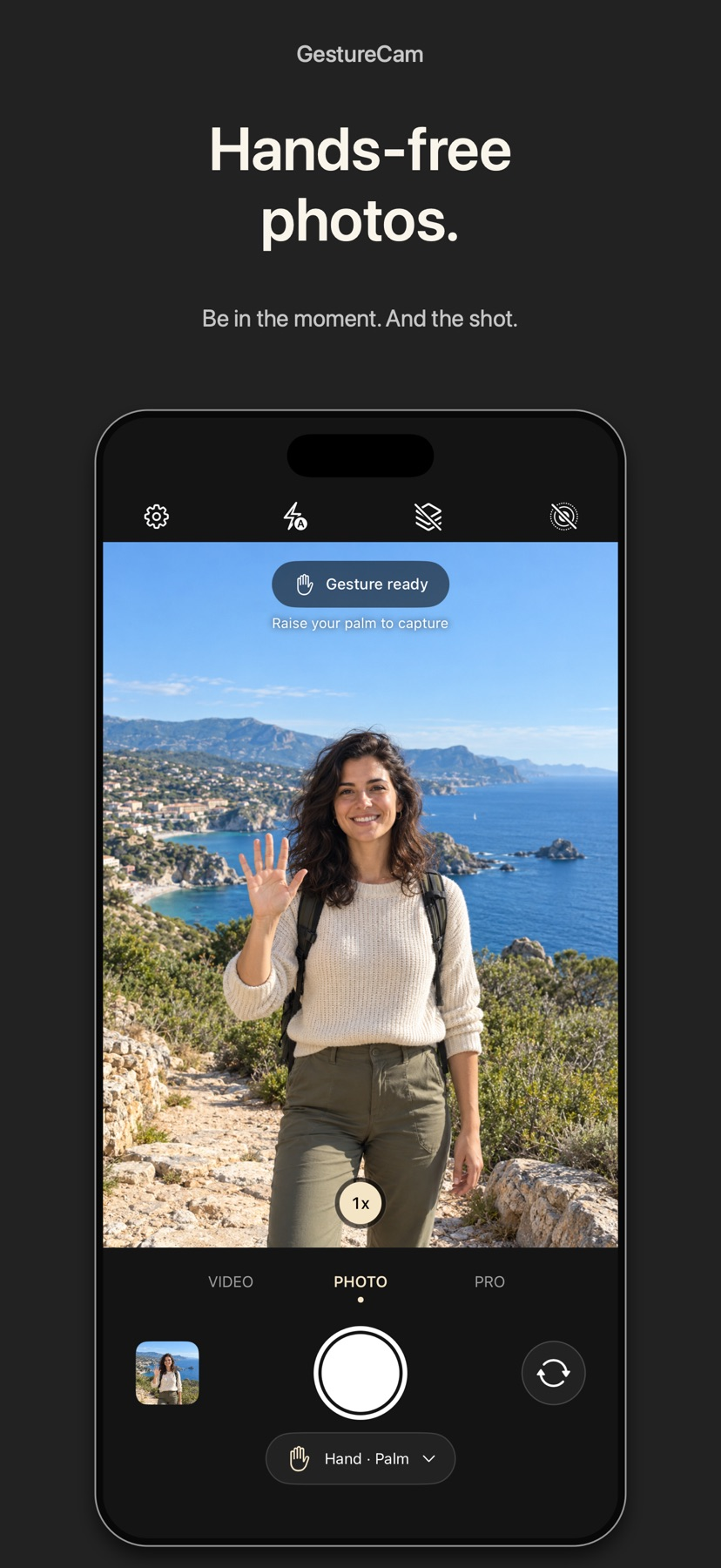
Set down an iPhone and trigger a photo with a palm gesture, or use Pro Auto Capture to keep taking shots while people hold a pose.
Showing 1–20 of 432
可预览截图和调整常见编码格式,支持批量。
Grain, light-leak and colour treatments mimic a disposable-camera workflow.
A limited capture interface can reduce adjusting settings during an informal event.
可调整每格方向、关键帧和自动跟随,叠加GPS或截取照片。
Film looks, frame effects and sound controls can be combined, with a small editor for assembling clips.

Separate text placement, transparency and previews help adapt a stamp to different backgrounds.

Batch edits and saved looks help organize visual style.
Local or cloud storage choices and cross-device editing support larger libraries.

Layers and targeted adjustments give more control than a single global filter.

Trimming, keyframes and aspect ratios support deliberate finishing after an assisted edit.

Masks, live adjustments and RAW workflows support detailed editing.

Aspect/length choices connect templates with social-media exports.

Consider AI Image Animator for experimenting with short motion from a photo or illustration without installing an editor. Use material you can upload and share, and inspect the credit cost and visibility setting before generation. We did not generate or score any video.

Prompt/reference generation and targeted edits put several creative tasks together.

Four focused transformations avoid a complex layer-editing workflow.

Templates and a shot-planning workflow can assist rough creative drafts.

The listing distinguishes text-to-video, photo animation, and presenter-style avatars.

Text and image inputs offer several ways to start.

Focus controls and selectable camera options can help frame a basic event feed.

Several portrait tools share one workspace.