
Photo & Video
Blackmagic Disk Speed Test
Repeated measurements reveal performance changes across runs.
Apps observed in Apple’s US App Store charts for Photo & Video.
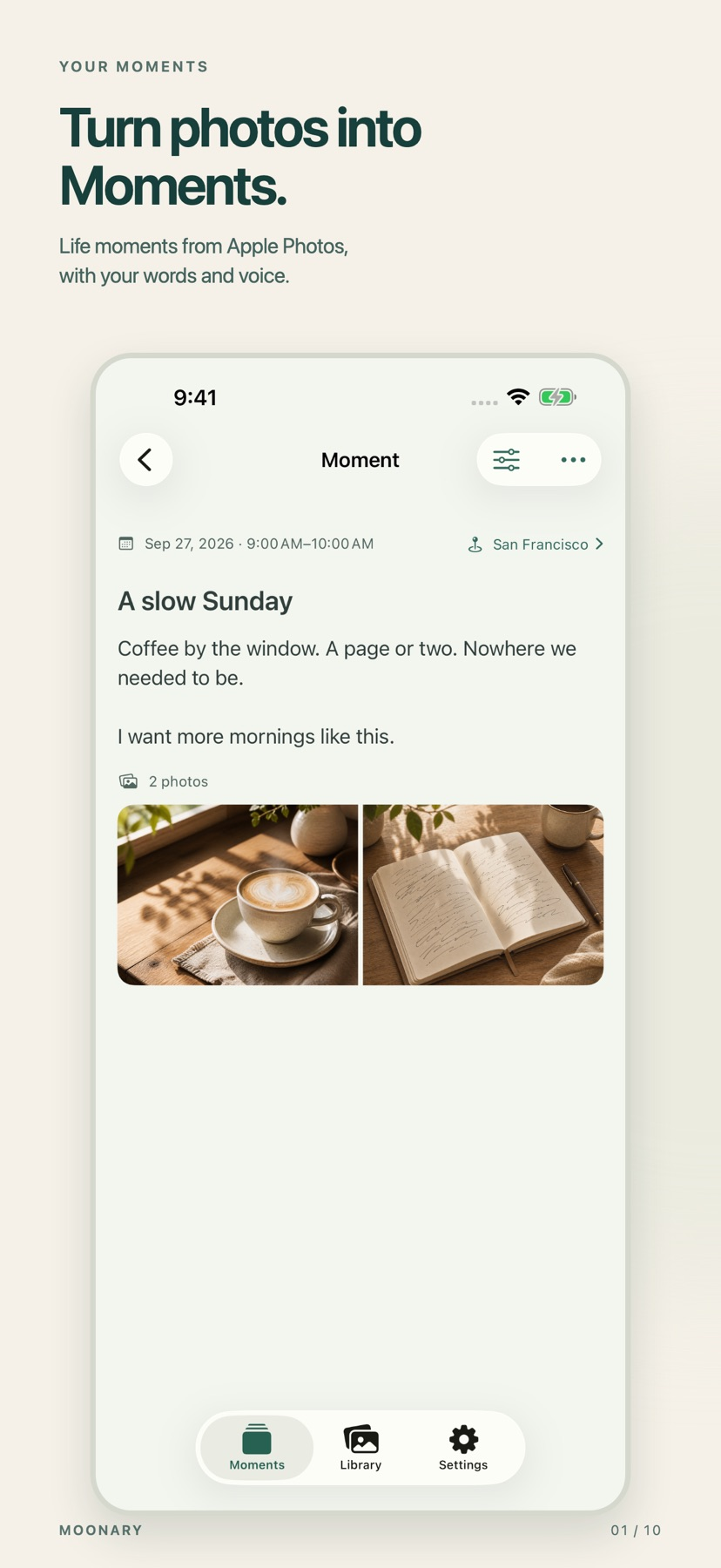
Add writing, voice and attachments to photo Moments, then revisit them through a timeline, calendar or collection.
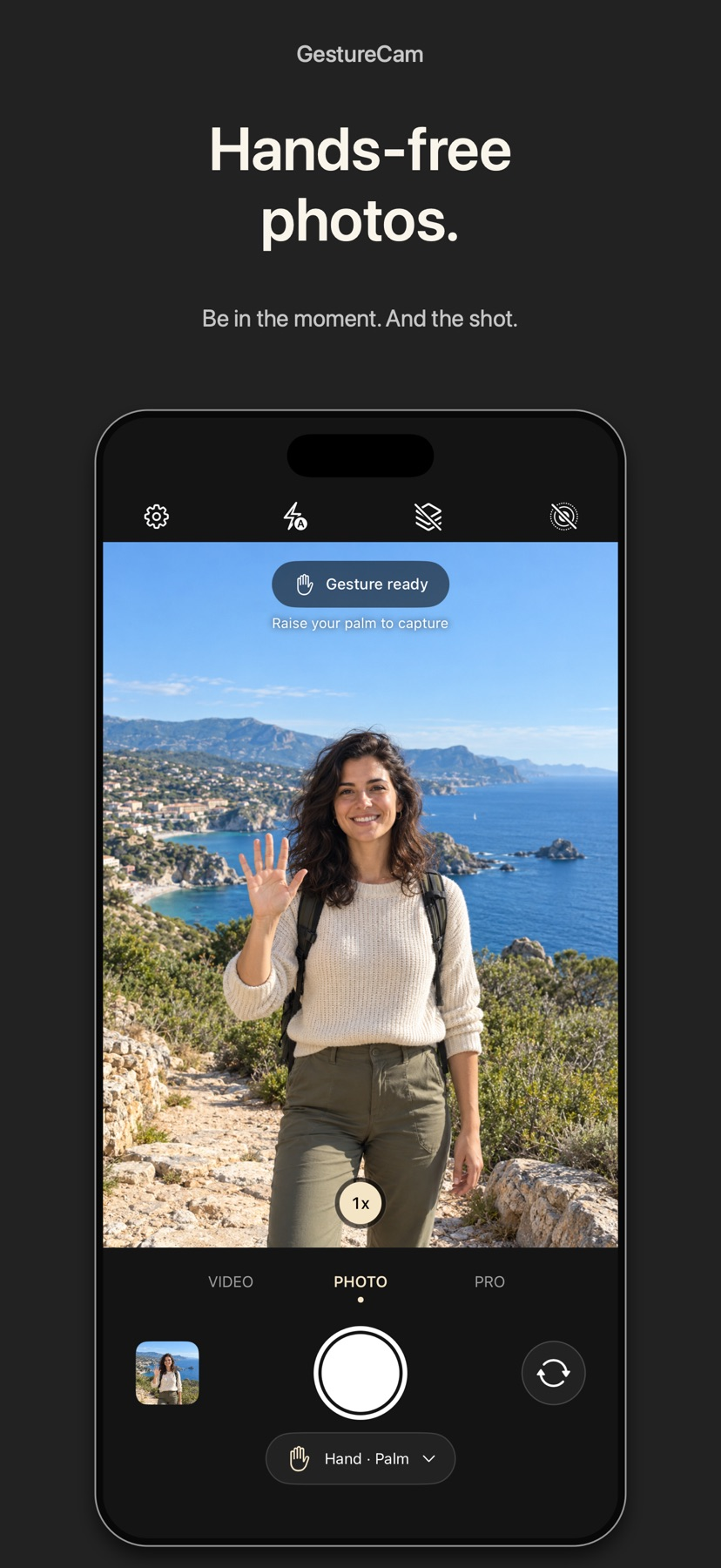
Set down an iPhone and trigger a photo with a palm gesture, or use Pro Auto Capture to keep taking shots while people hold a pose.
Showing 41–60 of 432
Repeated measurements reveal performance changes across runs.

The narrow format focus provides a straightforward way to view supported camera recordings.
You can preview effects in the camera, with a higher export tier under Premium.

Slate-only and control-lock modes separate metadata from critical recording controls.
You can track while shooting or apply tracking after recording, then remove the last added exposure.

Time remapping and vector shapes support stylized edits.
可避免先转大体积ProRes,并保留RAW参数调整。

A single Magic Bar can start the correction before finer adjustments.
多种画风、色板与画布质感可组合,项目保存便于之后继续调整。

Style, palette and canvas controls can be saved as projects for later refinement.

Consider Bulk Watermark for applying a consistent visible mark across a batch of photos and clips. Start with varied bright and dark examples and inspect every saved file. A watermark provides attribution or a visible label; it does not guarantee protection from copying.

Custom frame lines, reference images and shot-list export help translate a preview into a plan.

Sensitivity, recording duration and motion highlighting help tune what triggers a clip.
The publisher lists USB or Wi-Fi workflows across selected Canon, Nikon, and Sony bodies.

Histograms, focus peaking and format choice connect controlled capture to output.

从菜单栏快速查看光线和构图,无需先加入会议。

可暂停继续、翻转和加本地时间。

A returned preview can reduce trips back to the phone.

Some actions can control multiple cameras, while downloaded media remains accessible through Files.

Scene overlays and panels connect presentation with stream control.