Photo & Video
KODAK Photo Printer
Bluetooth connection and image editing combine the preparation and printing steps.
Apps observed in Apple’s US App Store charts for Photo & Video.
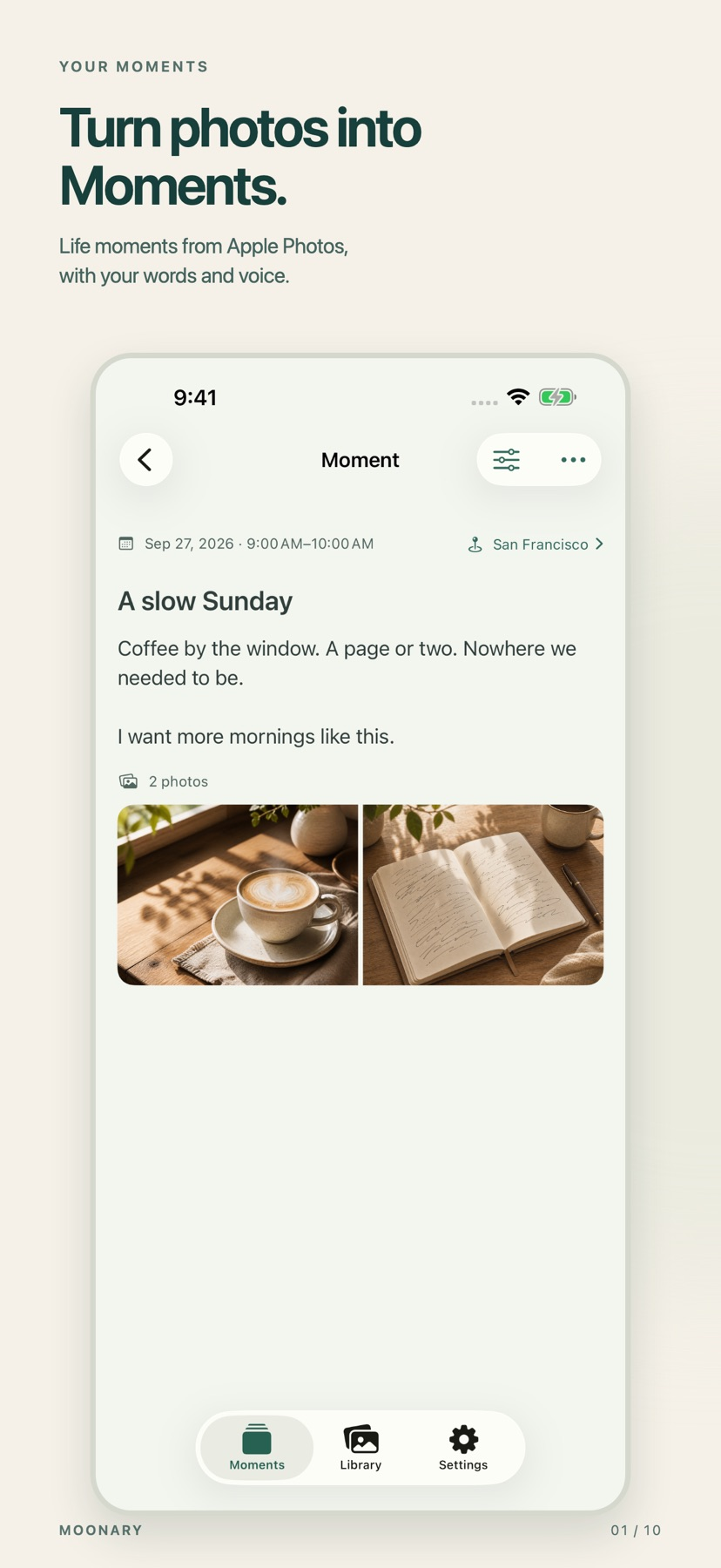
Add writing, voice and attachments to photo Moments, then revisit them through a timeline, calendar or collection.
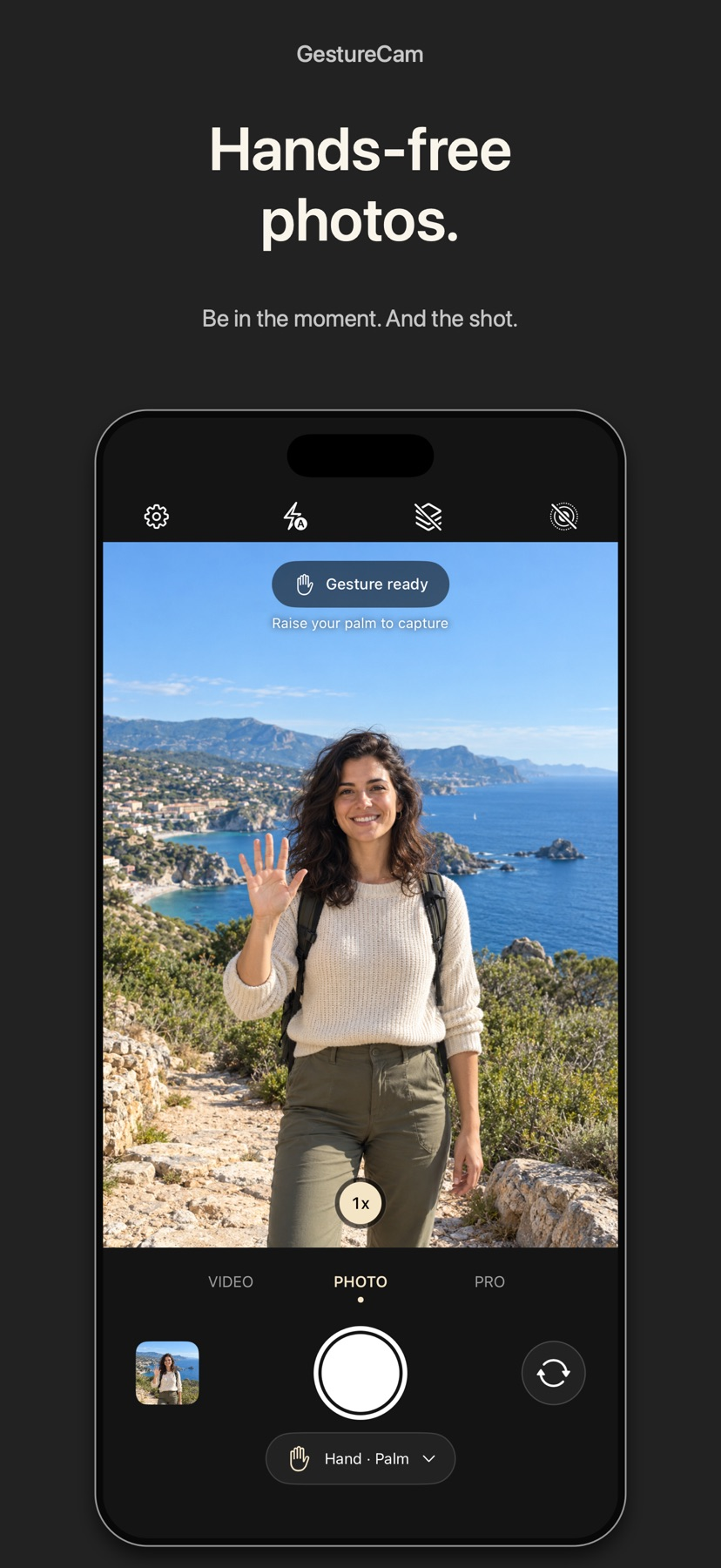
Set down an iPhone and trigger a photo with a palm gesture, or use Pro Auto Capture to keep taking shots while people hold a pose.
Showing 181–200 of 432
Bluetooth connection and image editing combine the preparation and printing steps.

Photo-booth uploads, guest pictures and downloads preserve several kinds of memory.
设备配置、ROI、对焦跟踪与滤镜序列可集中管理拍摄过程。

Per-element animation and timeline editing offer more control than a static grid.

Simple controls combine cleanup with stylized effects.
Spot comparisons and linked calculators put several common preparation tasks together.
Batch JPEG and PNG processing makes it useful for simple patterns and geometric designs.
Planning, focus and flight-log options support different filming workflows.

It places six conversion paths in one mobile utility.

Before/after frames and queued jobs help assess processing cost.

It handles MOV and MP4 from the photo library or selected cloud accounts.

Browser setup and galleries connect event configuration to guest delivery.

Scopes, keyframes and external-media options support structured edits.
Portrait, landscape, noise and merge tools can sit in one workflow rather than separate utilities.

Solar events, moon information and optional weather connect timing with outdoor plans.

通过名称匹配和文件夹范围减少重复选择 LUT 的操作。
焦点放大、无穷远快捷与手动曝光有助于更明确地控制拍摄。

Agitation settings, optional processing stages and a dilution tool keep related reference tasks together.

Saved missions and assisted filming modes can organize a planned authorized shoot.

Private links and phone downloads simplify sending selected moments.