
Photo & Video
Video Guides For Sony Vegas Pro
Title/notes search, grouping and favorites help revisit a lesson.
Apps observed in Apple’s US App Store charts for Photo & Video.
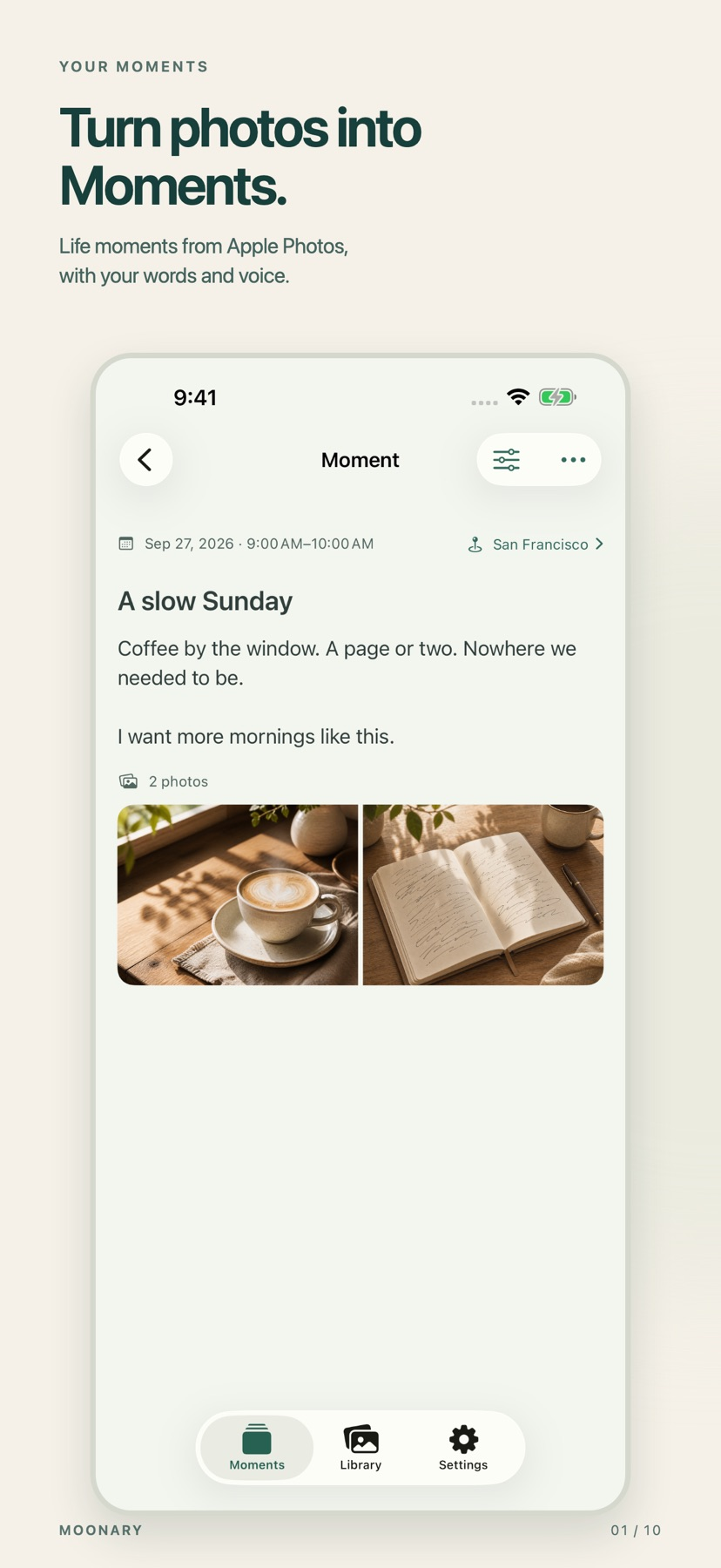
Add writing, voice and attachments to photo Moments, then revisit them through a timeline, calendar or collection.
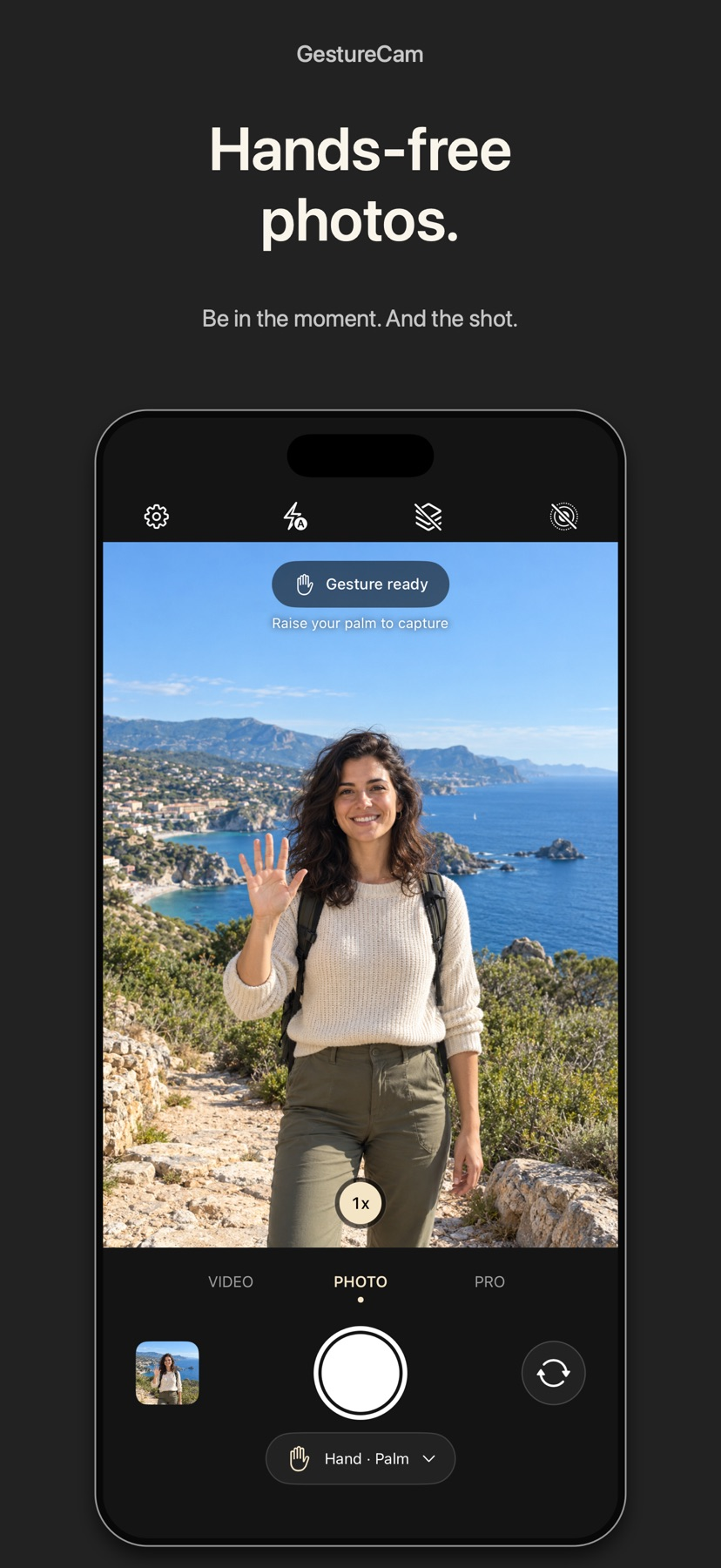
Set down an iPhone and trigger a photo with a palm gesture, or use Pro Auto Capture to keep taking shots while people hold a pose.
Showing 401–420 of 432
Title/notes search, grouping and favorites help revisit a lesson.

Playback utilities combine viewing modes in one app.

Multiple effect categories can transform a simple clip without moving to a desktop.

Style choices provide alternative interpretations of an idea.

Exposure controls, speed effects and size settings offer practical adjustments within one app.

Consider Videorist for giving a short clip an illustrated look. Judge the moving subject and the saved video rather than choosing solely from a still preview. Download a style before planning an offline edit.

Multiple branding setups can separate siblings or types of projects.

Templates and beat syncing can reduce repetitive short-video setup.

The Photos extension exposes EXIF and IPTC fields without a separate photo import workflow.

A direct camera connection can retrieve captured media.

Privacy controls and a video library support organized distribution.

Folder uploads and Final Cut Pro export integration reduce repeated browser upload work.

Prepared templates and animated text can reduce setup time.

Simple trimming and more advanced motion tools support gradual learning.

Layers, keyframes and speed tools support edits beyond a simple clip trim.

Recipes and batch edits support a consistent visual style.

Motion effects and themed collections give you alternatives to still photos.

有17预设、EXIF信息章和单图位置微调。

Trimming, normalization and AUv3 effects cover practical cleanup, while video audio extraction provides another way to start a project.

Flash, grain, warm portraits and monochrome presets offer distinct starting points.