
Photo & Video
Still Screen Pro
A coupon, reference drawing or shopping-list image can stay in the intended position while the device is handled.
Apps observed in Apple’s US App Store charts for Photo & Video.
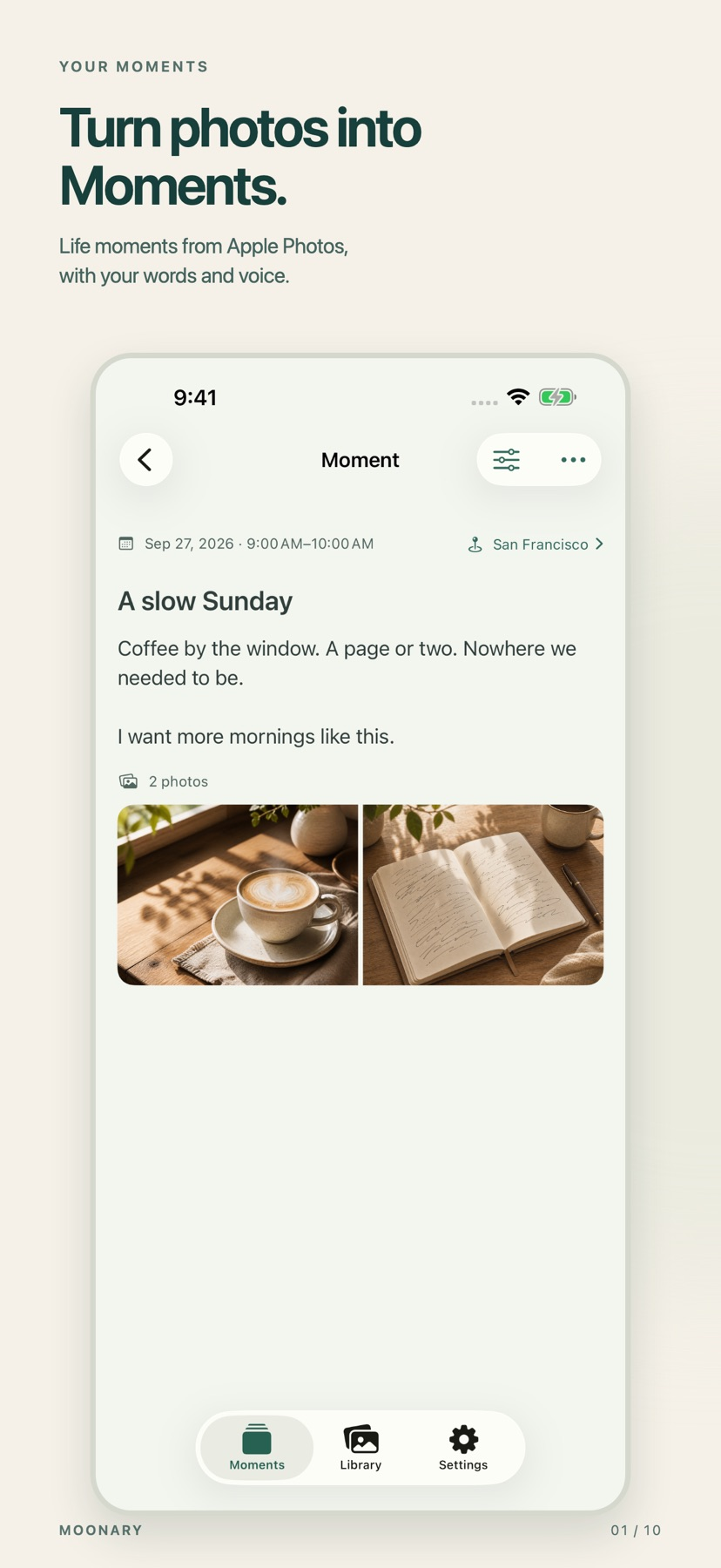
Add writing, voice and attachments to photo Moments, then revisit them through a timeline, calendar or collection.
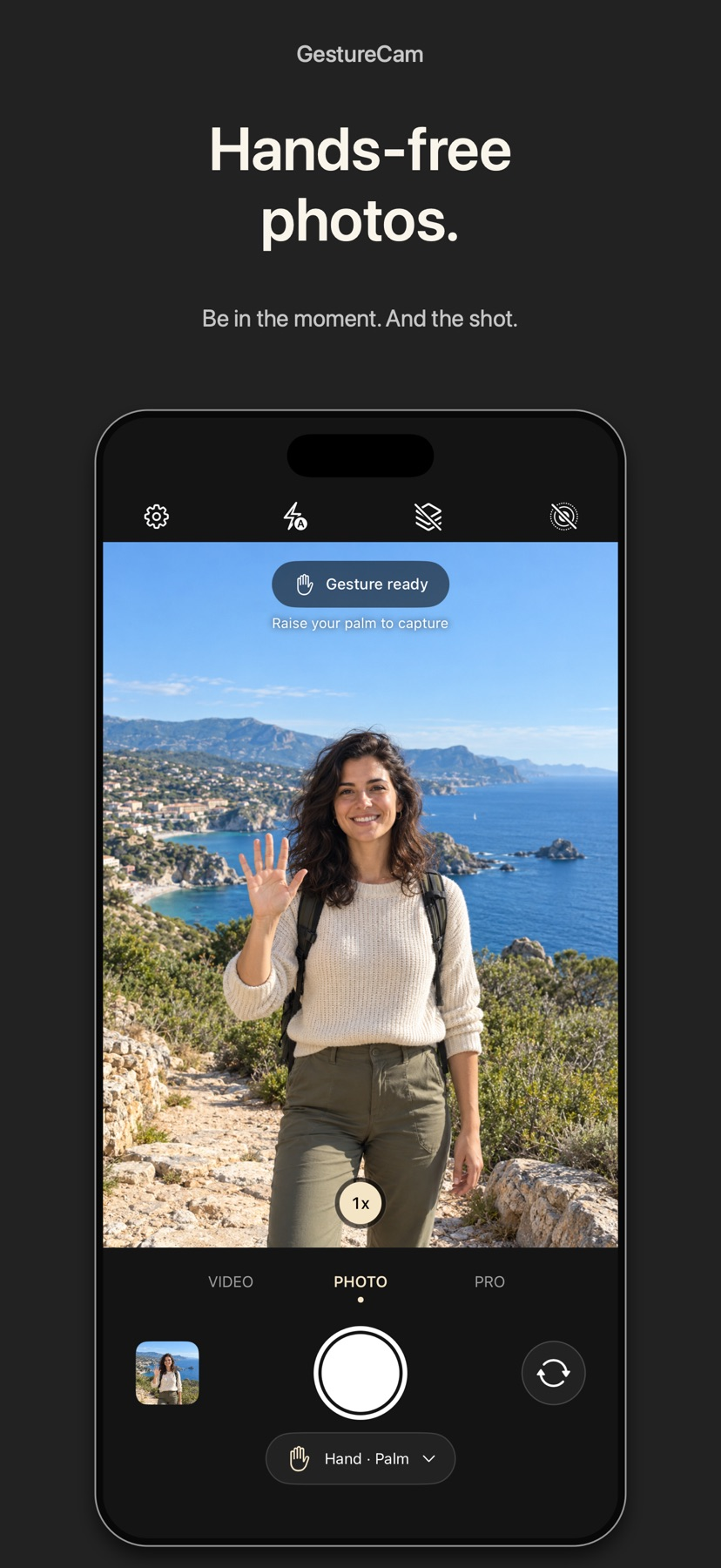
Set down an iPhone and trigger a photo with a palm gesture, or use Pro Auto Capture to keep taking shots while people hold a pose.
Showing 361–380 of 432
A coupon, reference drawing or shopping-list image can stay in the intended position while the device is handled.

Onion skinning helps maintain consistent frame placement.

Onion skinning and manual capture help align successive frames.

Capture, editing and audio tools can keep a short film in one workflow.
Personal voices and familiar photographs turn ordinary memories into a narrated book.
Metal加速、多点对齐与批量配置把多个处理阶段集中。

Pattern choices, scan reversal and slice counts shape different temporal distortions.

Custom layouts and masking offer more control than a fixed collage template.

Maps, augmented-reality views and time controls let you check different dates and vantage points.

有实时预览、缩放细修和背景效果。
格式转换与简单编辑合在一个窗口,可减少多工具切换。

Masks, blend modes and shared projects connect several creative stages.
Photos-library output keeps results accessible to existing photo tools.

It supports a specific image/video viewing task rather than general browser editing.

Remote settings and camera status reduce site visits.

脚本段落、时间安排与远端控制可配合现场操作。

Additional status views and flexible input mapping can help configure a familiar consumer-drone workflow.

Text blocks can be placed, rotated, and styled independently.
Per-character styling, remembered color controls and blur effects give more detail than a simple caption box.

Copying an edit across multiple files can reduce repetitive adjustments.