Photo Booth Apps for iPad: Choose for Events, Sharing and Printing
Choose an event workflow for capture, guest delivery and printing rather than a selfie app with attractive filters.
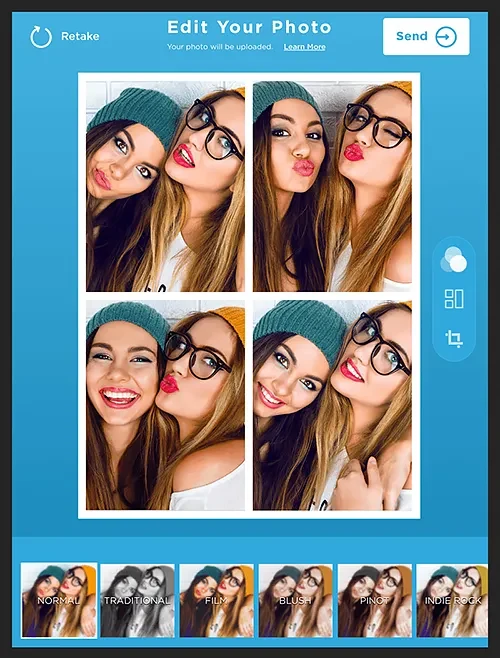
The short answer
Shortlist Simple Booth HALO for a branded iPad event workflow and Booth.Events when its capture, offline and printing options match your hardware. Consider Simple Booth Classic for a simpler personal-event route. Choose by the whole guest journey, then verify the license, printer and delivery requirements for your event.
Side by side
| Your situation | Useful route | Check before choosing |
|---|---|---|
| Branded event workflow | Simple Booth HALO | Plan, iPad licenses and delivery |
| Simple DIY gathering | Simple Booth Classic shortlist | Current purchase and sharing options |
| Specific printing or offline need | Booth.Events shortlist | Exact iPad and printer route |
Describe the event before choosing the app
A family birthday and a staffed commercial booth have different needs. Write down expected guest volume, event duration, whether someone will supervise the booth and how guests should receive the result. A digital-only gallery is a different arrangement from an immediate printed strip.
Decide what happens after the capture. Will guests scan a code, enter an address, receive a print or collect the photo later? This choice affects connectivity, layout, consent and the time each guest spends at the booth. Filters are secondary if the delivery queue does not work.
Simple Booth: compare the actual product routes
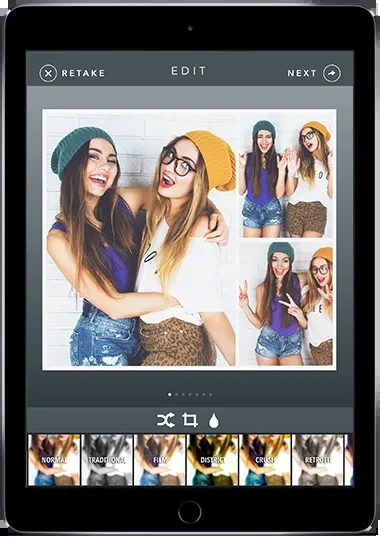
Simple Booth’s official app page distinguishes HALO, its event and business-oriented offering, from Classic, positioned for simpler DIY use. HALO is relevant when branding and a complete event workflow matter. Check the current software plan rather than assuming hardware and software are included together.
Use the plan table to identify the license needed for the number of iPads and the event duration. A trial or weekly plan can have different conditions from a longer subscription. Choose the commitment for the actual event rather than extrapolating a promotional starting price.
Simple Booth: iPad photo booth apps
Image source and original context
Booth.Events: check the hardware route
Booth.Events’ pricing page describes guest-experience and offline-related features. Its USB-printing page adds an important hardware qualification: the documented direct USB driver route requires an M1-or-newer iPad. Other printing routes have their own requirements.
That is why “supports printing” is not enough. Identify the exact printer model, connection method, iPad and accessories. If the event depends on prints, confirm that complete chain before purchasing a plan. Do not infer compatibility from a photograph of a similar booth.
Evaluate the guest experience
A booth should make the next step obvious: start, pose, review and receive. Keep the start screen readable from a short distance and the capture sequence short enough that the queue keeps moving. Place the camera at a comfortable height for the expected guests and allow enough space for groups.
Use a layout that leaves room for faces and avoids placing a logo over the most important part of the photo. If you collect contact details, explain the purpose on the guest-facing screen and keep photo delivery distinct from unrelated marketing choices. A simple digital route may be preferable to a fragile printer setup.
Choose with the event’s failure modes in mind
If connectivity is uncertain, check what can be captured, queued and delivered offline; do not assume all three behave identically. If printing is essential, prepare a digital fallback. Keep power, storage and a supervised recovery route available for a busy event.
Choose the product whose whole workflow matches the event, not the one with the most effects. Save the template and delivery configuration before the day, and complete a sample guest journey with the actual equipment. That rehearsal is ordinary event preparation, not a requirement to publish a software recommendation.
Limitations & considerations
- Check current access and purchase terms for your country and account before paying.
Use the linked official pages for current platform, access and purchase conditions.
Sources & scope
Reviewed October 24, 2026. Product facts follow the linked provider documentation. Selection advice and example prompts are iApp4Me editorial guidance. Screenshots and provider examples are credited beside each image. Availability and plan terms are dated October 24, 2026.
- Simple Booth: iPad photo booth apps
HALO and Classic product positioning.
- Simple Booth: software plans
Booth licenses, plan access and event-term billing.
- Booth.Events: plans and features
Offline and guest-experience features in the provider plan table.
- Booth.Events: USB printing
Supported printing routes and iPad hardware qualification.
No comments yet. Be the first to share your experience.