Photo & Video
Compressor
可重复使用编码配置并以文件夹或 Droplet 启动批量转换。
Apps observed in Apple’s US App Store charts for Photo & Video.
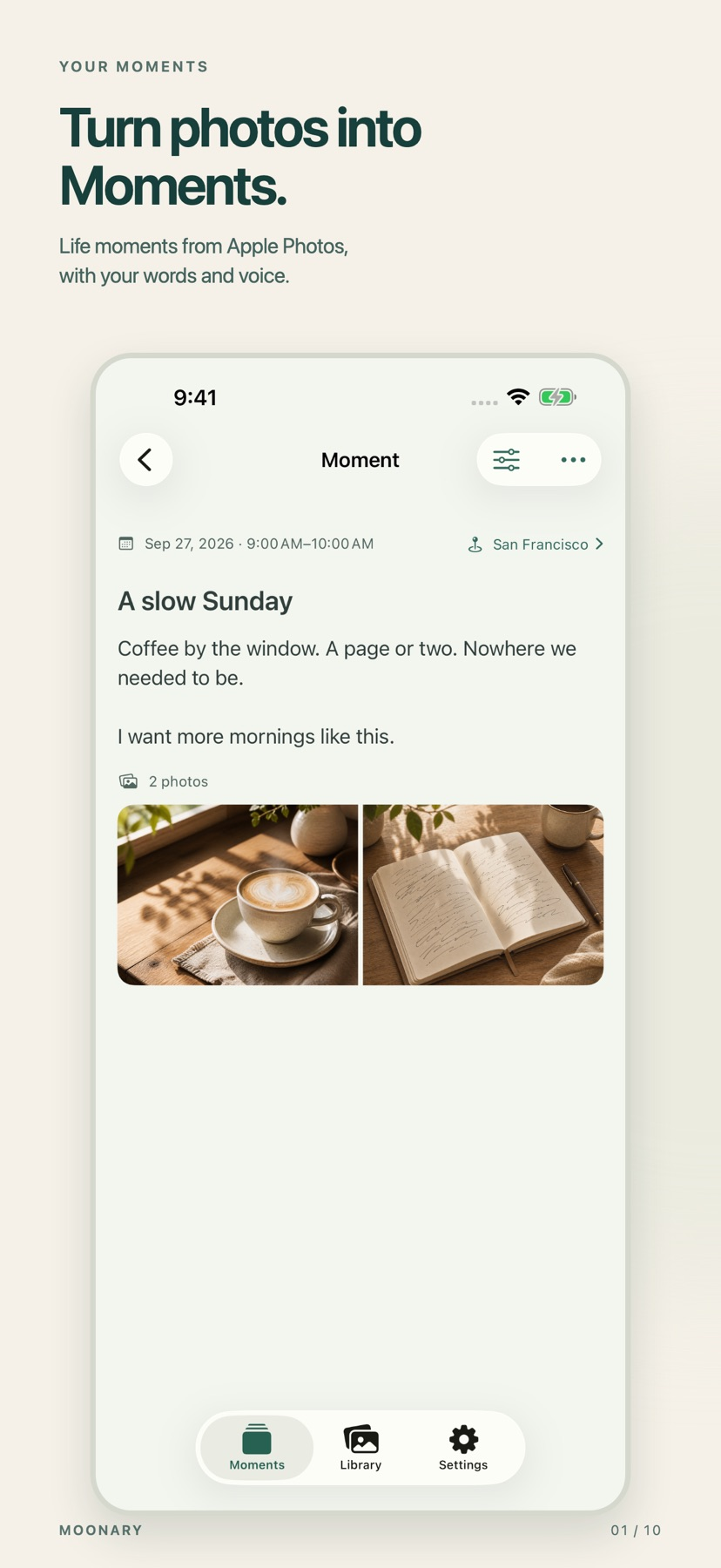
Add writing, voice and attachments to photo Moments, then revisit them through a timeline, calendar or collection.
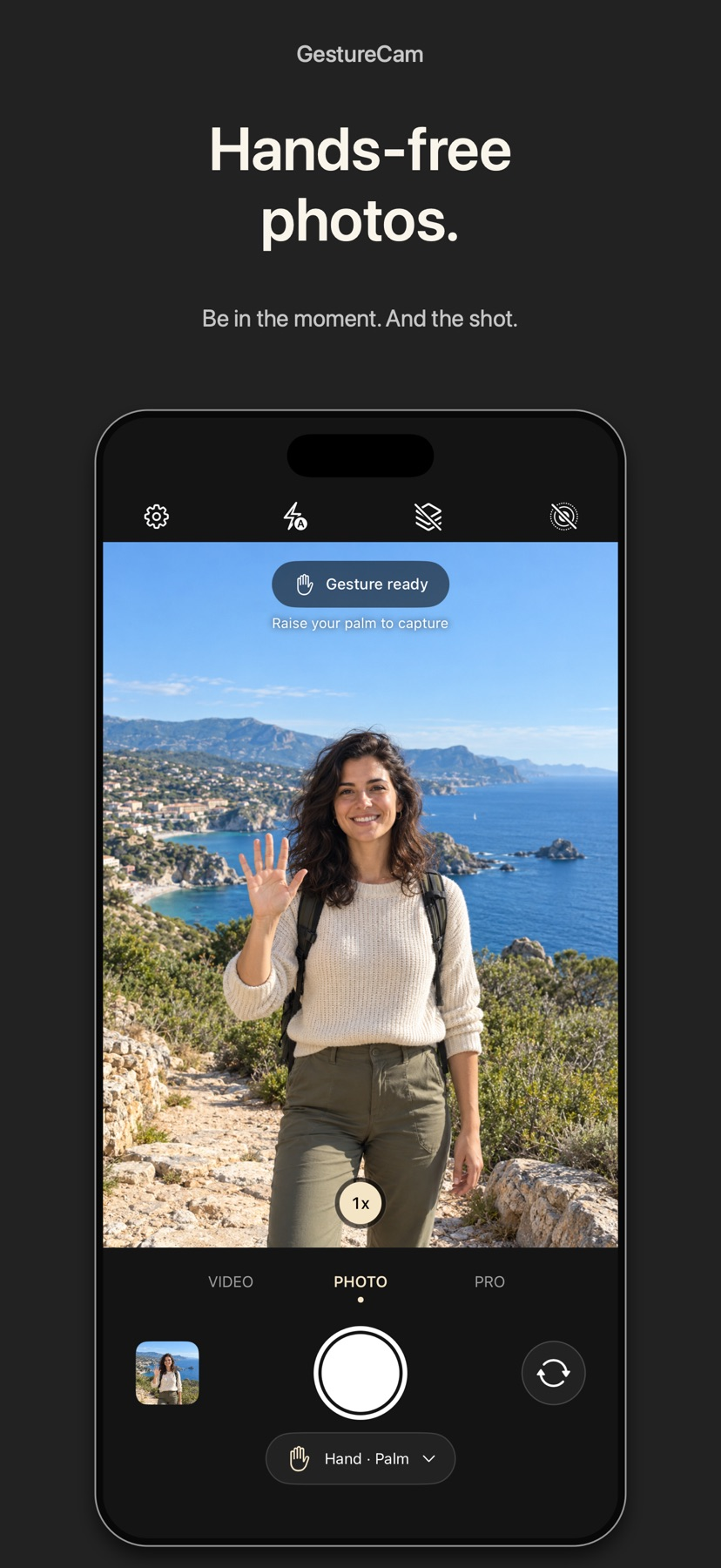
Set down an iPhone and trigger a photo with a palm gesture, or use Pro Auto Capture to keep taking shots while people hold a pose.
Showing 81–100 of 432
可重复使用编码配置并以文件夹或 Droplet 启动批量转换。

可与 Final Cut Pro、Motion 共用设置,并用监视文件夹和 Droplet 减少重复编码。
Live emulation, video and double exposure keep the look consistent while shooting.

Multiple text elements and imported fonts provide more flexibility than a single fixed curve.

An upload-and-select workflow reduces manual animation steps.

Per-step agitation timing and templates reduce repeated timer setup.
在剪辑、色彩与音频页面间切换,可减少来回导出。
可在页面间处理多机位、遮罩与混音,并选择云协作。
Custom presets and grain/light effects control the style.
Different camera looks can produce a chosen aesthetic during capture.
A diagram and manual entry let photographers compare several settings quickly.

Editable frame joints and saved layouts help repeat a visual format.
A texture-focused workflow complements other image tools.

Live view and editing keep capture and basic finishing together.

Remote brightness and automation integration can fit an existing capture sequence.

Local generation is listed as free, with inpainting, pose editing, and support for community models.

Waveforms, cue marks and repeat takes make timing visible while keeping the video's background sound in the described mix.
Focus and clock previews help inspect a chosen composition.
可调相似阈值、分组预览和自动标记,并扫描Google Drive。

Draft organization and frame-level edits keep planning near production.