Photo & Video
CamPhoto
可选择输入、分辨率和音频设备,并对照片使用实时人脸效果。
Apps observed in Apple’s US App Store charts for Photo & Video.
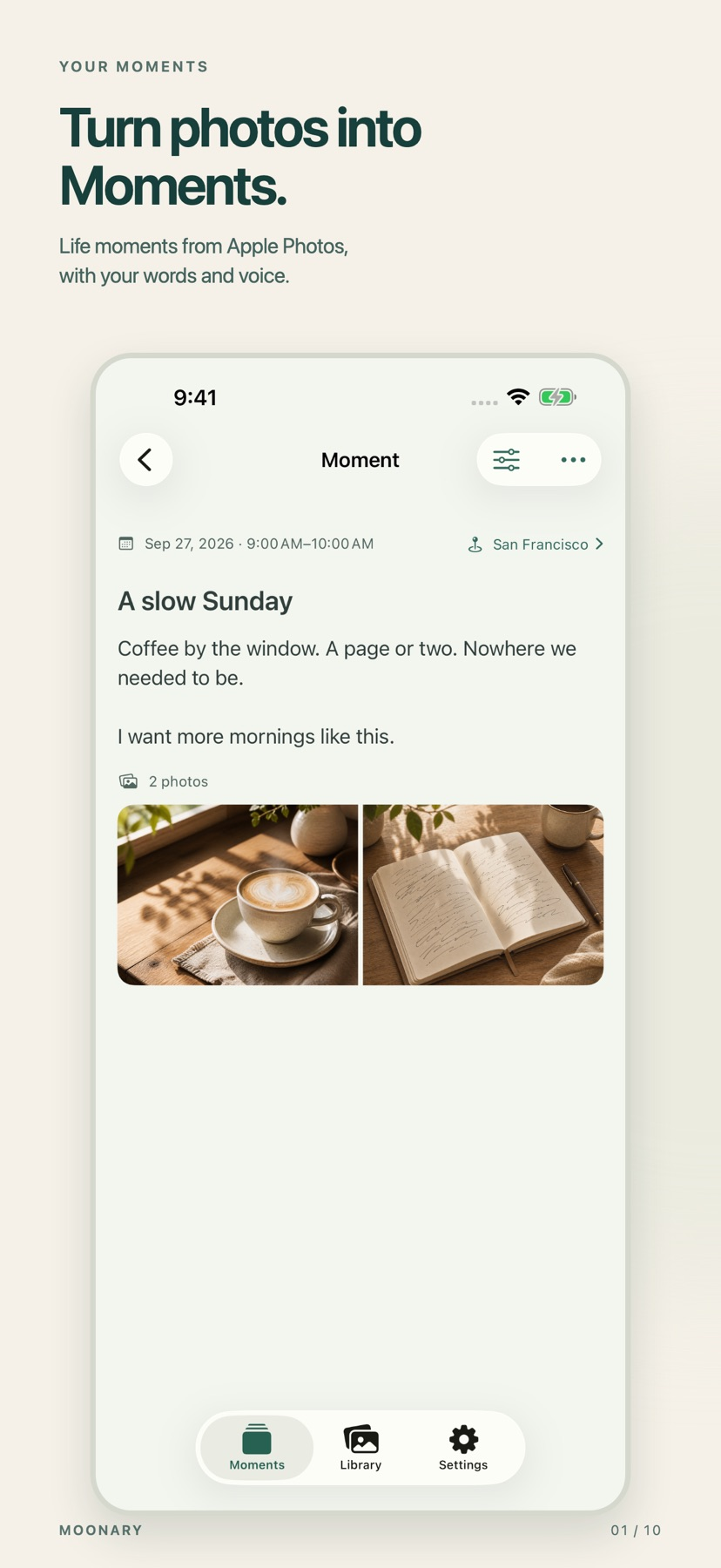
Add writing, voice and attachments to photo Moments, then revisit them through a timeline, calendar or collection.
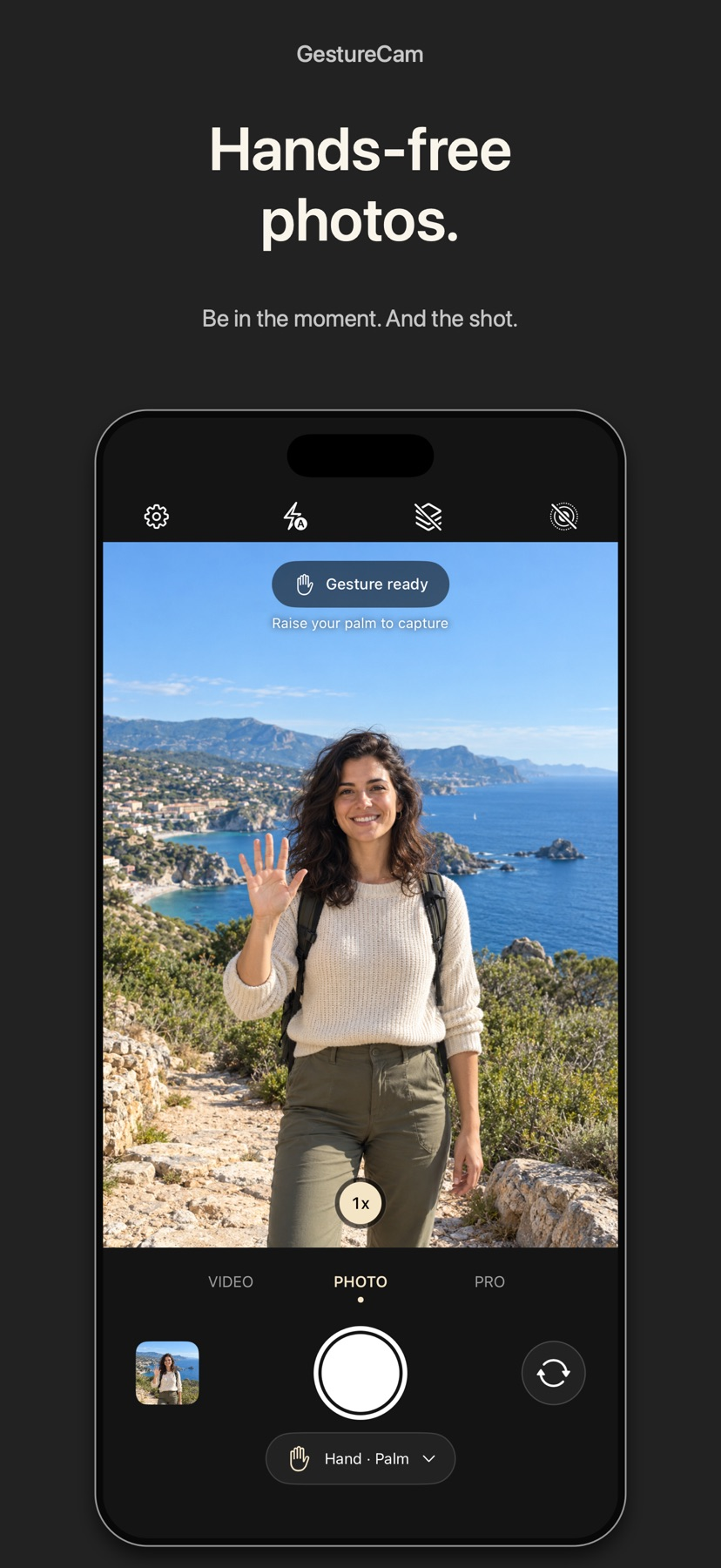
Set down an iPhone and trigger a photo with a palm gesture, or use Pro Auto Capture to keep taking shots while people hold a pose.
Showing 61–80 of 432
可选择输入、分辨率和音频设备,并对照片使用实时人脸效果。
Wireless transfer and remote capture can reduce repeated camera handling.

A phone can handle basic print/scan tasks and status information for supported Canon hardware.

Character voice and style choices support recurring creative scenarios.

Keyframes, captions and chroma key expand beyond trimming.

Trimming, keyframes, captions and background tools cover a broad short-video workflow.
Model selection, export detection modes and reusable styles connect transcription with caption or title creation.
Chat-directed changes can reduce repeated manual editing steps.

Verified copies, IPTC tools and FTP destinations link capture to delivery.

Queues and playback controls suit longer viewing.

Retained raw originals and adjustable color, tone and texture allow revisiting an image without abandoning the app’s core look.

Notes, comparison tools and sun-path views connect observations with a planned location.

One-tap adjustments can produce a quick visual alternative.

Lens/film combinations and saved presets support a repeatable look.

Aspect presets and speed/rotation tools gather common clip changes in one app.
Comparing up to eight shots can supply uncovered background areas without manually drawing every clone boundary.
Freestyle layouts support scrapbook-style compositions.

Brush choices and a highlight view help refine boundaries.

Filters, adjustable balloons and background removal give substantial page design control.

Camera groups and tags can organize a large photo collection.