Control what an AI agent can access and change
Review source access, processing location, action permissions and the exit route as separate decisions.
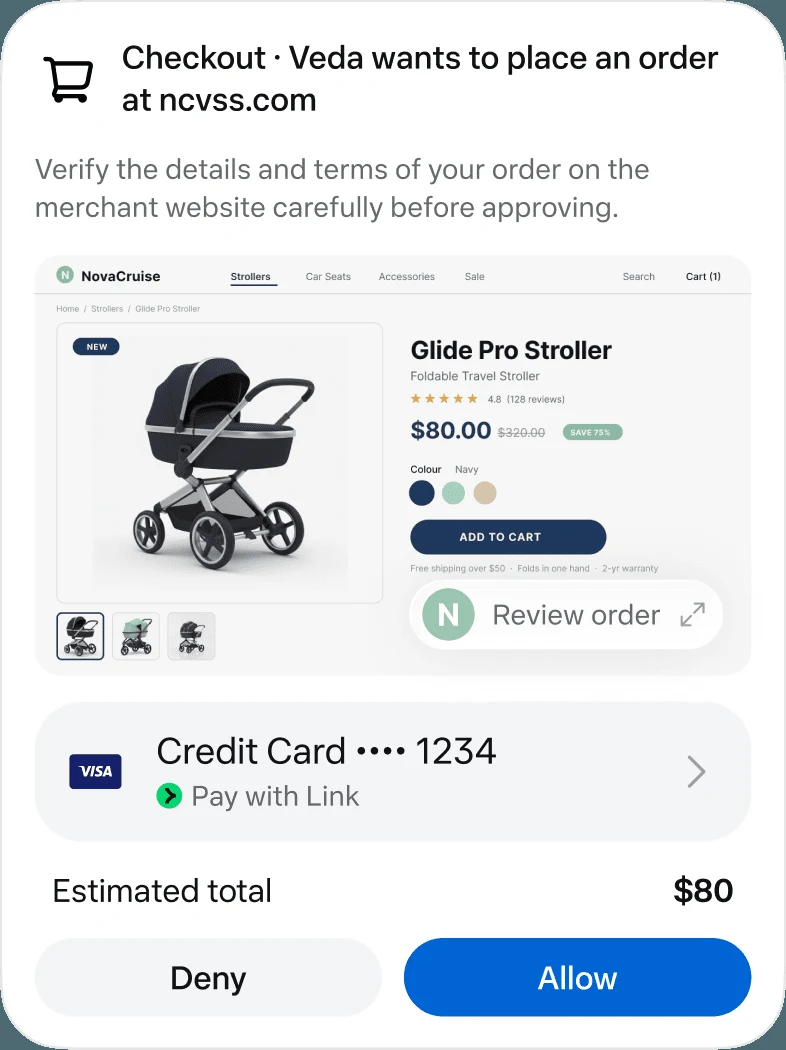
The short answer
Decide where data is processed, what a connection grants and how to stop future access. Retained history is a separate cleanup task.
Side by side
| Your situation | Useful route | Check before choosing |
|---|---|---|
| Choosing a tool | Read a function-led selection | Task fit and platform |
| A limit decides eligibility | Read the condition-specific guide | Current plan and output boundaries |
| Ready to carry out the task | Follow the relevant tutorial | Inputs, steps and saved result |
Which boundary are you trying to change?
A local model can still use an online tool; a read-only request can still sit behind a broad account grant. Name the actual boundary: inference location, source-account reading, external actions or retained memory.
Choose the matching route
- Before connecting: inspect the consent grant and whether narrower access is actually offered.
- After a project: stop the continuing task, disconnect the agent and remove the source-account data grant.
- Unexpected instructions in a page: review the prompt-injection guide and exact proposed destination.
- Mac-only document work: check processor support, downloaded model and external tools.
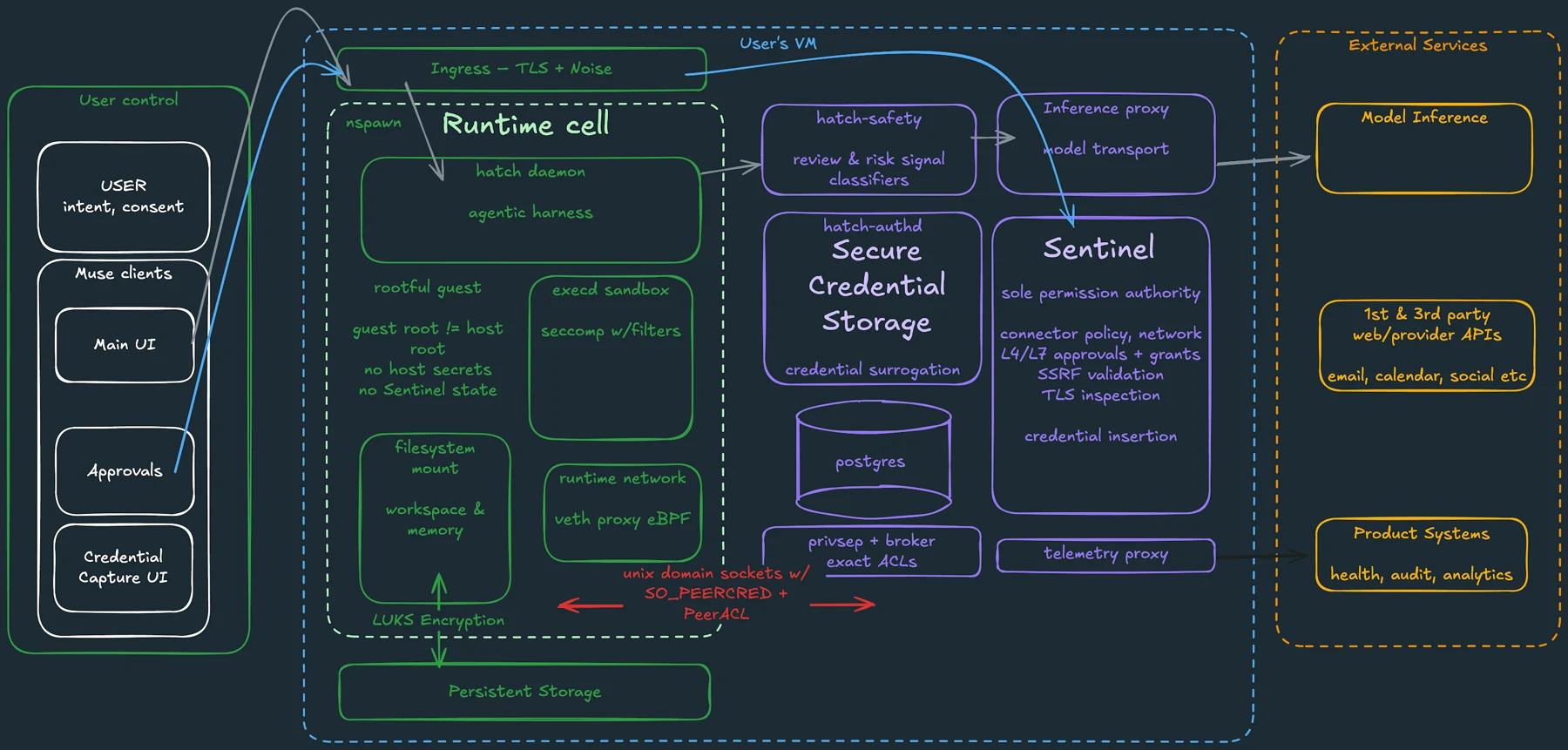
What a successful cleanup shows
The intended connection is absent in both the agent and source account, stale recurring tasks are stopped, and the status of past history/memory is known. Google’s Gemini/agent-interaction permission is not a universal revocation control for third-party AI apps.
Limitations & considerations
- Use the current official access and purchase terms for your actual account and country.
Use the linked official pages for current platform, access and purchase conditions.
Sources & scope
Reviewed October 24, 2026. Product facts follow the linked provider documentation. Selection advice, example prompts and explanatory diagrams are iApp4Me editorial guidance. Availability and plan terms are dated October 24, 2026.
- LM Studio: offline operation
Offline model and document workflows; operations requiring connectivity.
- LM Studio: application documentation
Model runtimes, local server and tool integrations.
- Ollama: macOS requirements
Supported Mac hardware and operating systems.
- Ollama: FAQ and local-only mode
Local inference, cloud features and network settings.
- Google: manage linked apps and agent permissions
Distinguishes sign-in, data access and agent permissions.
- Meta: how we built safety into Muse
Provider description of VM isolation, permissions and approval controls.
- Anthropic: get started with Claude Duet
Eligibility, setup, connectors and current preview limits.
- Anthropic: introducing Claude Duet
Launch announcement, October 21, 2026.