Local AI Agents for Mac: What Runs Locally and What Still Uses the Cloud
Distinguish a local model from a local interface, a local tool and a cloud-connected agent before installing anything.
The short answer
For local AI assistance on a Mac, shortlist LM Studio for a graphical model-and-document workflow and Ollama for a model runtime you connect to other software. Neither name alone establishes a fully local autonomous agent. Check inference, tool execution, storage and network access separately.
Side by side
| Your situation | Useful route | Check before choosing |
|---|---|---|
| Offline document work | LM Studio shortlist | Download models and runtimes first |
| Local model endpoint | Ollama shortlist | App must use the intended local endpoint |
| Unattended work with Mac asleep | Different hosting arrangement | Local inference alone cannot stay awake |
Draw the four boundaries first
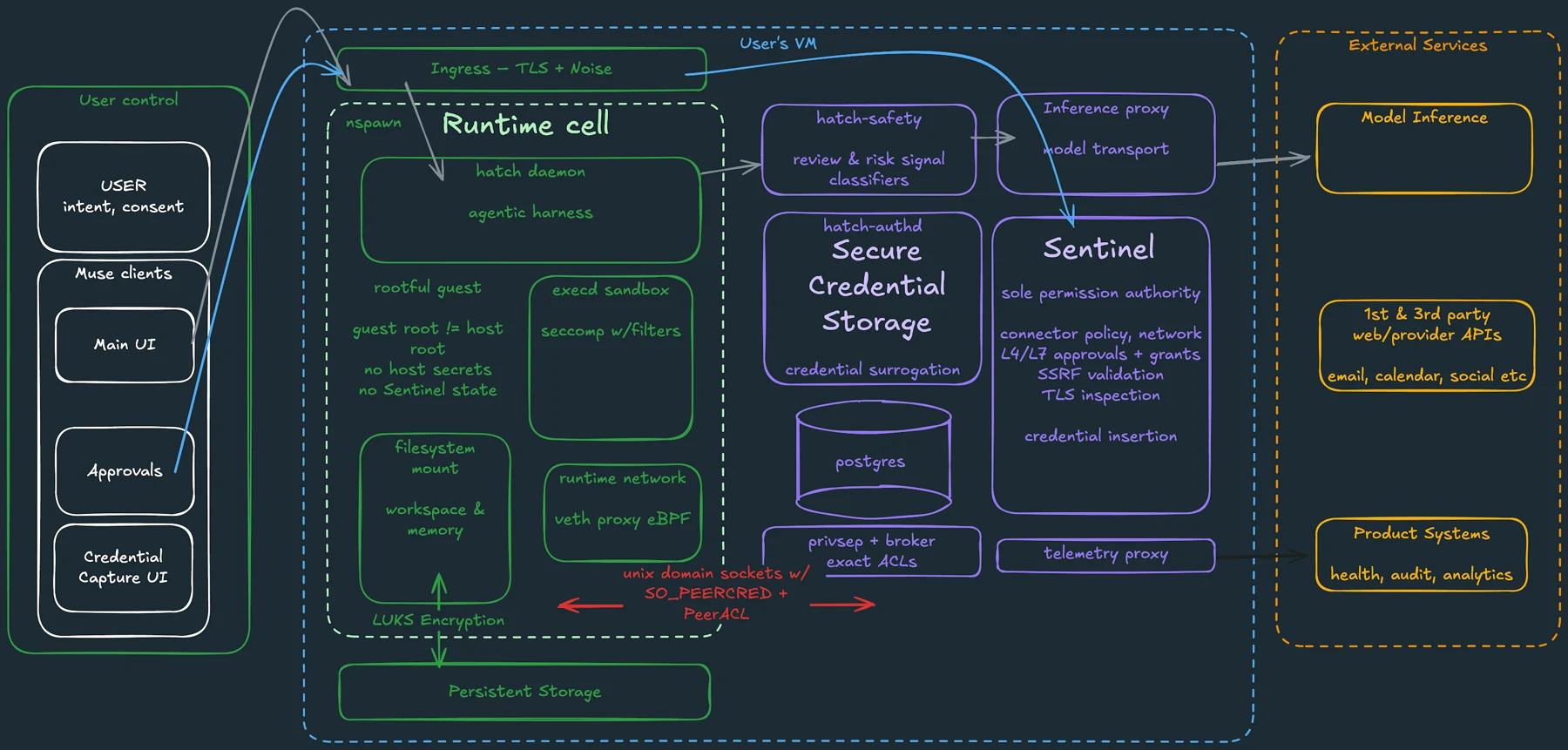
“Local AI agent” can describe several different arrangements. The interface may run on the Mac while the model runs in the cloud. A downloaded model may run locally while a connected search tool sends queries outside the machine. A local process can also write outputs into a cloud-synced folder.
Separate four questions: where inference happens, where tools execute, where history and files are stored, and which network services the workflow uses. Write the answers next to your intended task. This makes a privacy requirement concrete enough to evaluate, instead of relying on a desktop app icon.
LM Studio: a graphical starting point
LM Studio documents offline chat and document processing after the required models and runtimes are downloaded. It also supports local serving and tool integrations. That makes it a reasonable starting point for someone who wants a desktop interface for working with documents and models.
Start with the smallest useful workflow: load an appropriate model, open a non-sensitive document and request a summary with references to the supplied text. Add tools only after you understand what each tool can read or change. The presence of an integration does not mean the integration itself works offline.
Ollama: a runtime for connected applications
Ollama’s Mac documentation lists macOS Sonoma or later, with Apple M-series GPU support and CPU-only support on x86. Its FAQ distinguishes local models from cloud models and documents a local-only configuration. This is useful when another application needs a local model endpoint.
Check your application’s selected endpoint and model rather than assuming that installing Ollama changes every AI application on the Mac. Hardware memory, model size and context length affect what you can comfortably run. Choose a smaller model for a narrow recurring task before allocating disk space to several large downloads.
An agent needs more than inference
A model can suggest a tool call without having the authority or software to execute it. A complete workflow also needs the tool implementation, file access, error handling and a way to return results. Scheduling requires a process that remains available when the task should run.
For a local file-organizing job, define an input folder, a destination and an undo route. Begin by producing a proposed move list instead of modifying the originals. For web research, recognize that contacting websites is a network activity even when the model stays local. “Local model” and “no network” describe different properties.
Image source and original context
Choose by the job you can maintain
Use a graphical application when your main work is reading and drafting with documents. Use a runtime when you already have an application or script that can supply the surrounding workflow. If you need an agent that continues after the Mac is asleep, a purely local arrangement needs another always-available machine or a different delivery expectation.
Keep the first setup deliberately small. Download one suitable model, save one reusable prompt and document the storage location. Expand only when a specific missing capability justifies the extra service or permission. This is easier to maintain than assembling a large agent stack before finishing a useful task.
Limitations & considerations
- Check current access and purchase terms for your country and account before paying.
Use the linked official pages for current platform, access and purchase conditions.
Sources & scope
Reviewed October 24, 2026. Product facts follow the linked provider documentation. Selection advice and example prompts are iApp4Me editorial guidance. Screenshots and provider examples are credited beside each image. Availability and plan terms are dated October 24, 2026.
- LM Studio: offline operation
Offline model and document workflows; operations requiring connectivity.
- LM Studio: application documentation
Model runtimes, local server and tool integrations.
- Ollama: macOS requirements
Supported Mac hardware and operating systems.
- Ollama: FAQ and local-only mode
Local inference, cloud features and network settings.
No comments yet. Be the first to share your experience.