
Photo & Video
Planit Pro: Photo Planner
Elevation, focal-length and alignment tools connect locations to compositions.
Apps observed in Apple’s US App Store charts for Photo & Video.
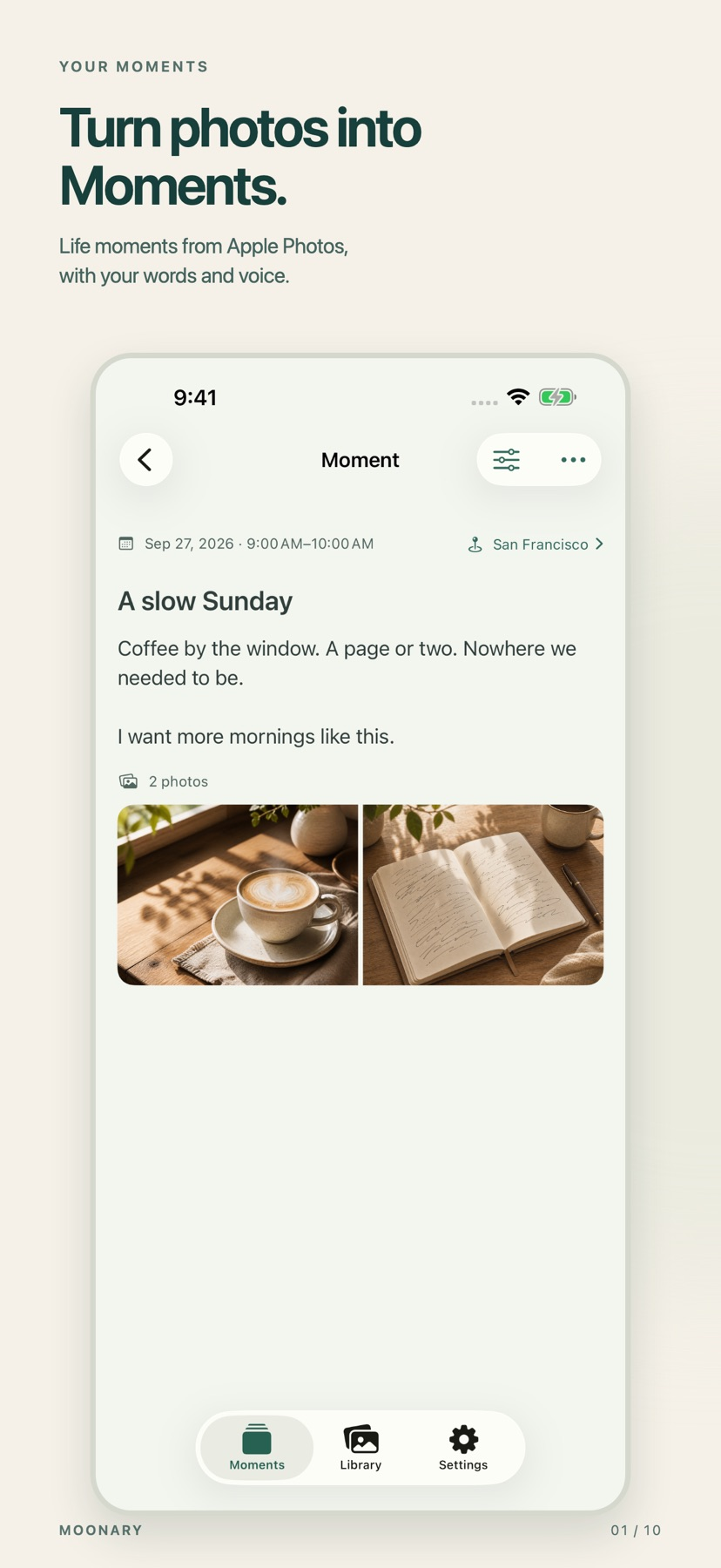
Add writing, voice and attachments to photo Moments, then revisit them through a timeline, calendar or collection.
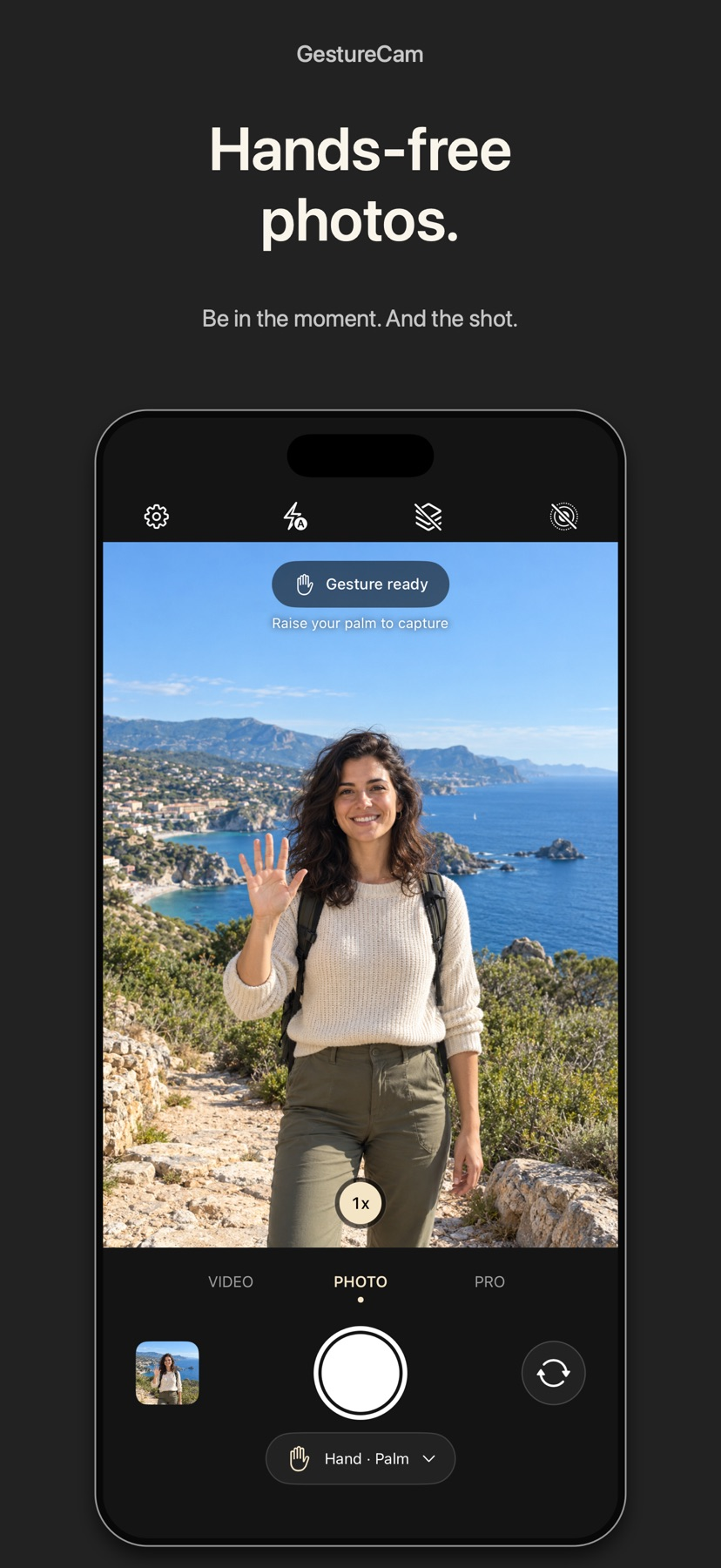
Set down an iPhone and trigger a photo with a palm gesture, or use Pro Auto Capture to keep taking shots while people hold a pose.
Showing 281–300 of 432
Elevation, focal-length and alignment tools connect locations to compositions.

Separate eye and mouth states provide basic expression without full motion capture.
It combines a phone-based reading with a film-relevant calculation tool.

Custom event text and printer-oriented layouts help create consistent guest photos, with Guided Access supporting an unattended station.

Templates, AirPrint and sharing connect capture with keepsakes.
Subject detection and manual masks can isolate adjustments while batch export helps apply a consistent presentation.
Automatic layout and a 3D preview reduce initial page assembly.

Presets and custom brush parameters let users refine automatic effects.
Presets and adjustment tools offer fast stylized short-form edits.
Layout tools and multiple size or binding choices support customized projects.
Several pictures can share one sheet.

Focus aids and exposure tools give deliberate camera control.
Onion skins, brush imports, and keyframe easing support distinct animation workflows in one project.

按物种检索并先看鸟的局部,可把选片结果交给常见编辑器。
You can combine automatic cuts with text overlays, a recorded or generated voiceover and a music bed.

Separate focus/exposure controls and audio monitoring support deliberate recording.
Voice-following can reduce matching a fixed scroll speed.
Dials, focus peaking and video controls support deliberate capture.

Time filters, batch selection and on-device query translation extend basic keyword lookup.
Date, picture and audio effects create an intentionally aged look.