
Photo & Video
Photo Widget
Each widget can hold several photos, with the listing describing grouped lists and full-screen viewing.
Apps observed in Apple’s US App Store charts for Photo & Video.
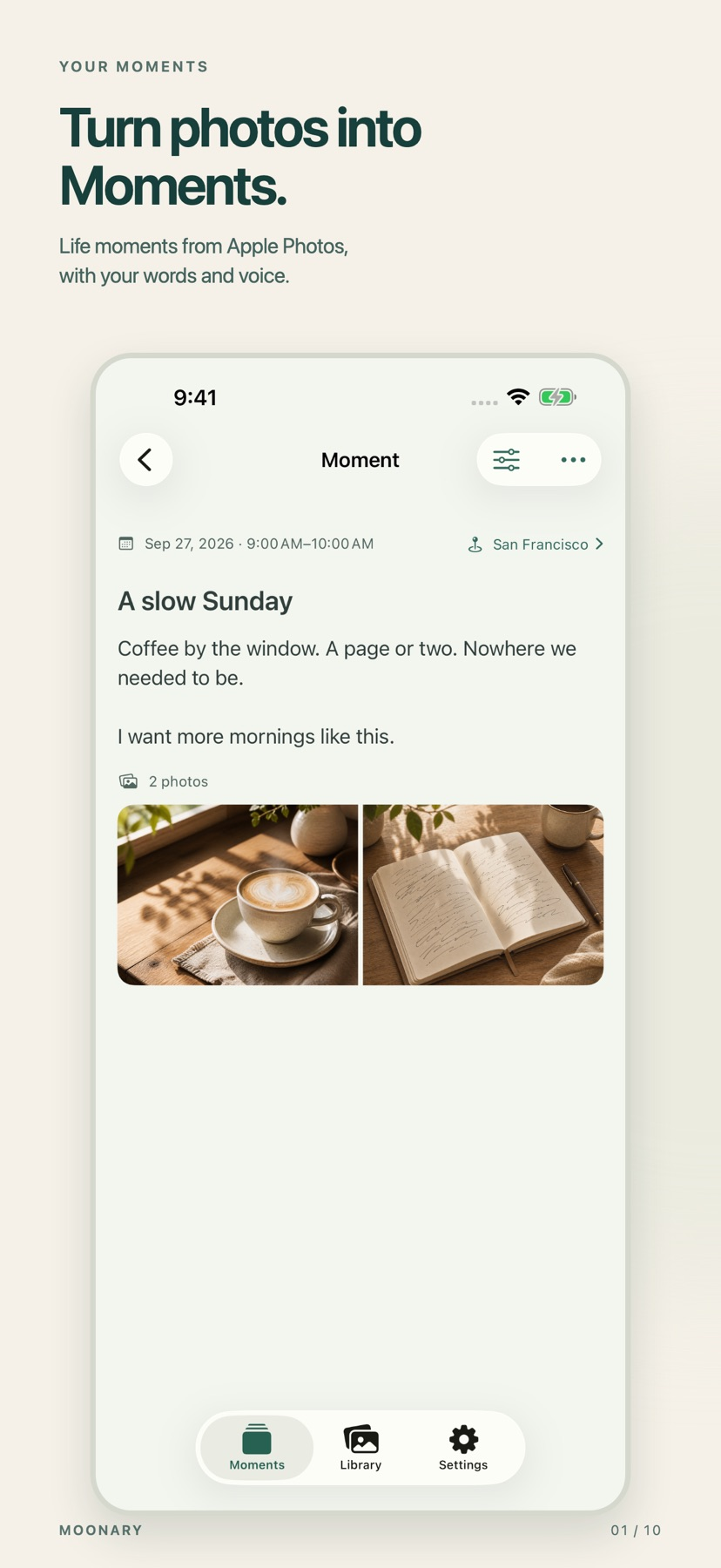
Add writing, voice and attachments to photo Moments, then revisit them through a timeline, calendar or collection.
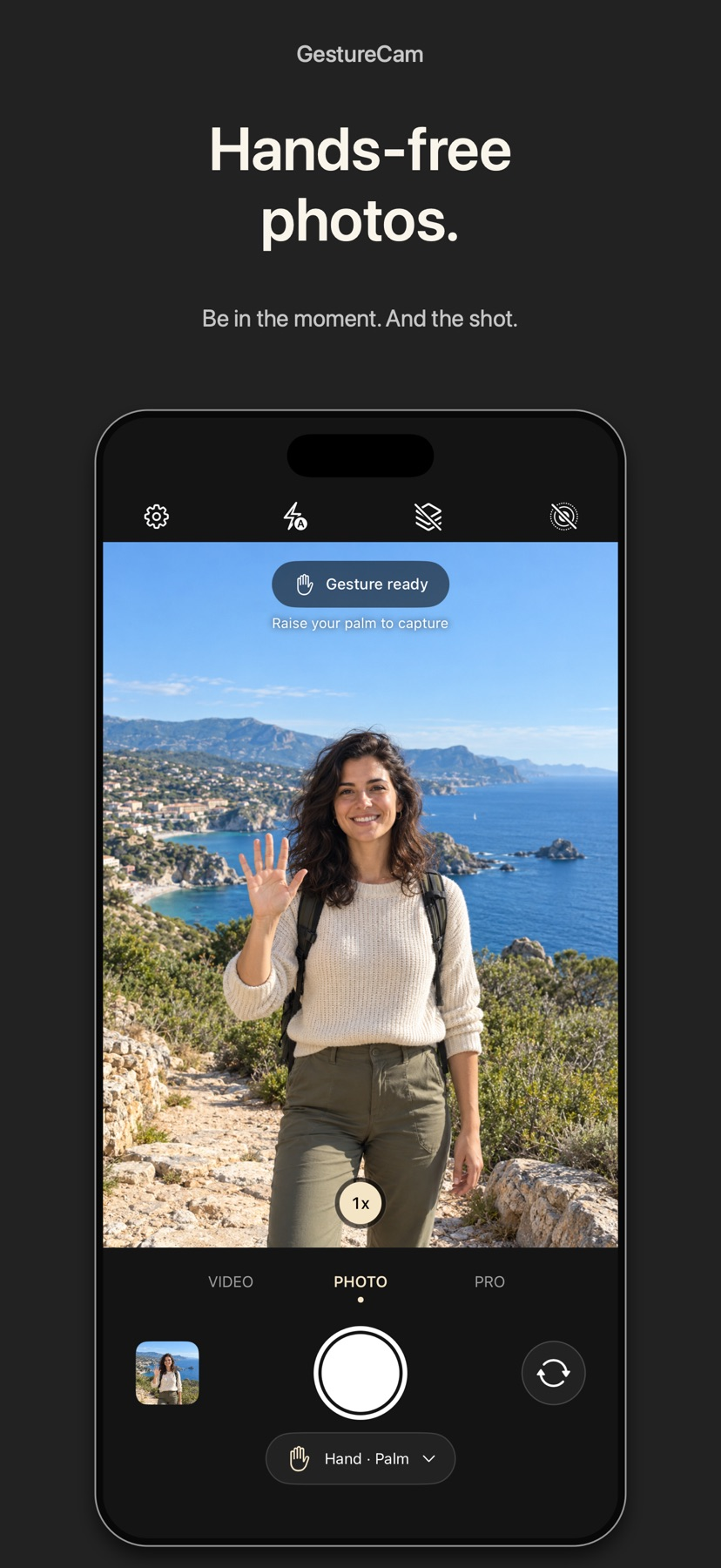
Set down an iPhone and trigger a photo with a palm gesture, or use Pro Auto Capture to keep taking shots while people hold a pose.
Showing 261–280 of 432
Each widget can hold several photos, with the listing describing grouped lists and full-screen viewing.

Invited members can contribute to shared collections.

Sensor and circle-of-confusion options expose assumptions behind estimates.

Transparency and tone controls support mixing subjects into new scenes.
组合筛选、批量选择和删除前预览可帮助有控制地清理相册。

Several library sources and orientation rules suit varied home setups.

Maps, AR and exposure/field-of-view calculators connect ideas to planned shots.

Batch tools support repeated e-commerce workflows.

Presets, portrait tools and layouts streamline small creative projects.

在照片应用中生成分类视图,可帮助找大文件、长期未查看照片和相机来源。

相似度调节、并排预览与自动标记规则可辅助筛选。

按内容而非文件名找重复,配合预览和自动标记减少重复查看。

Batch cropping and EXIF editing address large inherited collections.

PicCollage suits birthday cards, holiday greetings and photo recaps when you want ready-made layouts alongside freestyle positioning and simple visual edits.

Picsart spans everyday edits, collages, stickers and short videos alongside AI image/video tools. That breadth fits creators who move between photo cleanup and social-content design without wanting a separate app for every step.

Cropping and store selection simplify print orders.

Folder and archive navigation sit beside color tools and image cleanup instead of requiring a separate viewer for every format.

Text/shapes and nondestructive styles connect illustration to photo editing.

Portable .pixlpath catalogues and batch helpers connect browsing with file organization.

Reference motion, lip-sync and output enhancement cover several creative stages.