Photo & Video
RAW Power
RAW controls, presets and batch processing connect editing and organisation.
Apps observed in Apple’s US App Store charts for Photo & Video.
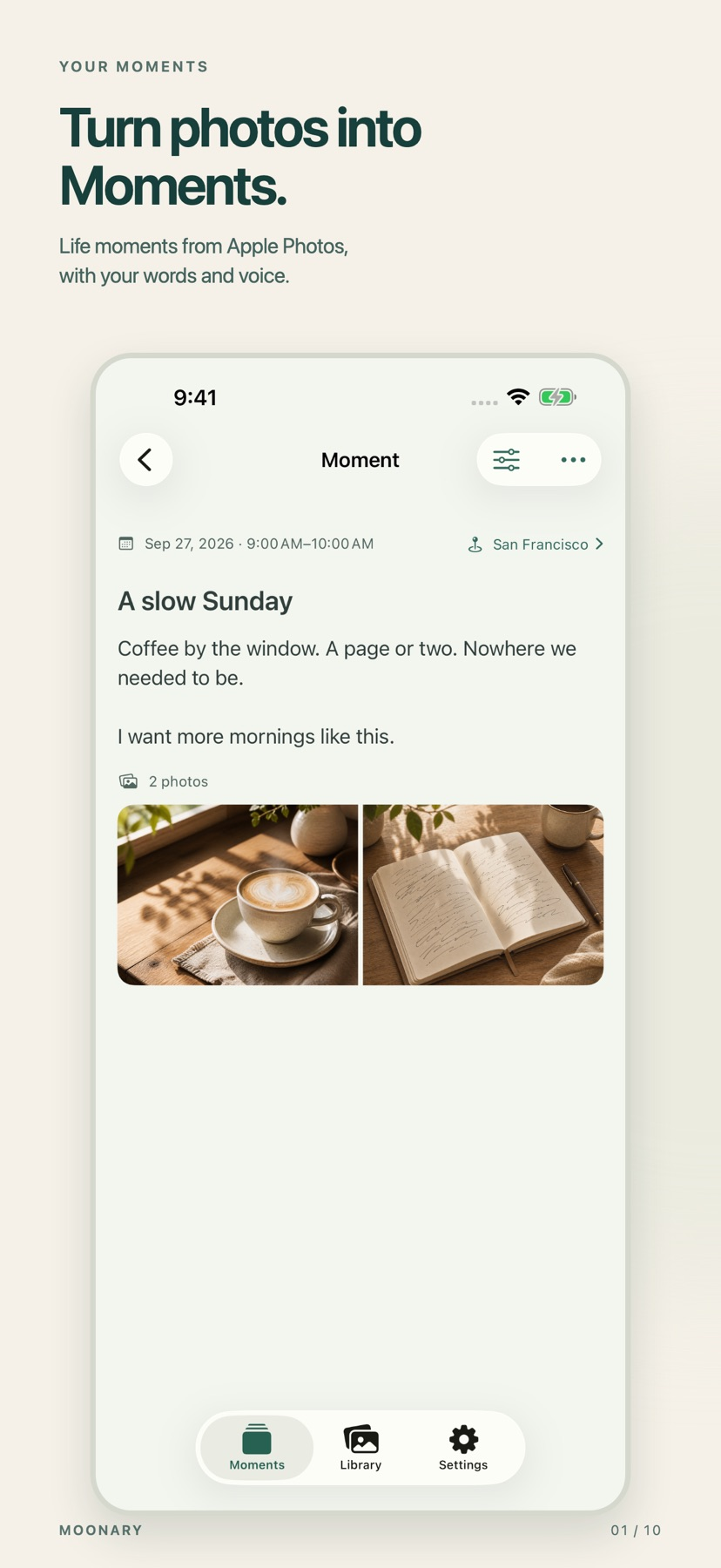
Add writing, voice and attachments to photo Moments, then revisit them through a timeline, calendar or collection.
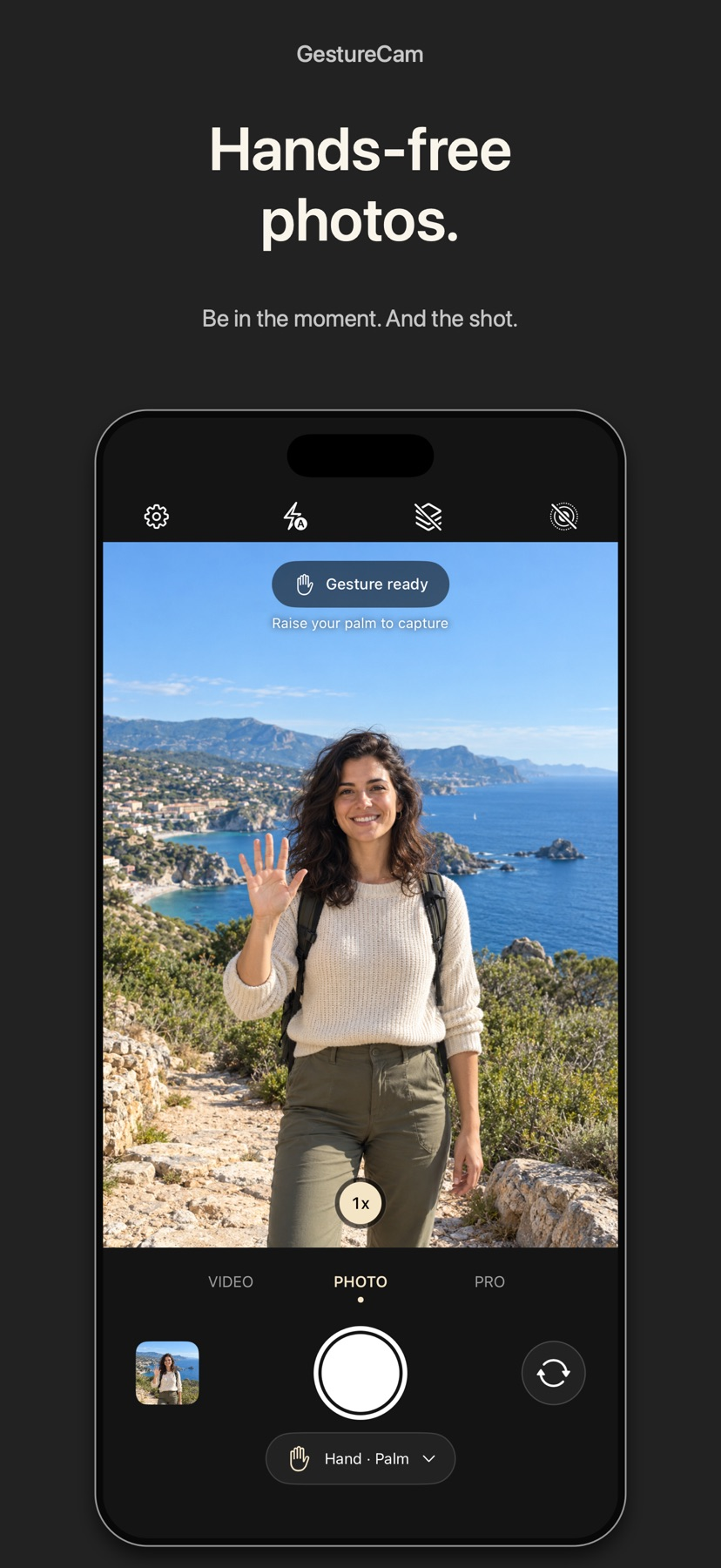
Set down an iPhone and trigger a photo with a palm gesture, or use Pro Auto Capture to keep taking shots while people hold a pose.
Showing 301–320 of 432
RAW controls, presets and batch processing connect editing and organisation.
Folder browsing, library integration and batch adjustments cover editing without forcing a new import catalog.

可经配套工具从相机传图,保存配方并调颗粒与柔光。
Multiple capture targets and a recording list support simple production.
Multi-camera live views, file access and LUT/CDL management consolidate camera operations.
Manual circle placement and color adjustment help when automatic detection misses an eye.

Templates reduce the need to compose detailed prompts.

One-tap enhancement can make small or blurred faces appear clearer.
A separate monitor can help frame a group or tripod shot.

Batch processing and several listed formats can reduce the effort of preparing images for sharing.

The described setup uses twelve uploaded photos to personalize results.
Backfilling past weeks can organize existing camera-roll memories.

A keyboard shortcut or menu-bar action can preserve a clip without starting a recording before an event.
Selecting only the desired section avoids bringing a simple effect into a larger editing project.

Local tracks can preserve recording detail while later cloud uploads complete.

A new variation is generated with each press, so you can compare options without hand-tuning every color.
A thirty-six-shot roll metaphor encourages intentional capture.

Long videos and short-form discovery are available within the same platform.

Full NDI/HX2 choices and bitrate controls adapt the source to a receiver/network.
A browser receiver avoids installing a separate TV app.