
Utilities
1.1.1.1: Faster Internet
One-touch modes simplify configuration.
Apps observed in Apple’s US App Store charts for Utilities.
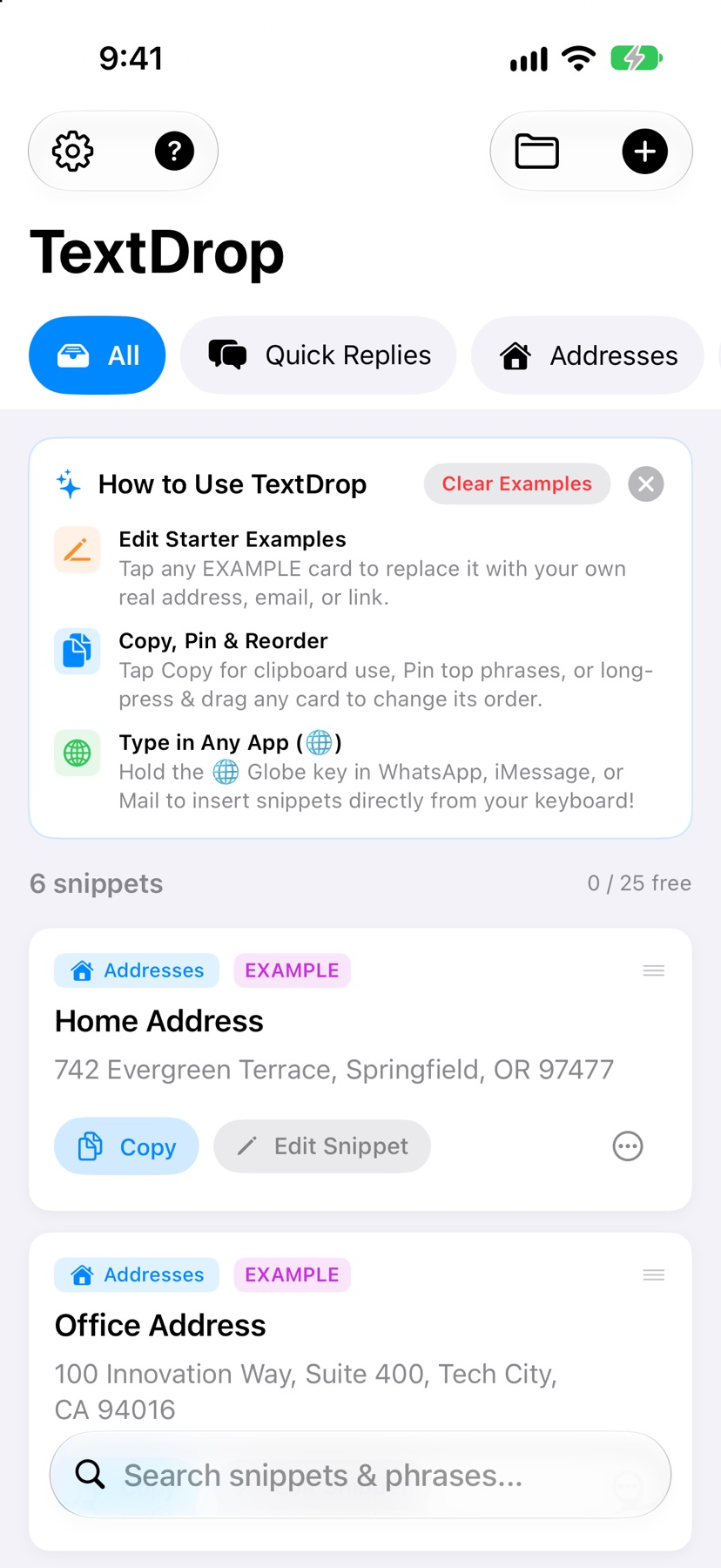
Save reusable replies, addresses and links, then insert them from a local snippet keyboard or copy them from the app.
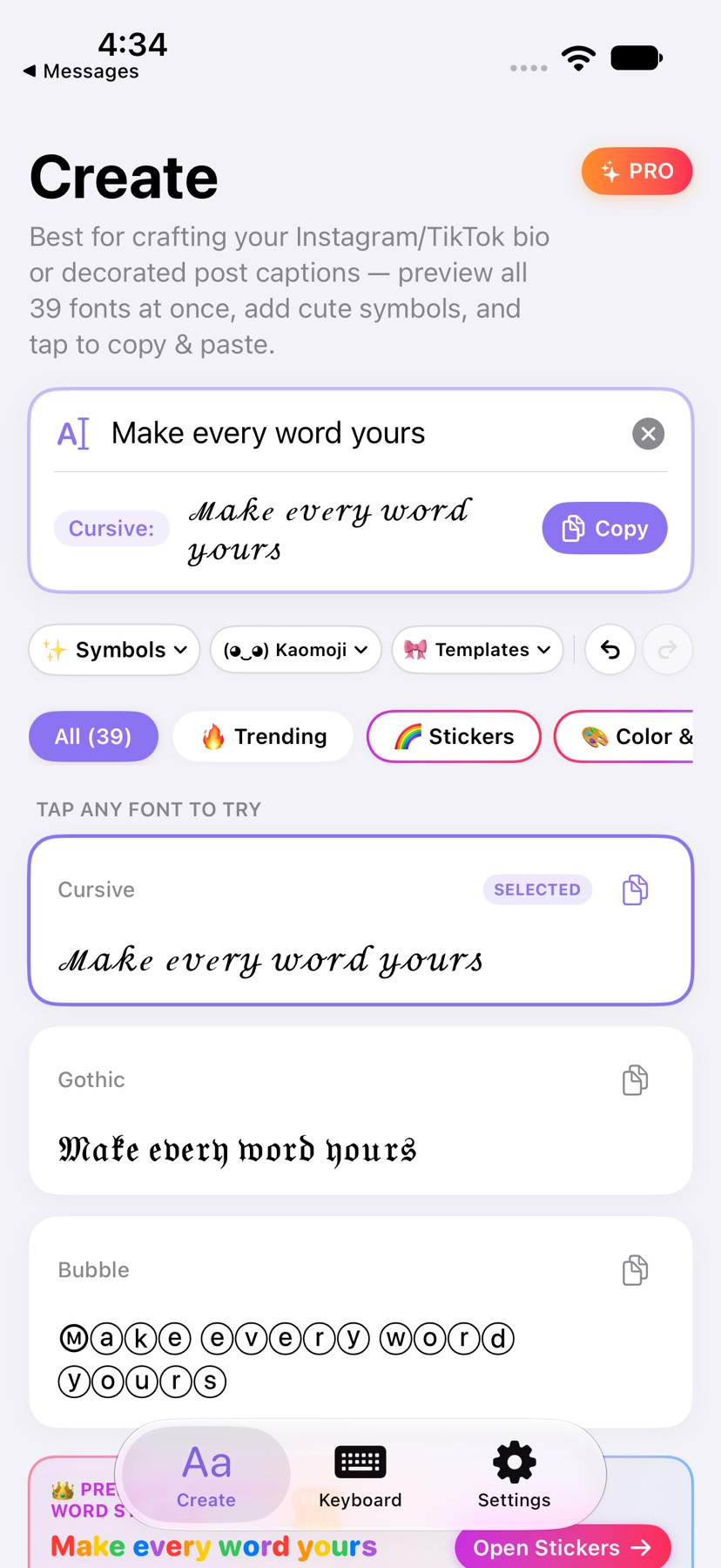
Create styled Unicode text, decorative symbols and image stickers, then copy them or type with an English and Chinese keyboard.
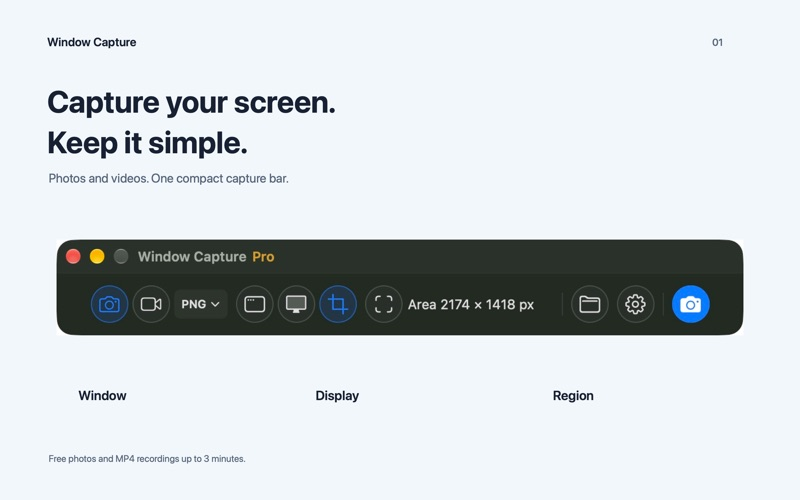
Capture a Mac window, region or display, choose system audio and microphone separately, then trim and save a local MP4.
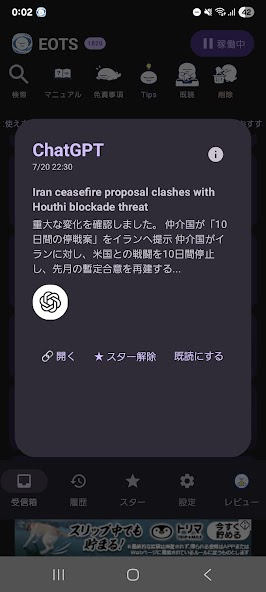
Save incoming Android notifications in a separate inbox, filter by app and export a backup for later reference.
Showing 1–20 of 400
One-touch modes simplify configuration.

Password generation, supported passkeys and shared vaults reduce repeated manual credential handling.

Custom domains and shared rules support tailored filtering.

Browser-integrated rules reduce unwanted page content.

Picture-in-picture, speed controls and background playback supplement ad filtering.

Exceptions and chosen DNS providers offer control over browsing rules.

Filter lists, element picking and toolbar controls provide granular cleanup options.

Resource, goal and event editors support a different story/mechanics combination.

A swipe workflow and media compression provide alternatives to bulk removal.

USB, AirPlay, local wireless and remote options address different screen-sharing settings.

Different challenge types let a user choose a task rather than simply tapping a dismissal button.

A feed and map make the source board easier to browse.

Character forms and sounds can be browsed without searching scattered pages.

Per-site settings and bookmark transfer support a configurable browser workflow.

Font selection changes a viewed page without editing the underlying website.

Separate widgets and limited Markdown formatting let you customize where each note appears.

Imported fonts can reduce substitutions in supported presentations and documents.

Local-network mirroring and eligible AirCast cover different connections.

Blueprints and scripting reduce repeated configuration steps.

电脑列表、观察控制、安装和报告在同一管理界面完成。