Put your apps to work.

Photos & design guides.

Edit pictures, create artwork, and prepare visuals for sharing.

Photos & design

Showing 1–6 of 6 guides

Newest published first
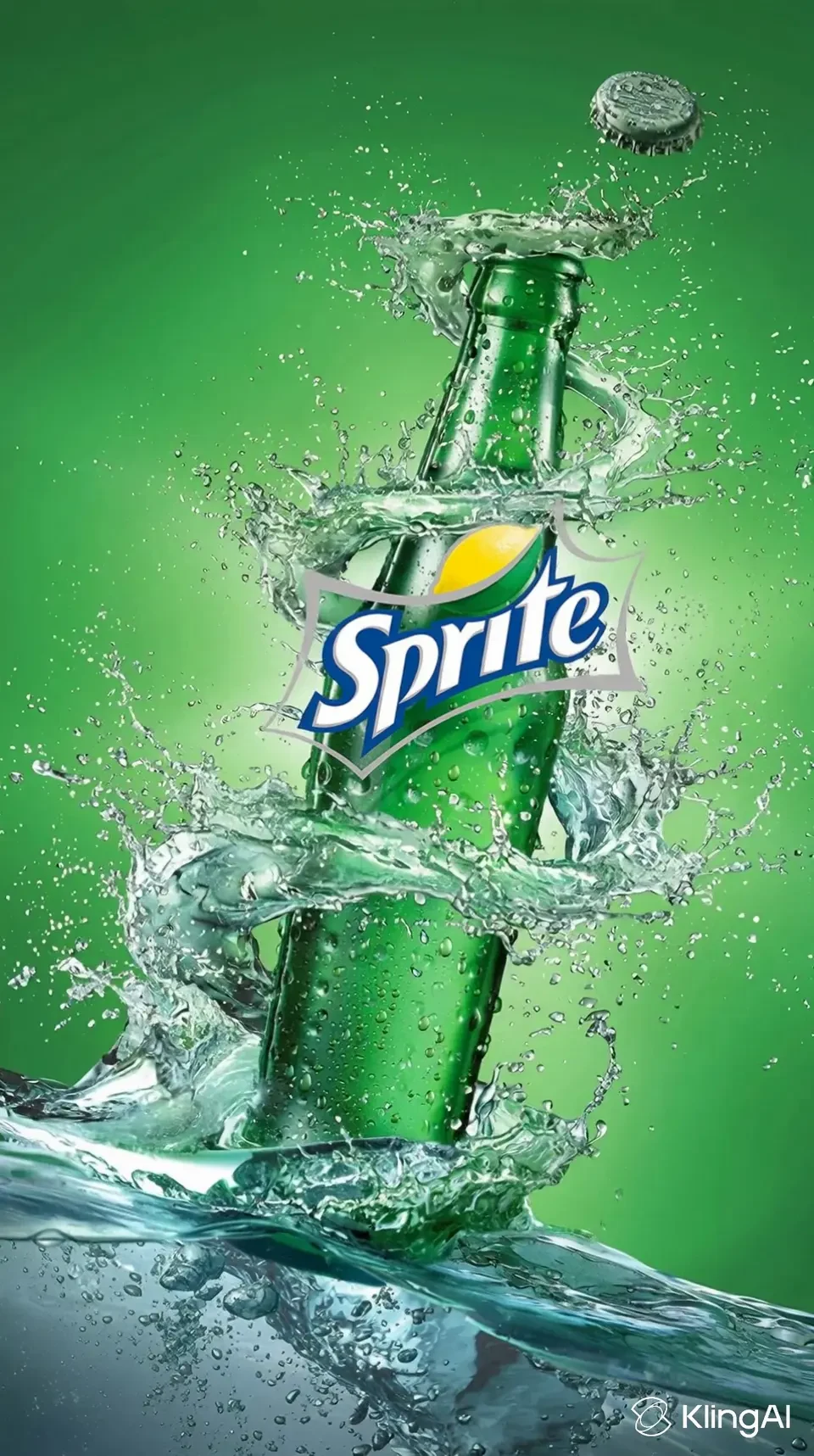
Swagga’s product-reveal showcase uses a drink bottle as the focal object. Inspect the label and product shape frame by frame; this is the provider’s demo, not our test.
How-to guide Oct 25, 2026

How to Create Product Videos with AI from Existing Photos

Start with accurate product photos and a three-shot storyboard: identify the product, show one useful detail and end with a clear next step. Generate short motion clips from those references, then add exact branding, text and audio in an editor. Inspect every shot for invented features or altered packaging.

Higgsfield generation interface published by BDM: image upload, preset choice and generation settings. This is a publisher screenshot; model names, promotions and controls can change.
How-to guide Oct 24, 2026

How to Turn a Photo into an AI Video

Use an image-to-video workflow, upload a clean reference, describe one subject movement and one camera movement, then generate a short clip. Inspect the result for changed faces, hands, text and product details before adding it to an edit. Start with modest motion when consistency matters.

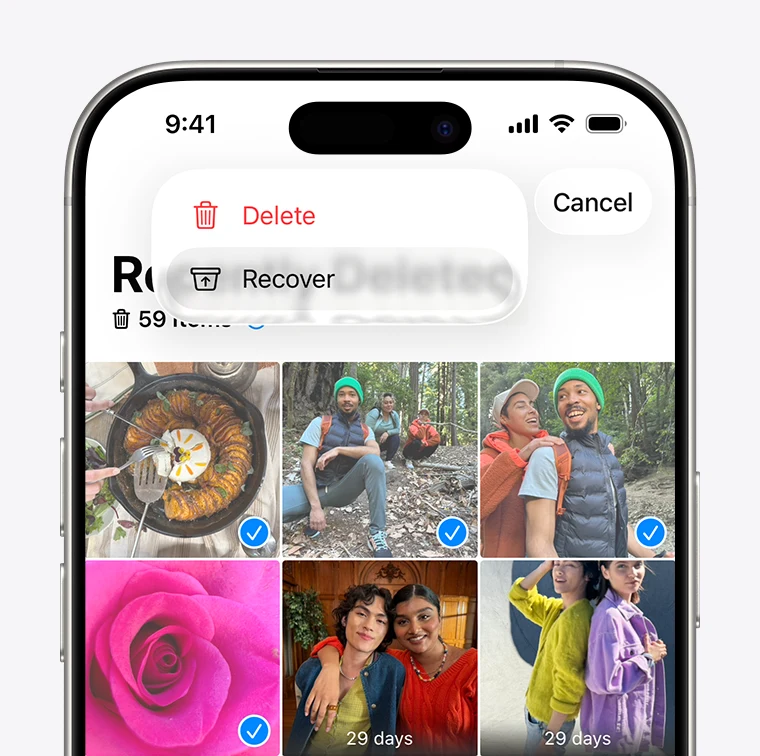
Apple’s Recently Deleted screenshot shows selected items and the Recover command. This built-in route is the first place to check for a recently deleted photo.
How-to guide Oct 24, 2026

Do Photo Recovery Apps Work? What You Can Actually Recover

Photo recovery works when an original or usable copy still exists in Recently Deleted, a cloud account, a backup or another storage location. An app’s preview is not proof that it can restore the full original. Start with the phone and cloud service’s own recovery routes before paying for a recovery claim.

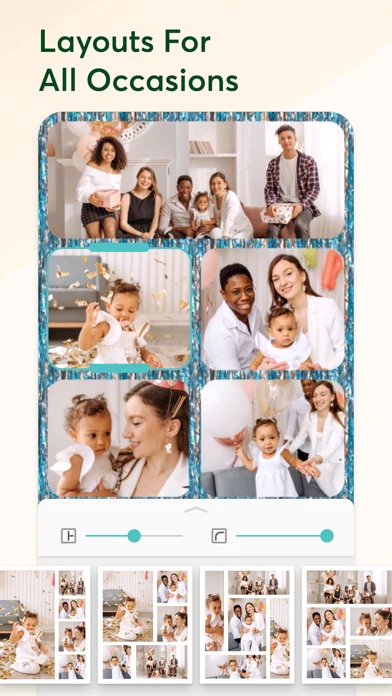
PicCollage’s official iPhone screenshot shows a multi-photo layout, frame controls and alternative arrangements. Use it to distinguish adjustable layouts from a simple combined image.
How-to guide Oct 24, 2026

How to Make a Photo Collage on iPhone

For a simple collage, create a shortcut with Select Photos, enable multiple selection, add Combine Images with the arrangement you want, then add Save to Photo Album. Run it on a few photos and inspect the saved result. Use a design editor such as Canva when you need captions or more flexible layout.

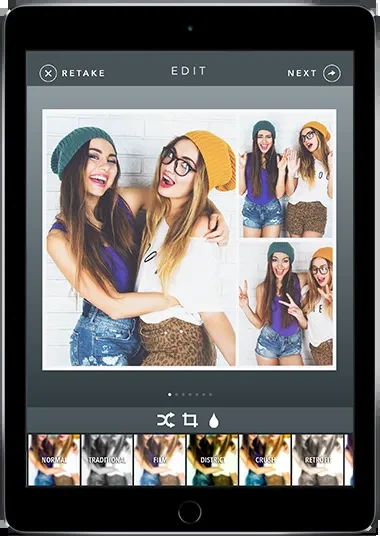
Simple Booth Classic’s iPad editor shows a multi-photo arrangement and layout choices. Check framing, output and sharing during the event rehearsal.
How-to guide Oct 24, 2026

How to Set Up an iPad Photo Booth for an Event

Mount the iPad securely, face it toward even light, configure a short capture sequence and choose a delivery method before guests arrive. Use a real sample capture to check framing, layout and the final print or download. Prepare a digital fallback if the printer or connection fails.