How-to guide
Oct 24, 2026
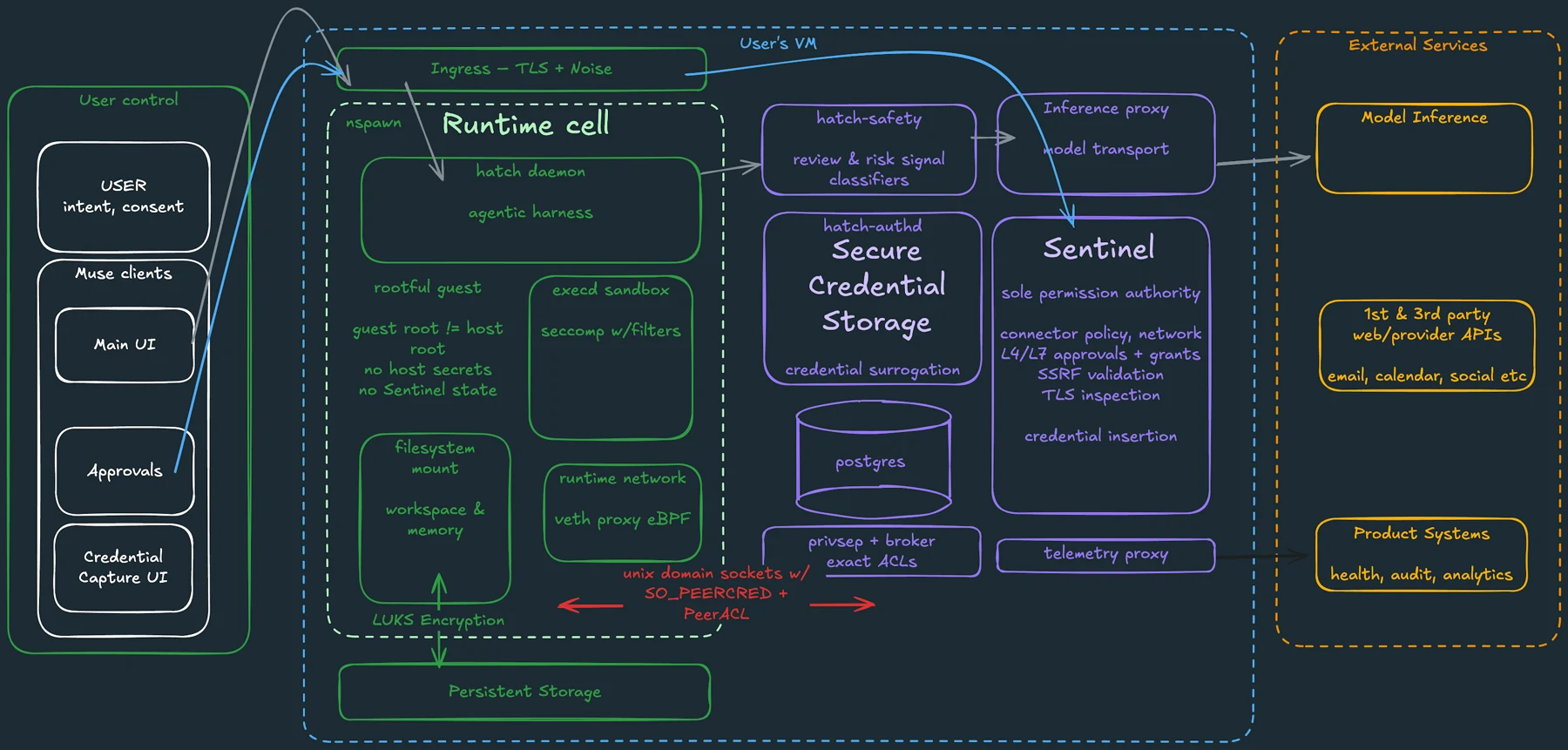
Prompt injection occurs when material an agent reads tries to redirect its behavior. Approval controls can reduce the damage of an unwanted action, but they do not establish that every summary is correct or that every attempted manipulation will be detected. Narrow access and review the exact proposed action.
How-to guide
Oct 24, 2026
Before giving an agent email access, check which mailbox it can read, what it stores, who processes the information, how permissions are enforced and how you can remove access and retained context. If the task needs only a few messages, supplying those messages may be a better fit than connecting the whole inbox.
How-to guide
Oct 24, 2026
Disconnect the service in the agent’s connection settings, then review the original service’s third-party access page. Remove the data-access grant you intend to revoke, rather than only disabling sign-in. Finally, review stored chats, memory and scheduled tasks, which may remain after the connection ends.
How-to guide
Oct 24, 2026
Before connecting an app to an AI agent, identify the account, the information it can read, the actions it can perform and how to revoke access. Start with the smallest scope that can complete the job. Treat permission to read and permission to send, edit or delete as separate decisions.
How-to guide
Oct 24, 2026
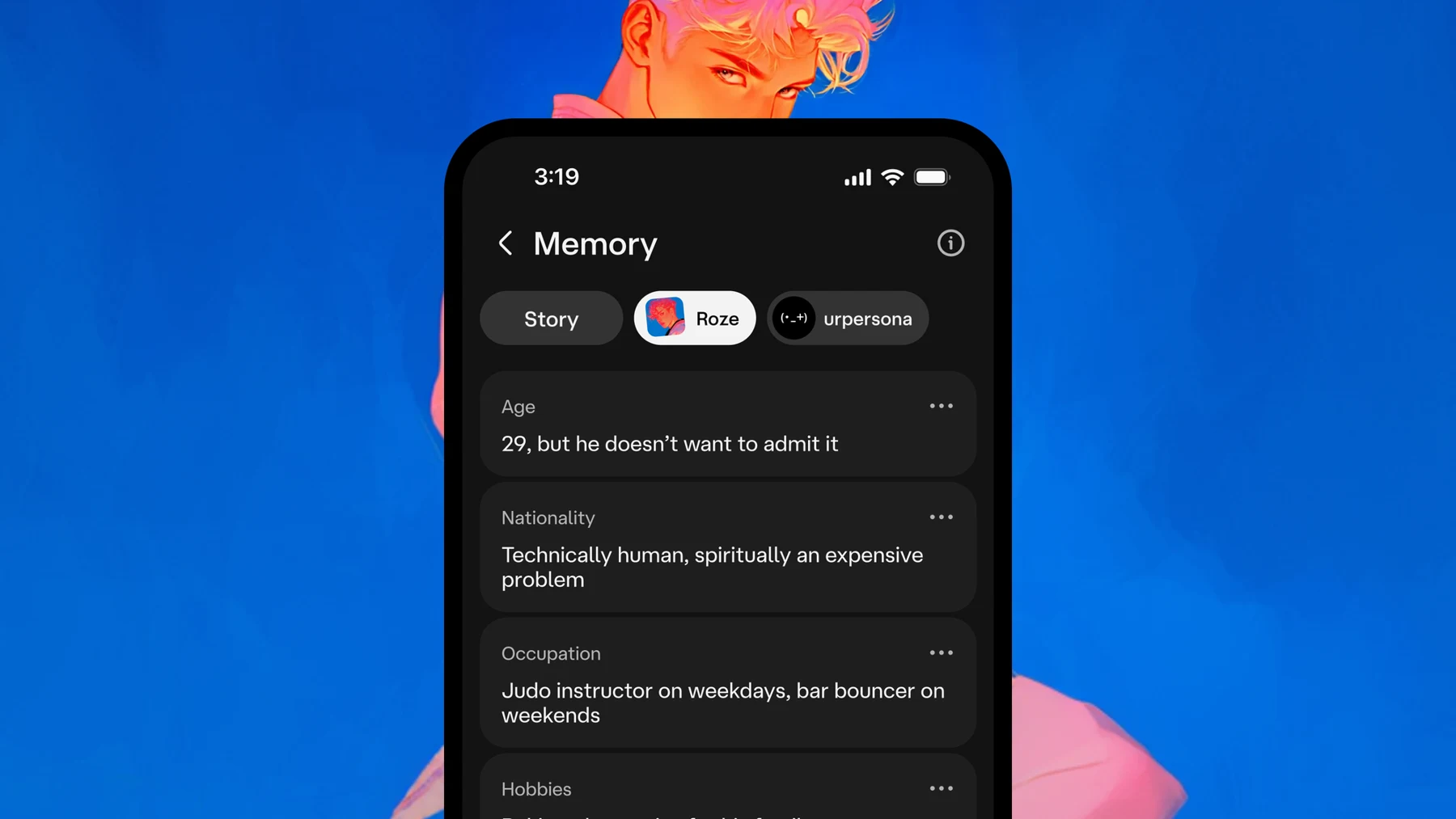
Manage character-chat privacy in three passes: save what you want to keep, review conversation and memory controls, then use the provider’s deletion or account route when needed. Hiding a conversation is not the same as deleting it, and a character’s fictional memory is not an explanation of the service’s data policy.
How-to guide
Oct 24, 2026
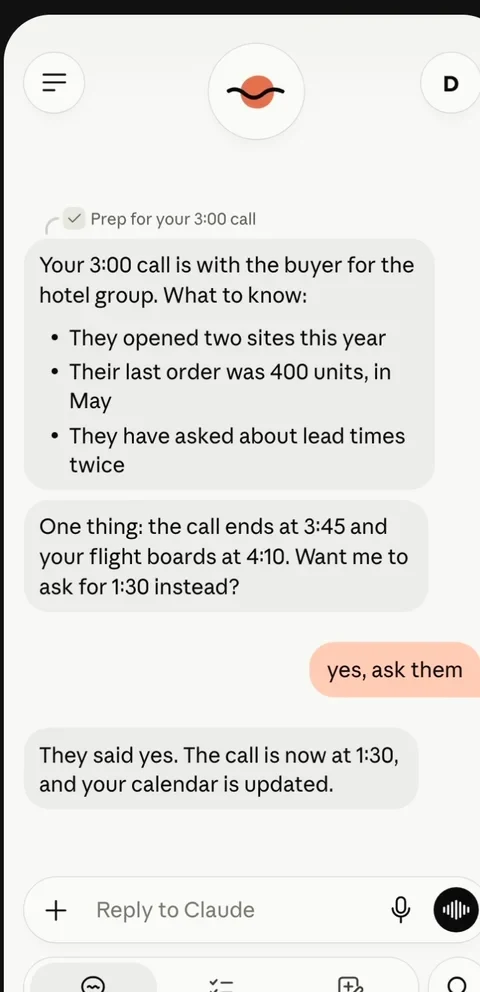
Choose the sources, specify a delivery time and time zone, and ask the agent to prioritize decisions over general summaries. Keep the first briefing read-only. A useful output contains a short priority list, links to the originals and a separate set of proposed actions for your review.
How-to guide
Oct 24, 2026
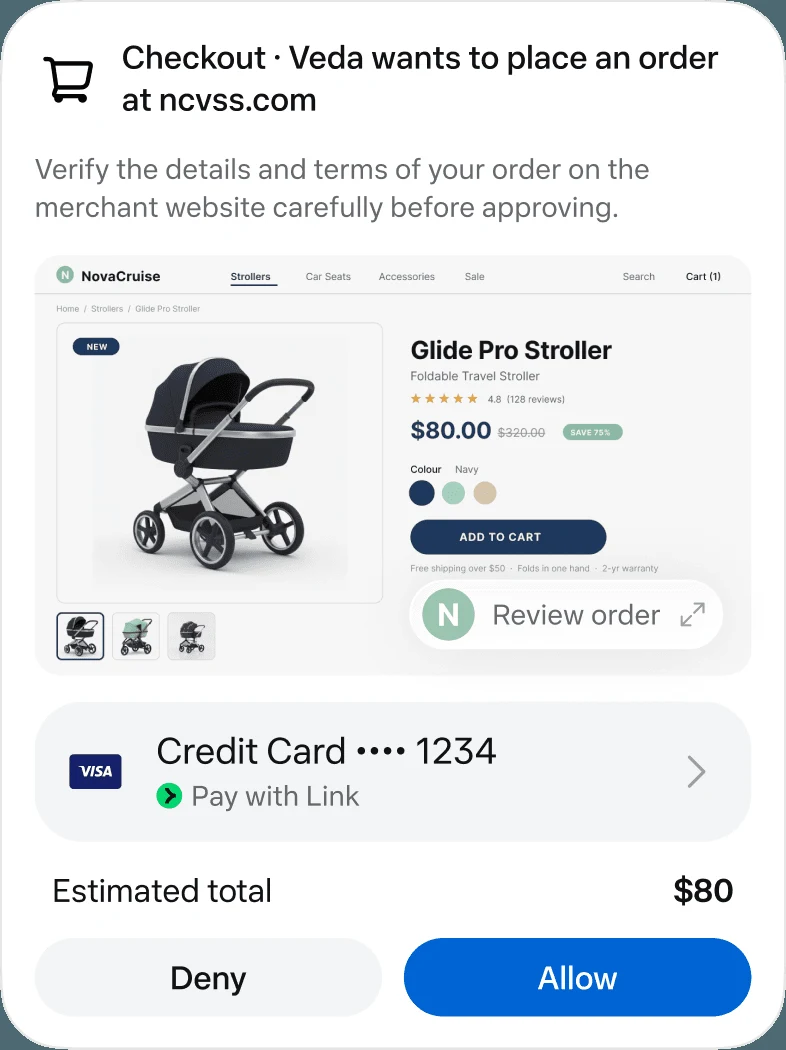
Use Meta’s official Muse entry point, confirm that your region and account can access it, then give it one clearly scoped job. Begin with research or a draft, identify the source apps and keep sending, purchasing and other consequential actions behind an explicit review.
How-to guide
Oct 25, 2026
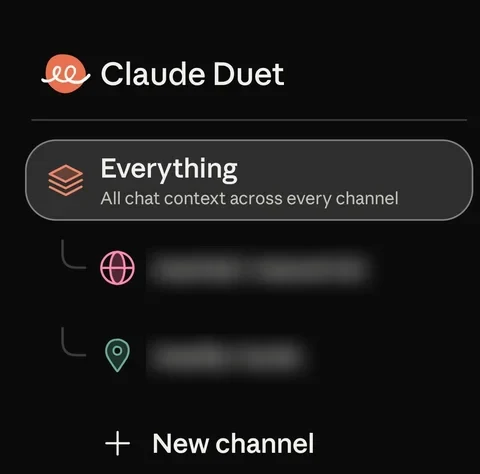
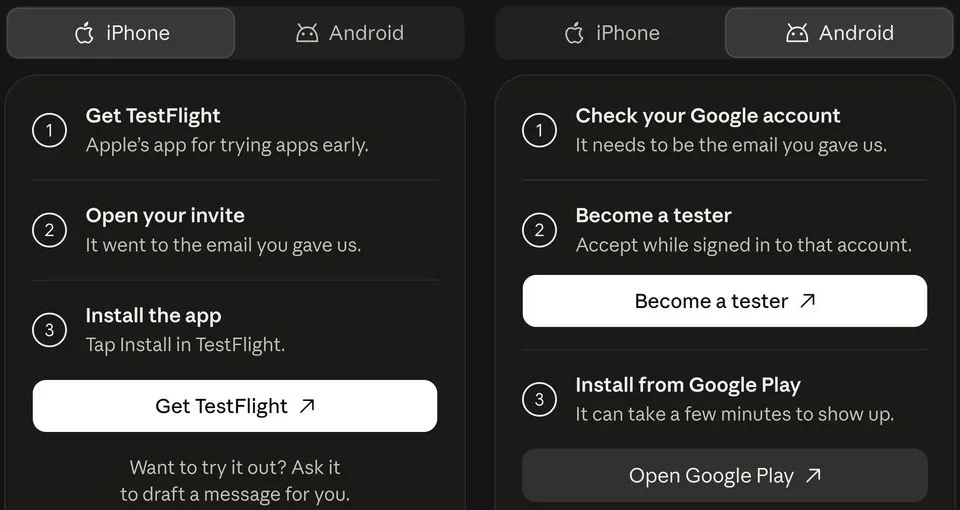
Join the official Claude Duet waitlist with the email used for your Claude account. The checked research preview requires an invited US Pro or Max account. Once invited, follow the provider’s setup link and begin with one small task before adding more connections.