Find an app, guide or comparison in our editorial library.
Search content published on iApp4Me. Try an app name or a task such as “merge PDFs”.
10 results for “Preview Printing, Scanning and Export: A Practical Mac Workflow”, ranked by relevance. Search terms are recorded to improve this library; please avoid personal information.
… confusing a print transformation with an editable original. Preview Printing, Scanning and Export: A Practical Mac Workflow Preview can print selected pages, arrange pages on a sheet and export supported files. It can also work with support...
… worse. How to Reduce PDF File Size in Preview on Mac Export a separate PDF with Preview’s Reduce File Size filter, then compare the saved file with the original. Keep the smaller copy only if the text, diagrams and required fields remain us...
… the limits explained beside the features. The Complete Preview Guide for Mac: Do More Before Installing Another App Preview is more than a file viewer. Start here for everyday PDF and image work, then use the task chapters for the exact wor...
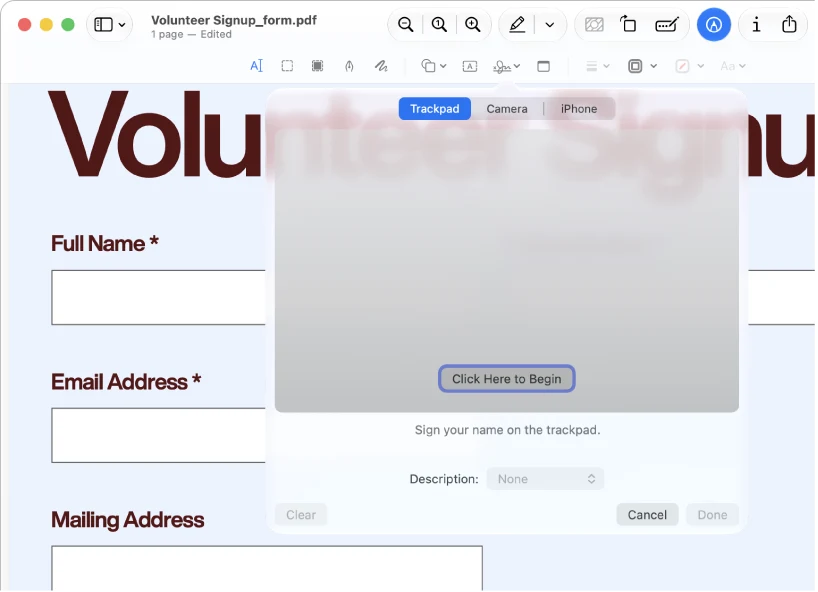
… while keeping original-text editing and signing services separate. Preview Forms and Markup: Fill, Sign, Highlight and Comment on Mac Preview can fill supported form fields, place text boxes and visible signatures, and add reading annotatio...
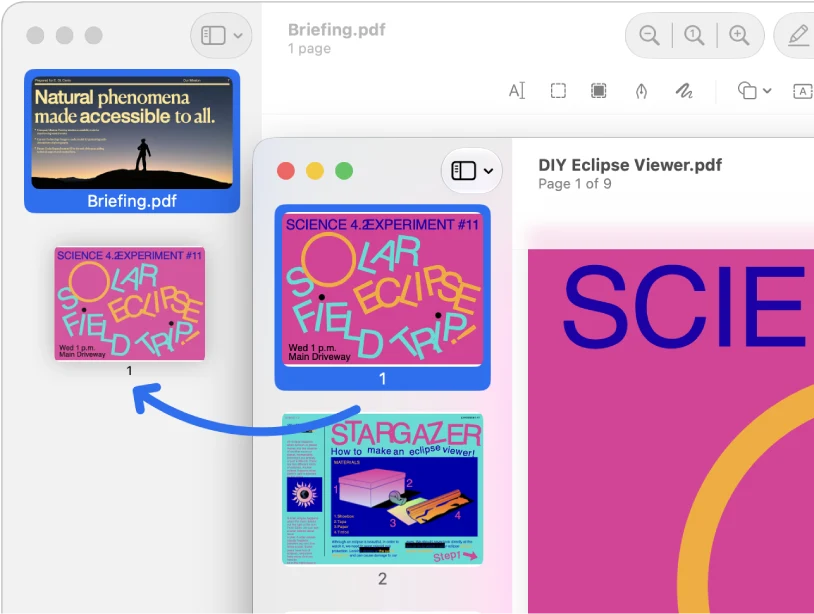
… selection > Crop Not a redaction method Task Preview route Boundary Preview PDF Page Guide: Merge, Split, Reorder, Rotate and Crop Use Preview’s thumbnail sidebar to assemble and rearrange PDF pages. Duplicate the originals first, then veri...
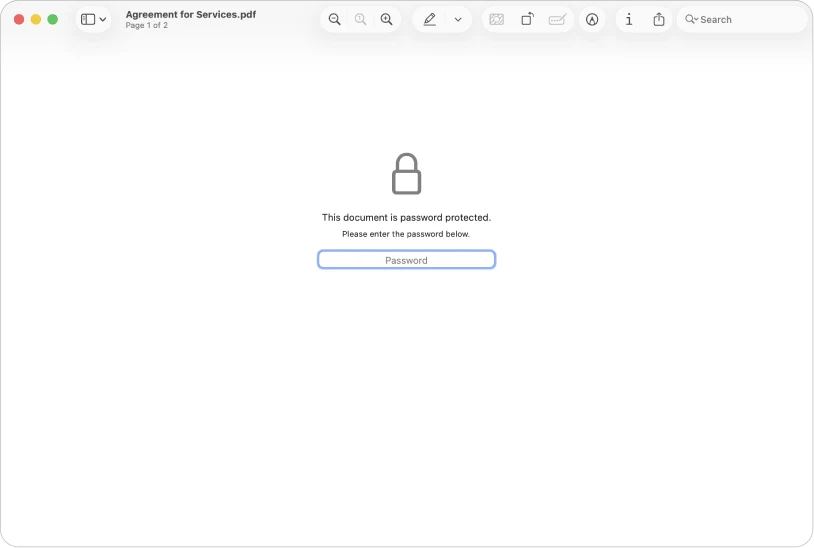
… and ordinary file locking before sending a PDF. Preview PDF Security: Redact Text, Set Passwords and Share the Right Copy Use the actual Redaction Selection tool for supported text removal, not a black rectangle or crop. Use PDF password se...