Made for the way you work.Best apps for the job
Useful answers, clear tradeoffs, and sources you can check.
 Scanner Pro
 Step-by-step guide
Best apps
Oct 24, 2026
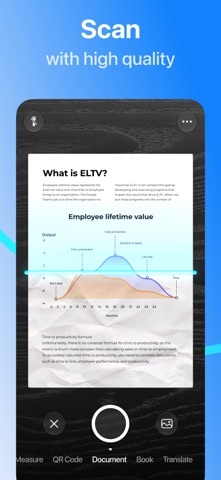
For basic document scanning without adding another scanner app or subscription, start with Files or Notes on iPhone. Preview also provides document scanning on supported iOS versions. These are the first routes to consider; this is not an independently audited ranking of third-party ad-free scanners.
 Preview
 Step-by-step guide
Best apps
Oct 24, 2026
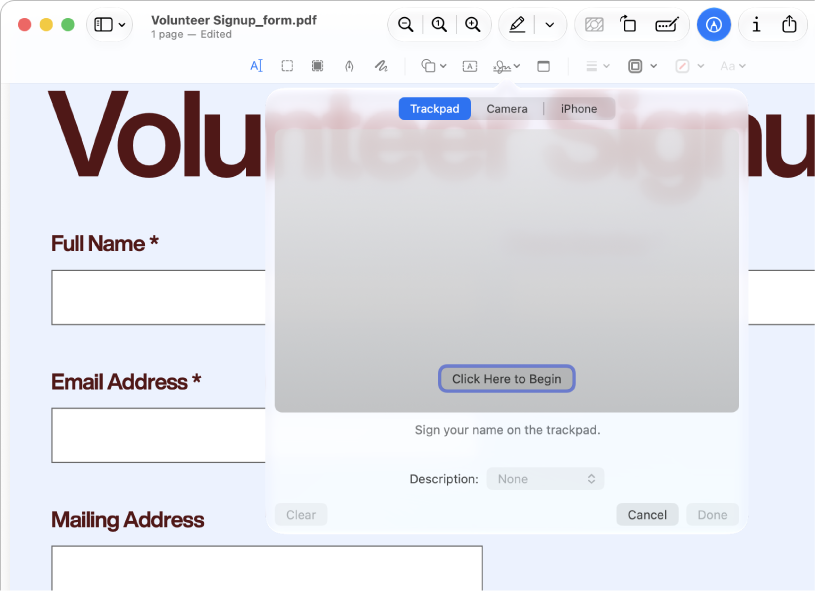
Use Preview for annotations, forms and ordinary page assembly. Consider PDFgear for Mac when you need to change existing PDF text: its current Mac documentation describes that feature as free. PdfCraft is another page-workbench candidate. These recommendations follow documented scope, not a same-file editing benchmark.
 MacWhisper
 Step-by-step guide
Best apps
Oct 24, 2026
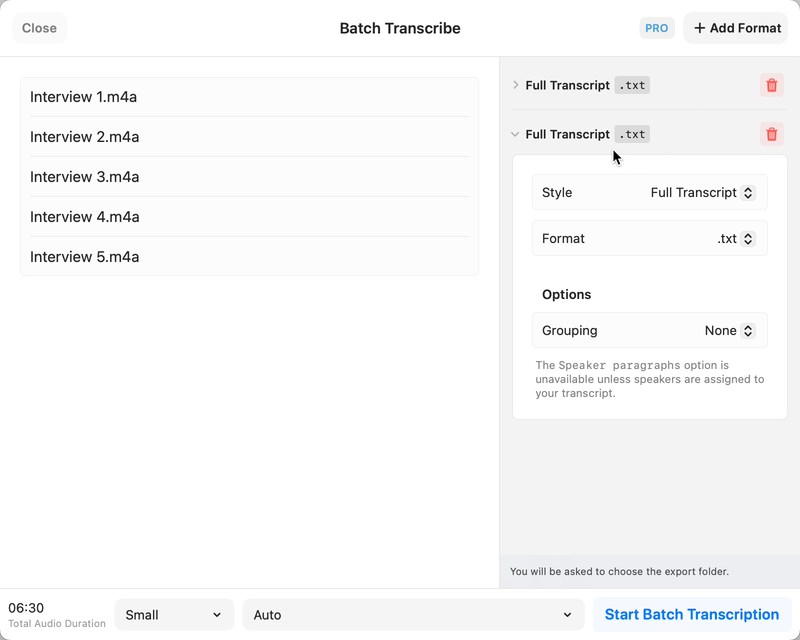
Buzz is a free open-source candidate for local transcription on Mac. Download the required model before disconnecting and select a local backend, not a hosted API. Check hardware support: the current installation guide requires Apple silicon and identifies 1.4.5 as the last Intel-compatible release.
 GoodLinks
 Step-by-step guide
Best apps
Oct 24, 2026
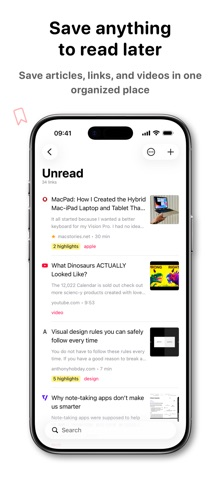
Start with Safari Reading List for a simple saved-page queue without an additional app subscription. Consider GoodLinks for a more organized article library: its official policy gives permanent access to unlocked features, while optional Premium covers later feature upgrades. It is not a promise of every future feature for one payment.
 Reeder
 Step-by-step guide
Best apps
Oct 24, 2026
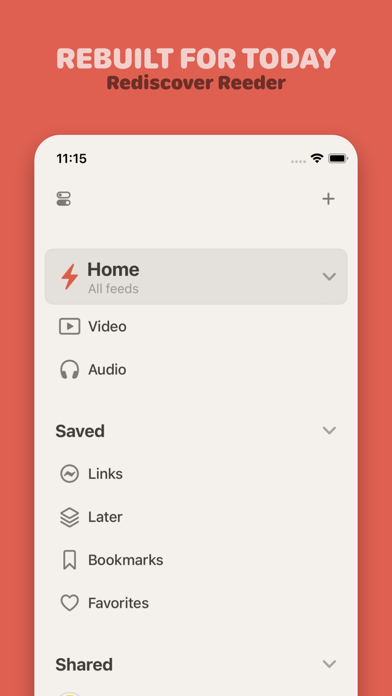
NetNewsWire is the first free RSS candidate to consider for a conventional iPhone reading queue. Its official site describes a free open-source app. This guide does not certify an ad-free experience for every feed: publishers can include sponsorship and advertising in the content they send.
Preview Step-by-step guide
Best apps
Oct 24, 2026
Start with Preview for ordinary annotations and page work. Consider PDFgear for documented free original-text editing, PDF Expert for an Apple-focused paid editing workflow, and paid Acrobat for requirements already tied to Adobe. Use a converter only when reusable content, rather than an edited PDF, is the deliverable.
Best apps
Oct 24, 2026
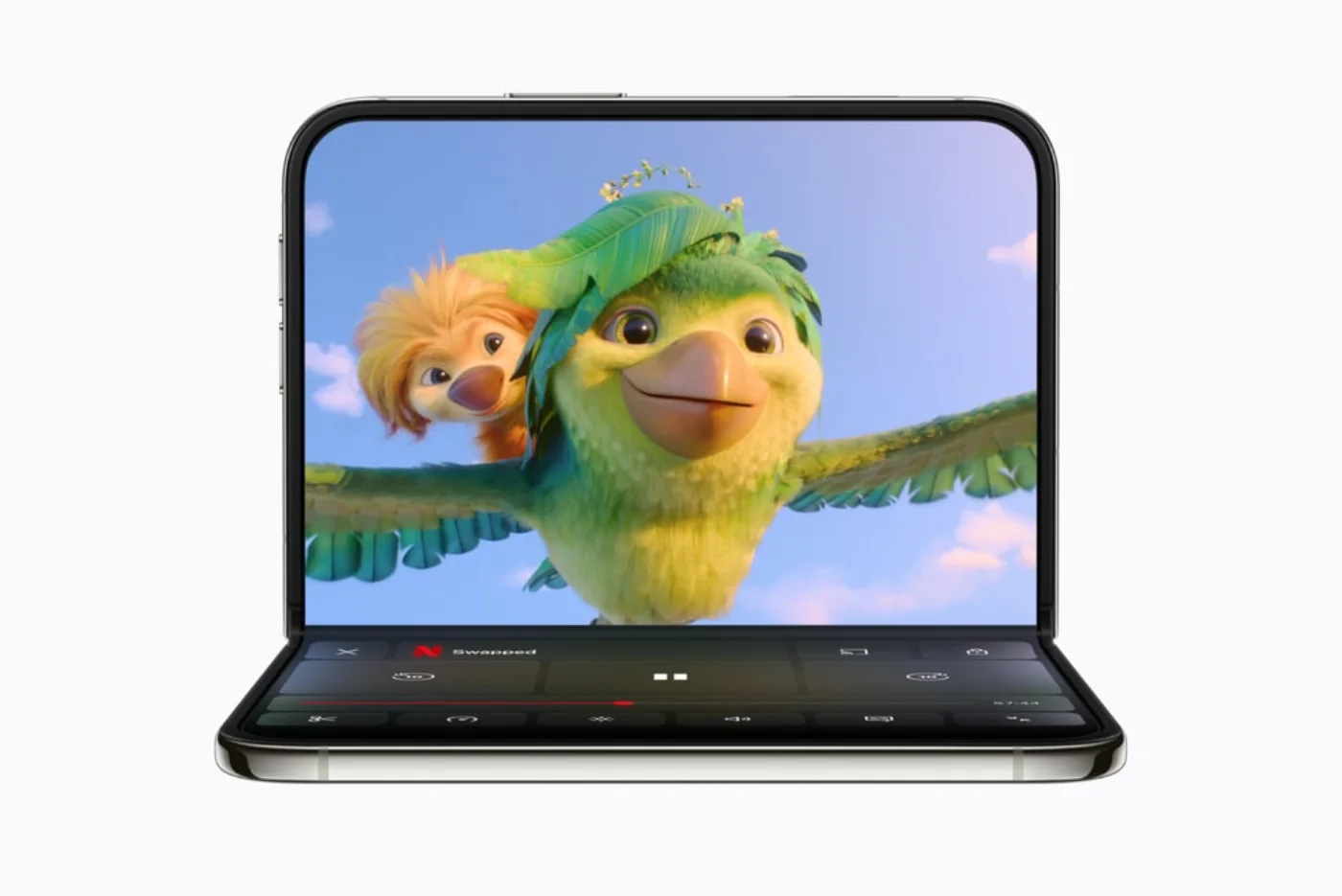
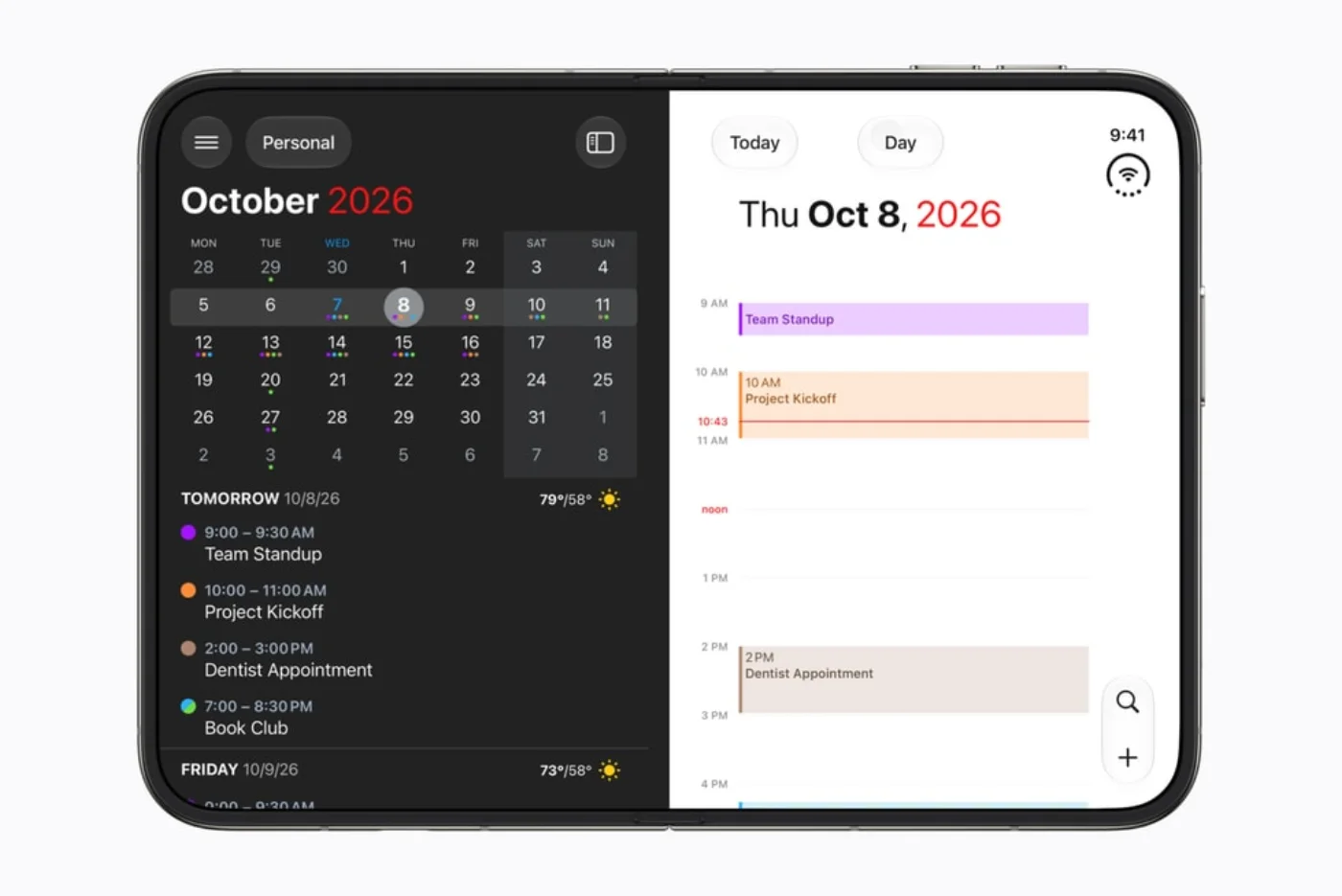
Keep your existing tools when they already do the job. Add an app only when its documented Duo workflow solves a need you actually have. Start with one planning tool and one frequently used work or entertainment app; add specialist tools later.
Best apps
Oct 24, 2026
Start with the apps you already rely on, distinguish released support from future announcements, then choose a few workflows that benefit from the extra room. A folding screen is useful when it removes steps—not merely when it makes the same interface larger.
 Step-by-step guide
Best apps
Oct 24, 2026
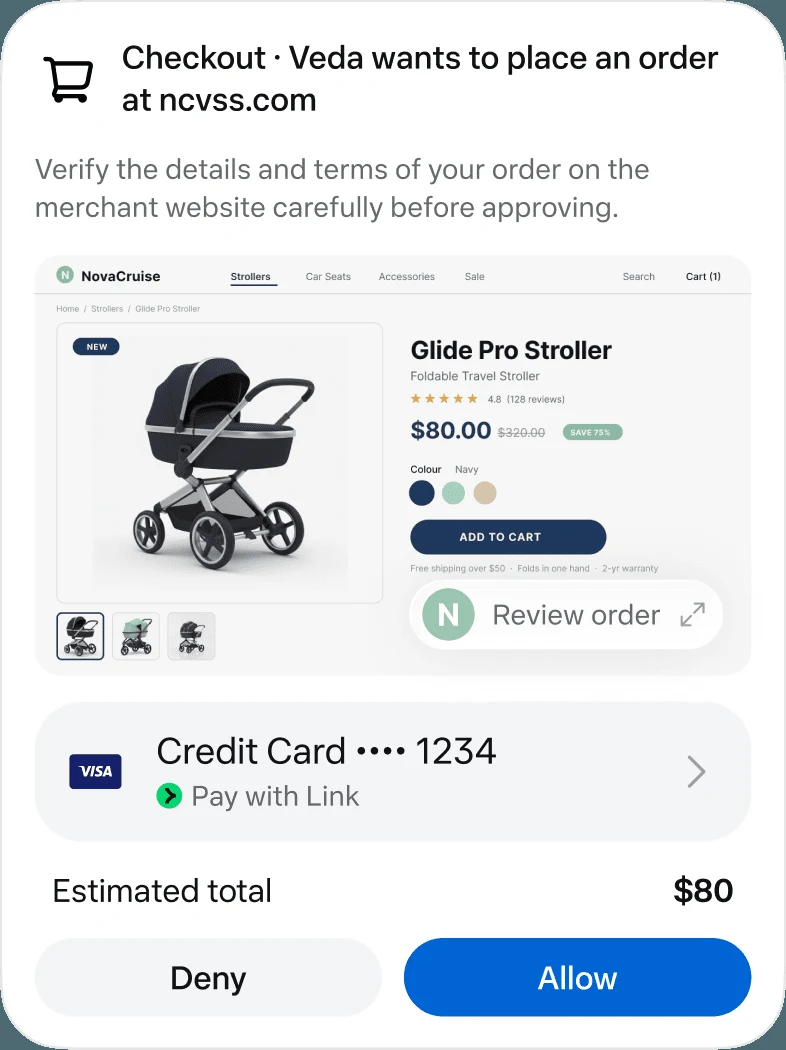
Start with Claude Duet if you qualify for its preview and want work organized around your existing Claude context. Consider Meta Muse for a personal-agent workflow built around ongoing goals. Choose by the services the agent can actually use and the decisions you want to keep approving.
 Step-by-step guide
Best apps
Oct 24, 2026
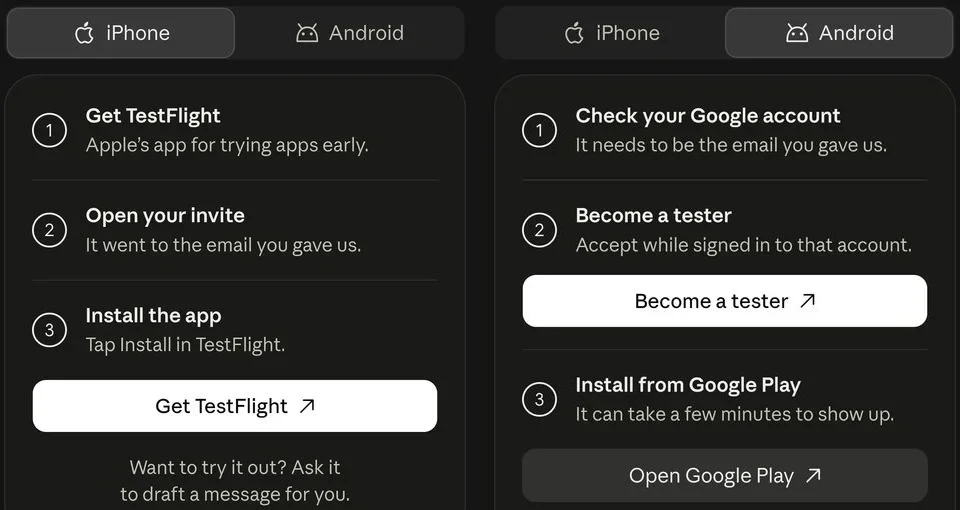
Meta’s Muse launch describes a free entry route with paid upgrades, while Claude Duet’s checked preview is included in paid Pro and Max plans. Local model tools can avoid a hosted subscription for some jobs, but they are not automatically complete personal agents. Choose the free route that can finish your actual task.
 Step-by-step guide
Best apps
Oct 24, 2026
Choose Character.AI for a hosted character-chat route with documented memory controls, SpicyChat when its persona and plan structure fits your needs, or SillyTavern when you want to manage a configurable frontend and a separate model backend. Check age eligibility and content rules for the service you choose.
Step-by-step guide
Best apps
Oct 24, 2026
Character.AI and SpicyChat both document free access with paid distinctions. SillyTavern is free software, but it needs a separately supplied model backend. Choose by context, memory tools, waiting or usage conditions and the cost of the complete setup; no candidate should be called unlimited without a current explicit entitlement.
 Step-by-step guide
Best apps
Oct 24, 2026
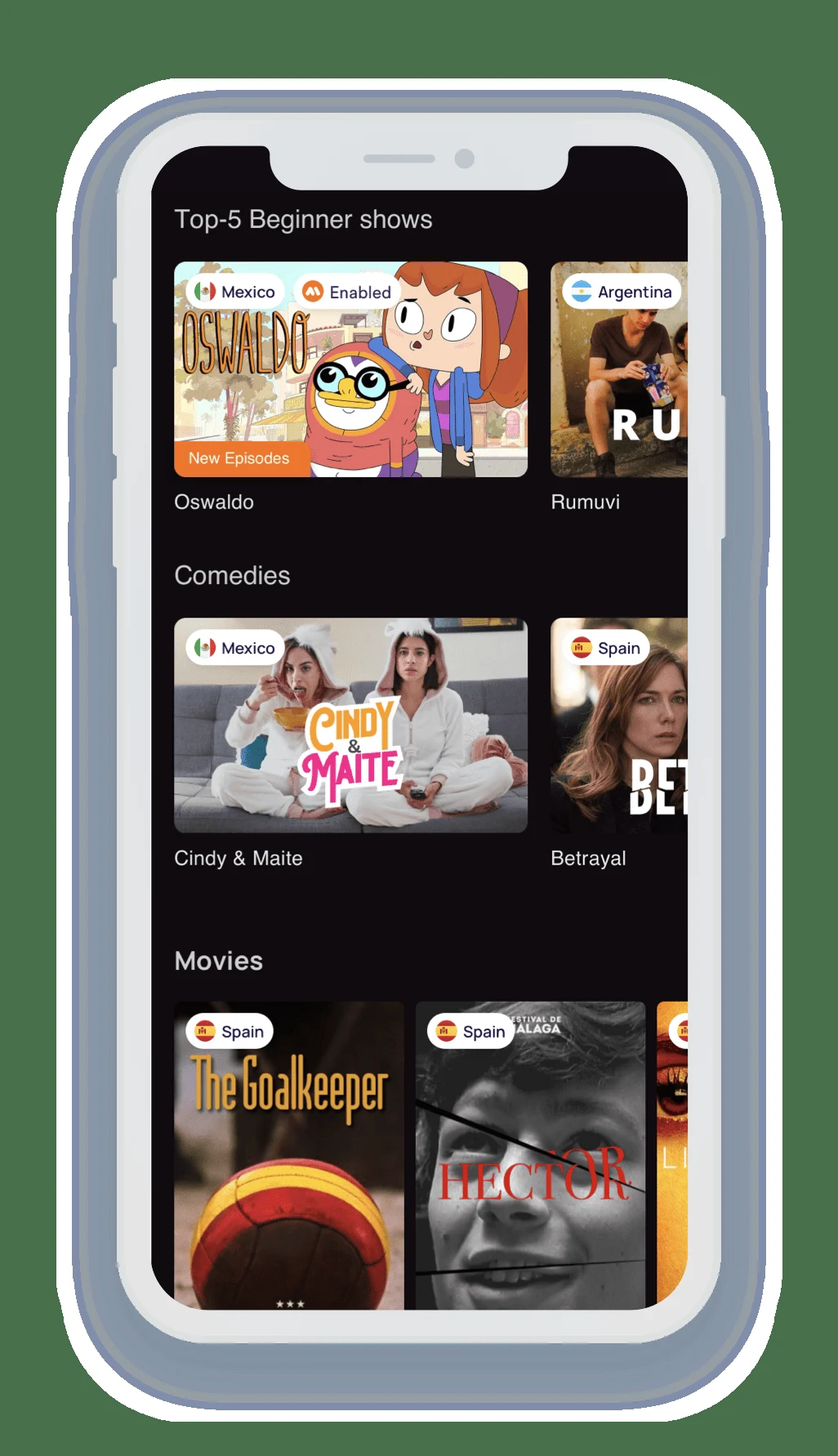
Choose Lingopie when you want a dedicated viewing-and-vocabulary workflow. Choose Language Reactor when desktop Chrome and supported Netflix or YouTube material fit your routine. The key difference is where the content comes from and how words return for review, not simply whether both products display two subtitle lines.
Step-by-step guide
Best apps
Oct 24, 2026
Language Reactor offers a free route with plan-dependent features; its paid page distinguishes source subtitles and advanced learning tools. Lingopie is a paid service with qualified trial offers, not a permanently free catalog. For a free-first routine, start with accessible content and verify which subtitle and review features are actually included.
Step-by-step guide
Best apps
Oct 24, 2026
Shortlist Simple Booth HALO for a branded iPad event workflow and Booth.Events when its capture, offline and printing options match your hardware. Consider Simple Booth Classic for a simpler personal-event route. Choose by the whole guest journey, then verify the license, printer and delivery requirements for your event.
Step-by-step guide
Best apps
Oct 24, 2026
Use Apple Shortcuts for a simple repeatable image combination, or Canva for a designed collage using your own photos and eligible free elements. Check the export before investing in a complex template. Free collage creation does not automatically include every premium asset, background-removal feature or export option.
Step-by-step guide
Best apps
Oct 24, 2026
On a supported iPhone, start with Apple’s subject-lifting feature for a quick cutout. For a web route, Adobe’s checked background-removal page now presents Firefly and advertises free removal. Canva’s editor documentation identifies background removal as a paid feature, so it should not be listed here as an unrestricted free option.
Step-by-step guide
Best apps
Oct 24, 2026
For local AI assistance on a Mac, shortlist LM Studio for a graphical model-and-document workflow and Ollama for a model runtime you connect to other software. Neither name alone establishes a fully local autonomous agent. Check inference, tool execution, storage and network access separately.
 Step-by-step guide
Best apps
Oct 24, 2026
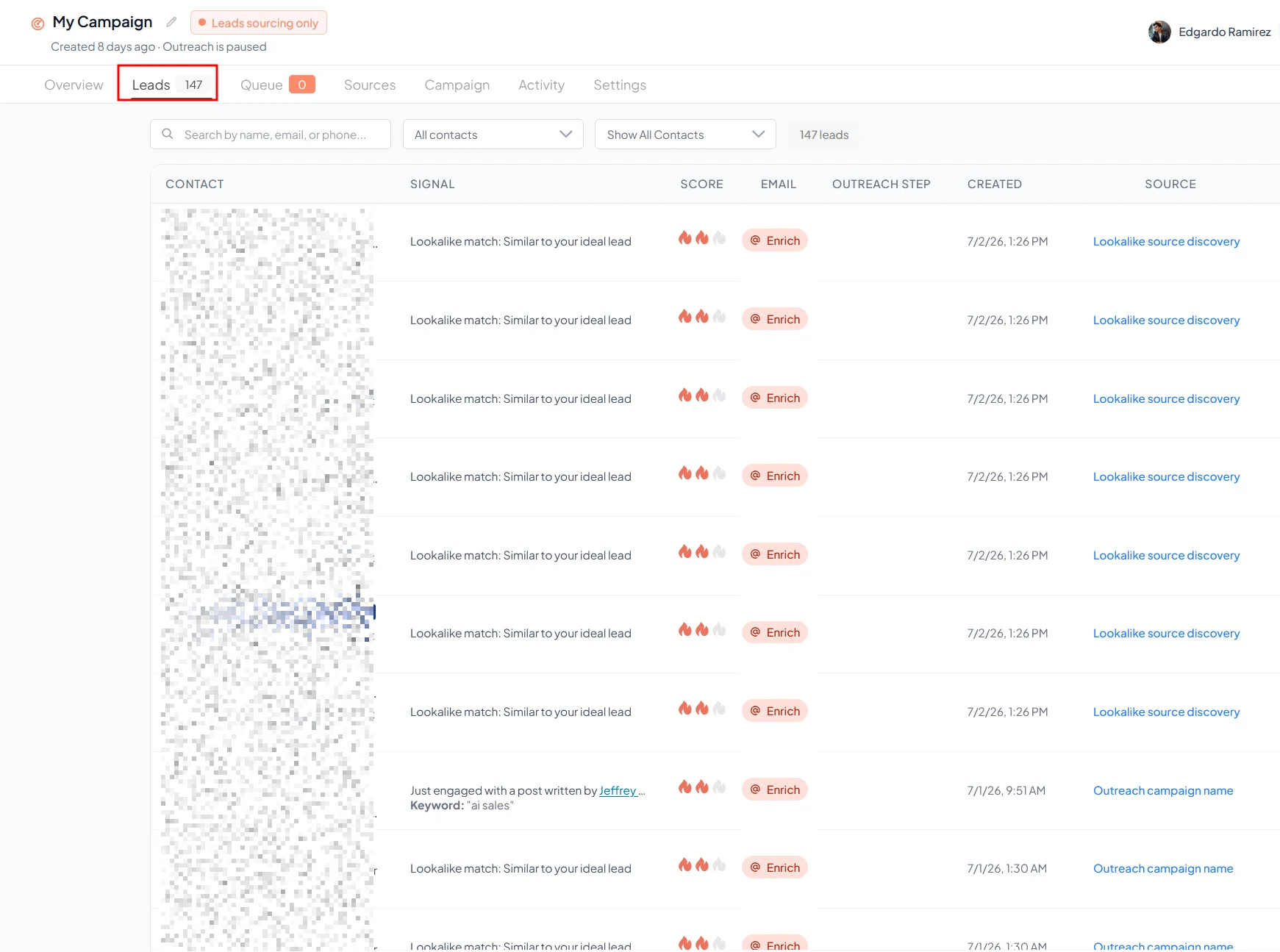
Shortlist Gojiberry for a signal-led prospecting and outreach workflow, HubSpot’s Prospecting Agent when the CRM already holds your customer context, and Apollo when prospect data and sales execution are the starting point. Compare the complete workflow and its costs rather than treating every AI sales feature as the same autonomous agent.
Step-by-step guide
Best apps
Oct 24, 2026
For a small team, shortlist the tool that fits the existing workflow: Gojiberry for signal-led prospecting, HubSpot for CRM-centered work or Apollo for data and sales execution. Include seats, credits, integrations and review time in the cost. Prefer a clear owner and a controllable first workflow over maximum automation.
 Step-by-step guide
Best apps
Oct 24, 2026
Shortlist Higgsfield for its catalog of creative effects and production tools, and Swagga.ai for its photo-to-video, motion-reference and portrait-oriented workflows. Start with the output you need, then check export access and usage costs. These are web-tool recommendations; Higgsfield’s official guide says it has no native mobile or desktop app.
Step-by-step guide
Best apps
Oct 24, 2026
A free preview does not prove free watermark-free export. The checked sources do not establish a durable, general-purpose free-and-no-watermark entitlement for Higgsfield or Swagga.ai. Adobe documents limited free generations, with model and feature conditions. Verify the selected tool’s current export before building a project around it.