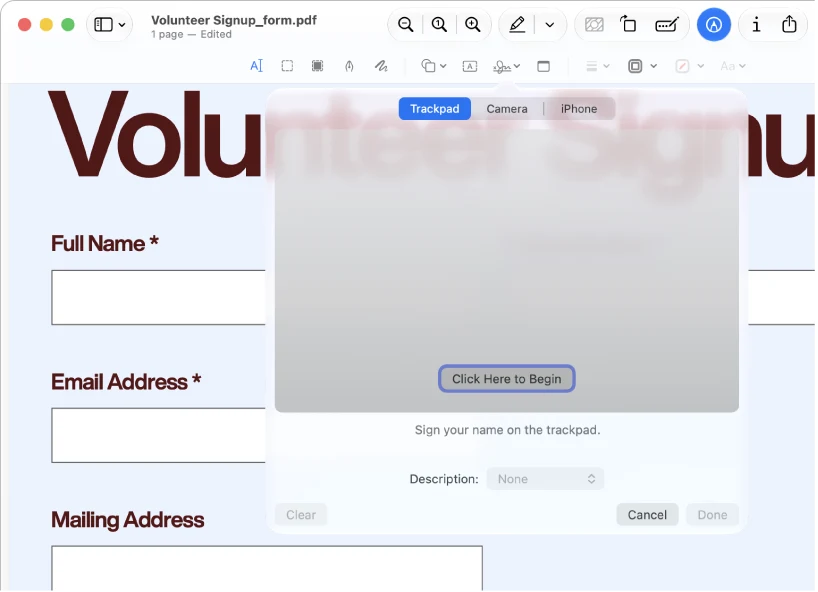
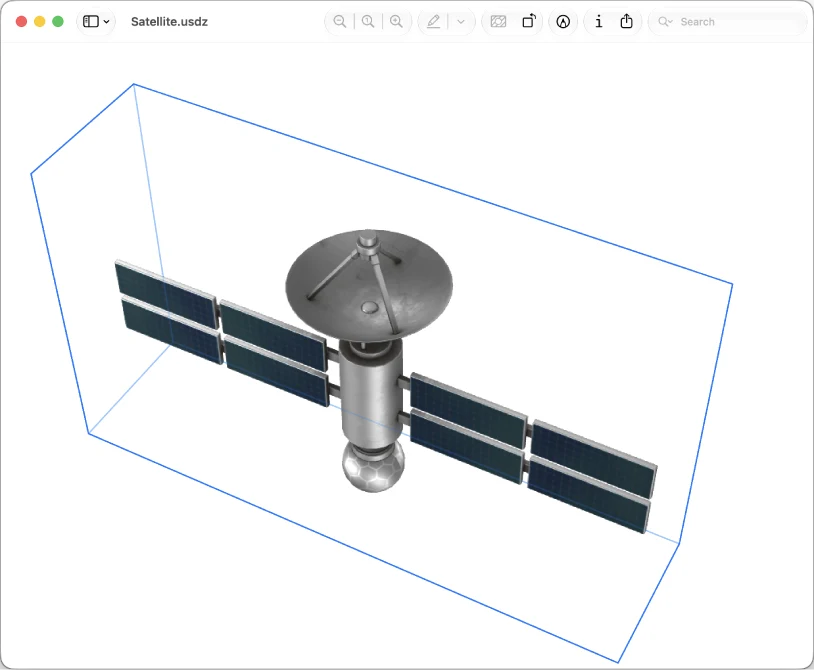
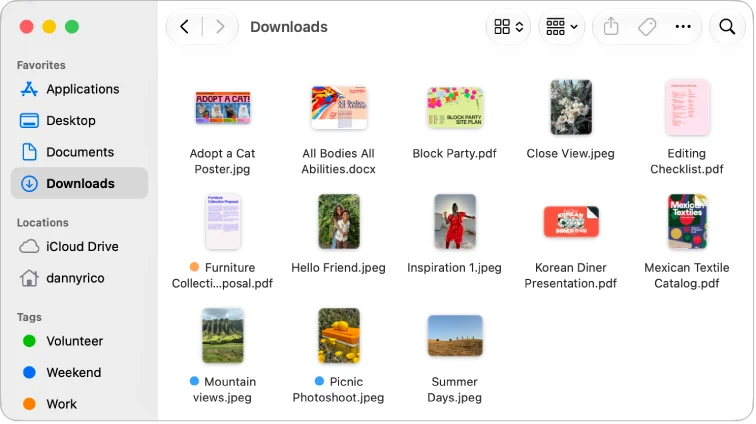
Window Capture may suit short software demonstrations on an Apple silicon Mac. Free MP4 clips stop at three minutes; the one-time Pro purchase removes that limit and adds silent GIF export. It requires macOS 15 or later and is not an iPhone recorder.
Research reviewed
Free screenshots and MP4 clips up to 3 minutes. US Pro: $7.99 once, with unlimited recording and additional tools. No subscription.
Prepare a worship set by working through instrument or vocal parts with videos, charts and a practice mixer. The store gallery uses older artwork and catalog counts; current paid lessons and the current mixer were not accessed.
Research reviewed
The US download is free. The App Store lists Full Access at $14.99 and describes a recurring monthly subscription.
Choose a curated radio channel by decade or style, and keep favorite stations across devices. The submitted no-commercial claim and catalog size have not been verified station by station. Store images show an earlier interface.
Research reviewed
Five stations are free. The website lists up to five free favorites and requires an account for sharing membership across platforms.
Keep videos from different services in a searchable list and return to the original whenever needed. Xlist saves links. It does not host or download the videos. Playback and sync were not tested.
Research reviewed
The US iPhone listing is free and shows no in-app purchase list. Saving links, making lists and basic search are described as free.
Choose YouCaster for audio-friendly interviews and lectures. The free tier allows up to 3 subscribed channels in total and 10 episodes per month, with background playback and saved progress. Pro removes both limits and adds livestream replays and offline caching. The developer clarified these allowances on October 31, 2026.
Research reviewed
Free: up to 3 channels in total and 10 episodes per month. Pro removes these limits; website examples $1.99/month or $14.99/year. Check current renewal terms.
Consider YumTube only as a supervised video-playback control. It detects mouth movement, not eating or swallowing, and neither the developer demo nor this profile establishes a feeding benefit.
Research reviewed
Free US download. The current developer description states no app subscriptions, in-app purchases or separate app ads; YouTube video ads may still appear.
Zenith offers a visual reason to return to a single-task timer: sessions contribute to a virtual plant and local progress. Its optional Strict Mode can interrupt plant growth when the app is left. It does not block other apps or device features.
Research reviewed
Free download. No in-app purchase or subscription was listed. Official screenshots contain test-ad banners; current advertising and virtual-coin behavior remain untested.

Journaling & memory keeping
A digital journal and scrapbook workspace for people who want to arrange photos, text and decorative elements themselves.
Shortlist Zinnia when making the layout is part of the enjoyment. Its documented editing controls provide a different route from generating a finished PetaNote page. Consider your screen size before committing to a dense spread.
Research reviewed
Free download with Premium subscriptions. The US listing includes US$9.99 monthly and US$39.99 yearly offers alongside other prices; verify your offer.

Reading & learning
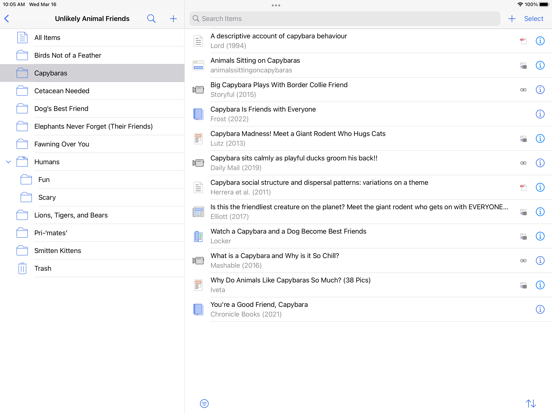
A reference library connecting bibliographic records, attached papers and research annotations.
Choose a reference manager when author, publication and citation metadata matter as much as the PDF itself.
Research reviewed
Free app · optional attachment storage
Jodjam combines notes, reminders and income/expense records in a local organizer. The developer confirms that everyday core features remain free indefinitely without usage caps; Premium covers advanced analysis, customization, export and voice tools.
Research reviewed
Core organizer free without usage caps per developer; 30-day all-feature experience. Premium reference: US $0.99/mo or $9.99/yr; Thailand ฿49/mo or ฿390/yr. Trial renewal unverified; tips separate.
The documented workflow brings RSS articles, word lookup, sentence reading, PDFs and vocabulary review together. It is best understood as a reading companion rather than a complete language course.
Research reviewed
Free download; optional Gold membership