How-to guide
Oct 25, 2026
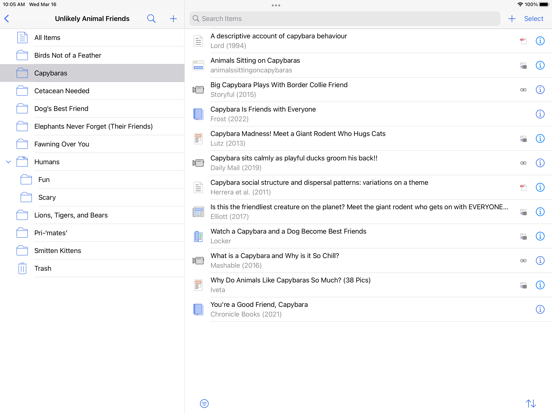
Save a paper into Zotero, open its stored attachment, annotate it and verify the destination you need. A visible reference record is not proof that its PDF has downloaded; sharing a file and syncing Zotero annotations are separate workflows.
How-to guide
Oct 25, 2026
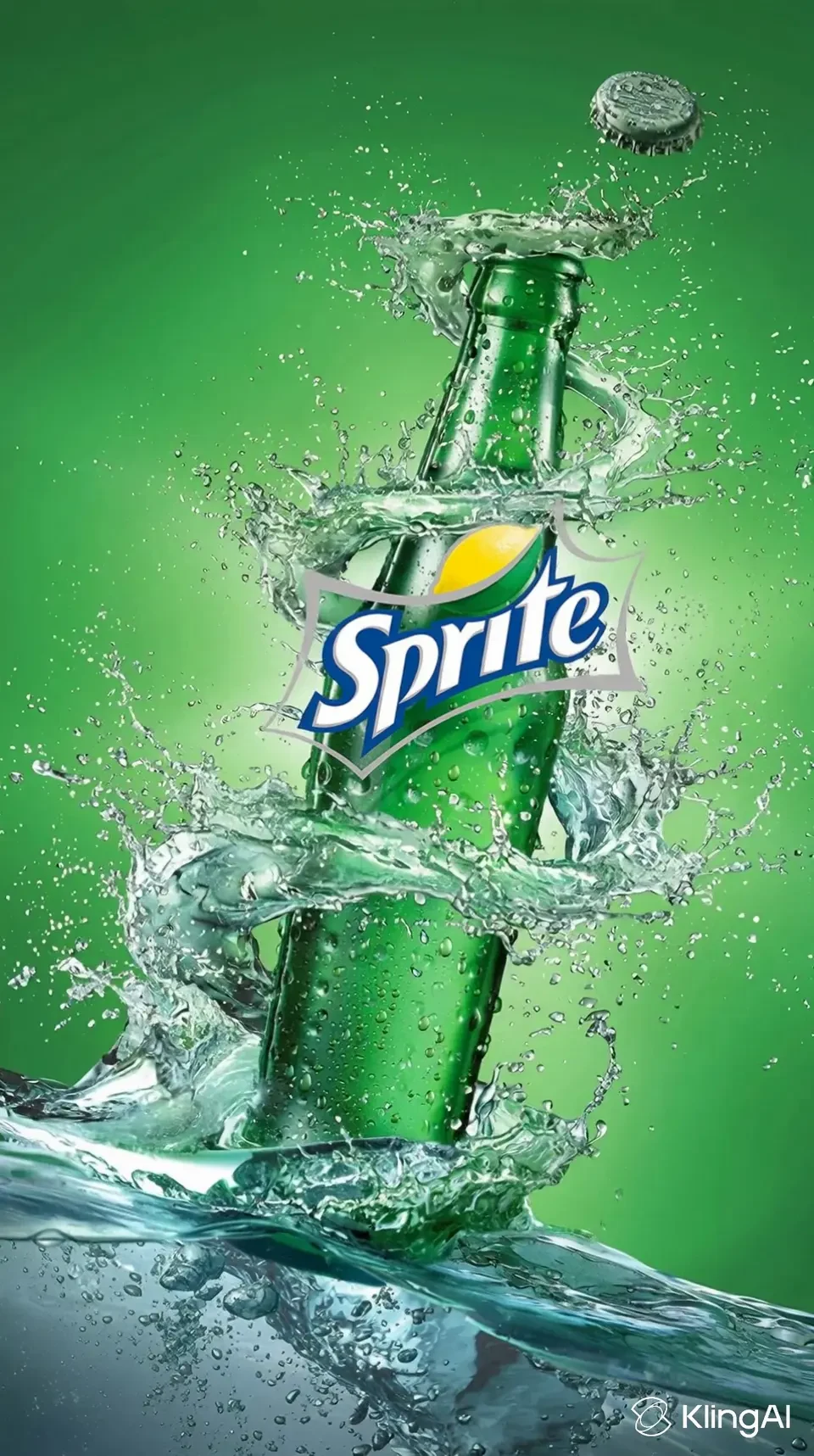
Start with accurate product photos and a three-shot storyboard: identify the product, show one useful detail and end with a clear next step. Generate short motion clips from those references, then add exact branding, text and audio in an editor. Inspect every shot for invented features or altered packaging.
How-to guide
Oct 24, 2026
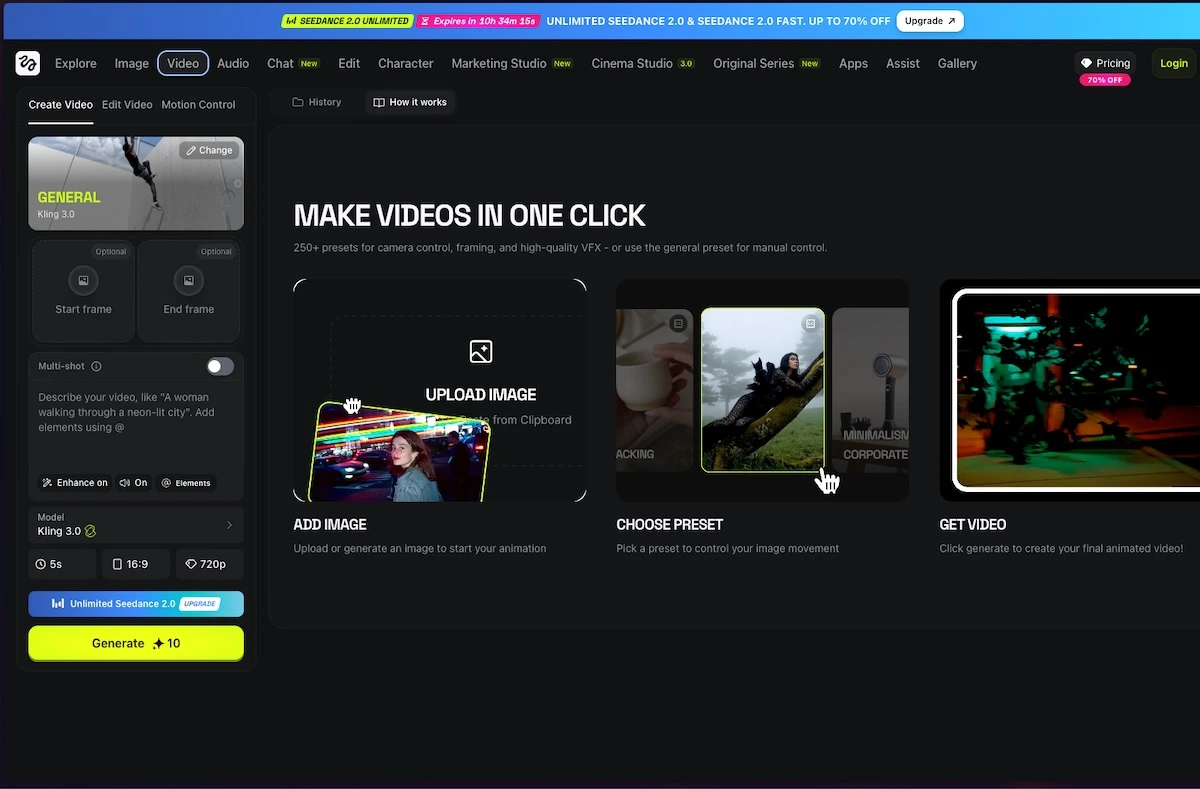
Use an image-to-video workflow, upload a clean reference, describe one subject movement and one camera movement, then generate a short clip. Inspect the result for changed faces, hands, text and product details before adding it to an edit. Start with modest motion when consistency matters.
How-to guide
Oct 24, 2026
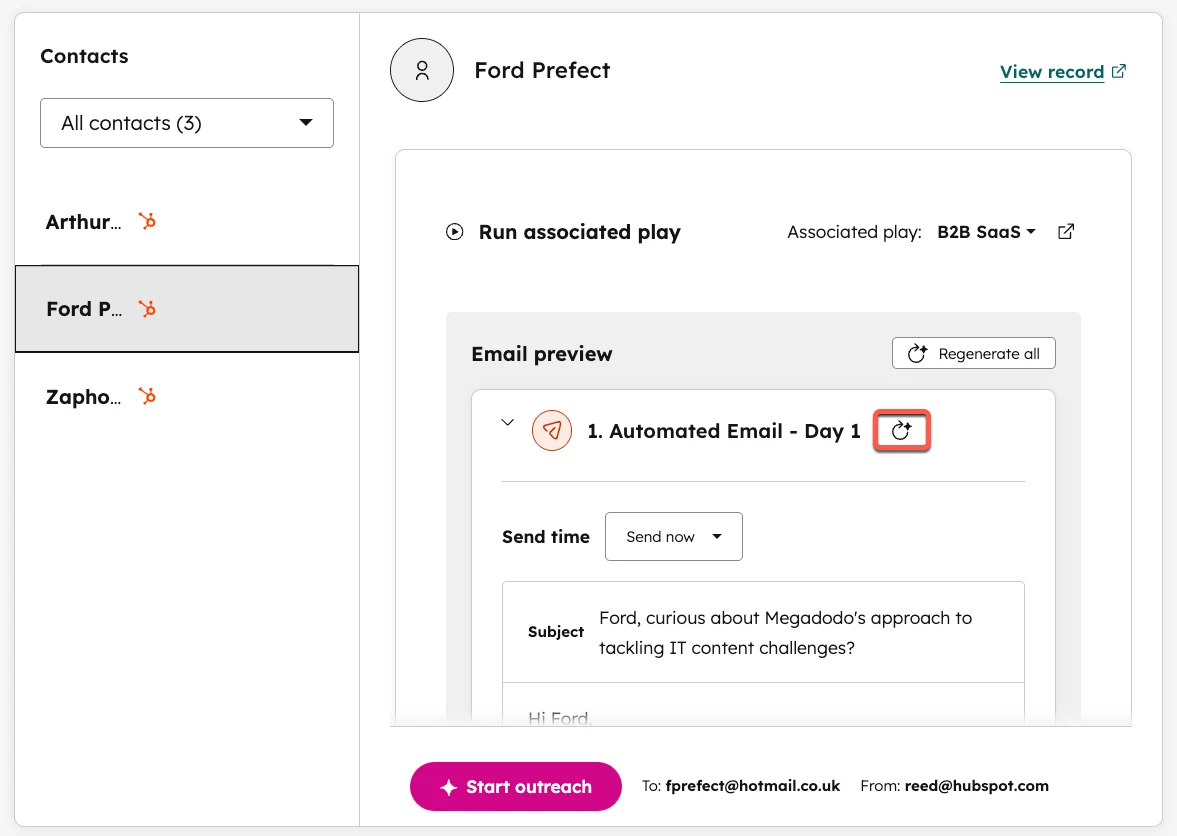
Review an AI follow-up in this order: confirm the recipient and relationship, verify every personalized claim, inspect the proposed next step and check the stop rules. Keep the final approved message in the CRM. Automation should not turn a research hint into a claim the recipient never made.
How-to guide
Oct 24, 2026
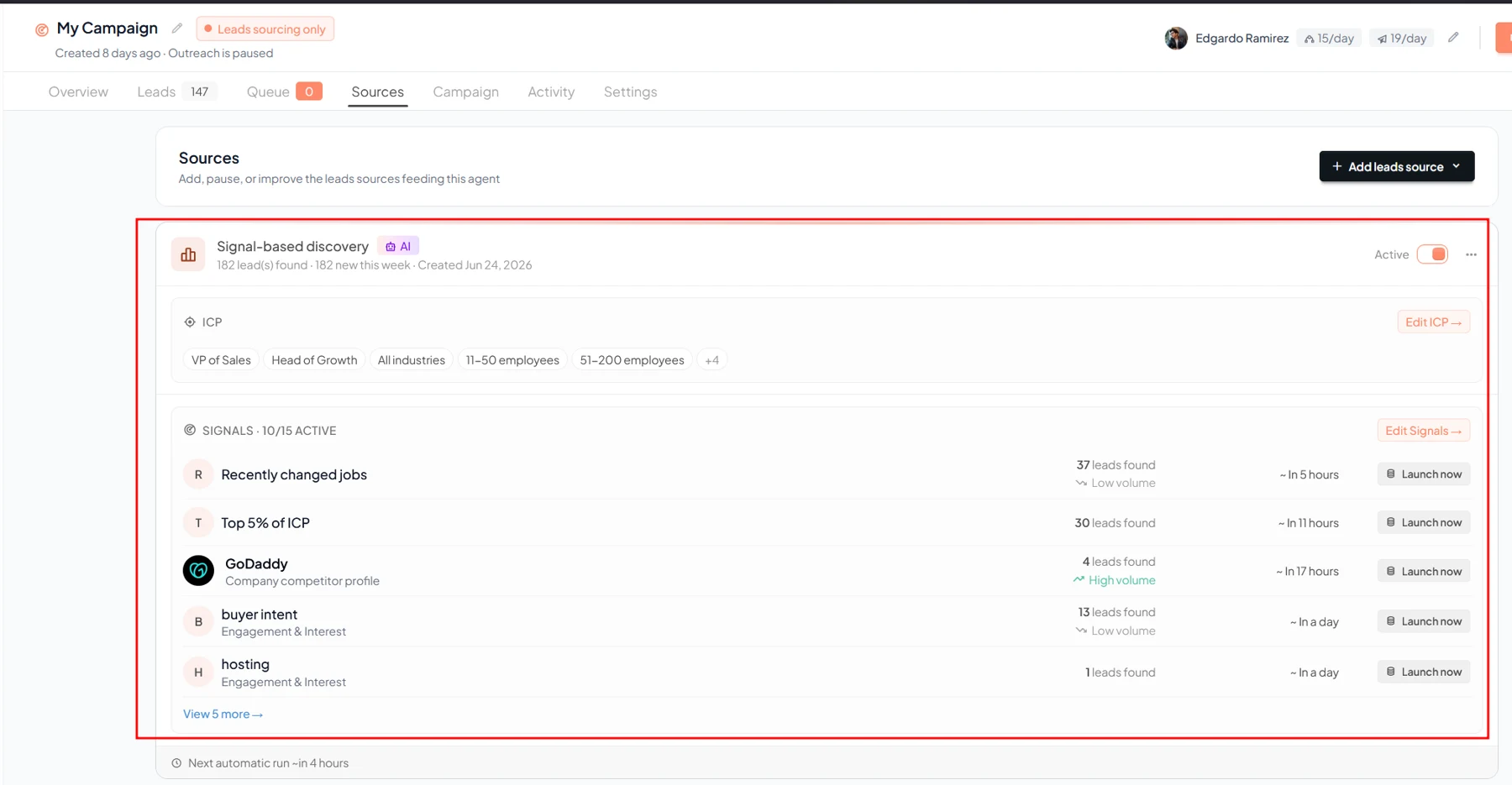
Use buying signals to prioritize research, then combine them with business fit and a recent verifiable source. Score the account separately from the contact, record why the signal matters and send the highest-priority cases to review. A signal is evidence of activity, not a confirmed purchase decision.
How-to guide
Oct 24, 2026
Start by defining an ideal customer profile and a useful signal, then review the resulting prospects before enabling outreach. Gojiberry’s documented workflow moves from signal monitoring to leads and campaigns. Keep sender access, message review and stopping conditions explicit; a signal is a reason to investigate, not proof of buying intent.
How-to guide
Oct 24, 2026
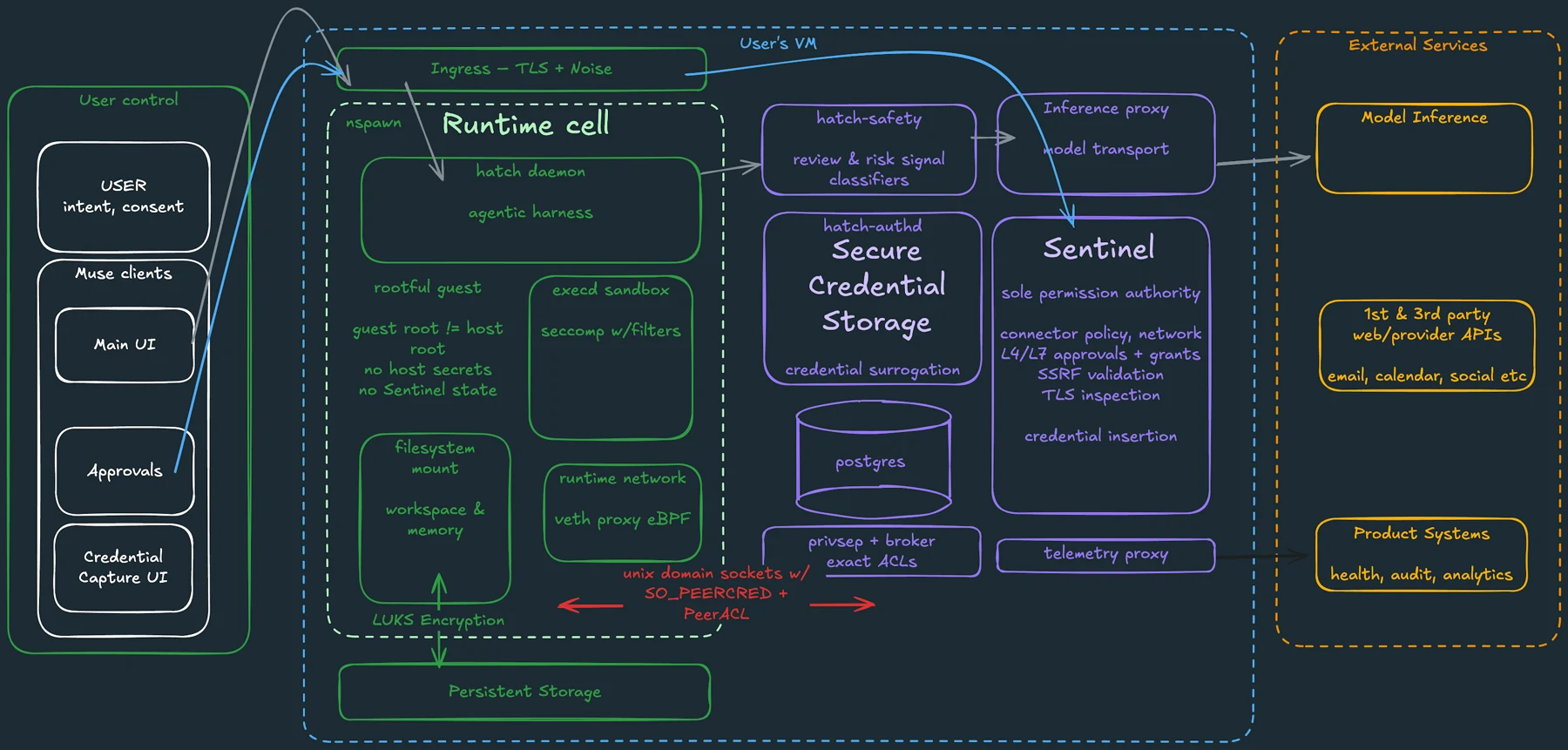
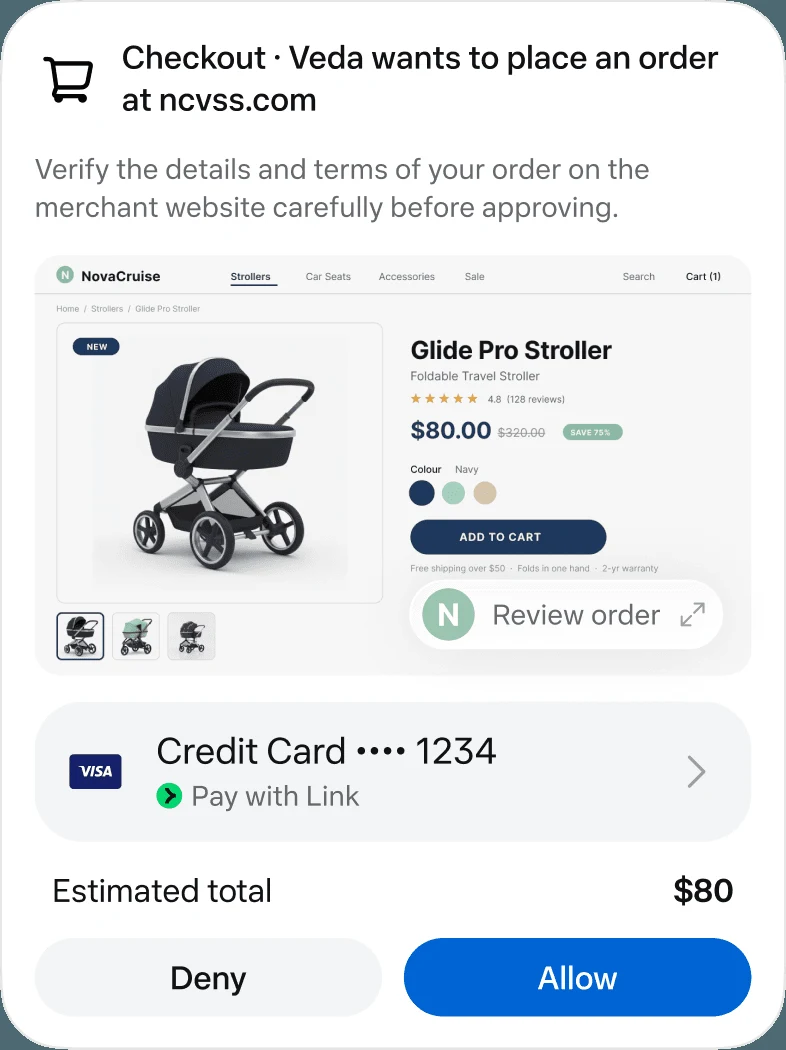
Prompt injection occurs when material an agent reads tries to redirect its behavior. Approval controls can reduce the damage of an unwanted action, but they do not establish that every summary is correct or that every attempted manipulation will be detected. Narrow access and review the exact proposed action.
How-to guide
Oct 24, 2026
Before giving an agent email access, check which mailbox it can read, what it stores, who processes the information, how permissions are enforced and how you can remove access and retained context. If the task needs only a few messages, supplying those messages may be a better fit than connecting the whole inbox.
How-to guide
Oct 24, 2026
Disconnect the service in the agent’s connection settings, then review the original service’s third-party access page. Remove the data-access grant you intend to revoke, rather than only disabling sign-in. Finally, review stored chats, memory and scheduled tasks, which may remain after the connection ends.
How-to guide
Oct 24, 2026
Before connecting an app to an AI agent, identify the account, the information it can read, the actions it can perform and how to revoke access. Start with the smallest scope that can complete the job. Treat permission to read and permission to send, edit or delete as separate decisions.
How-to guide
Oct 24, 2026
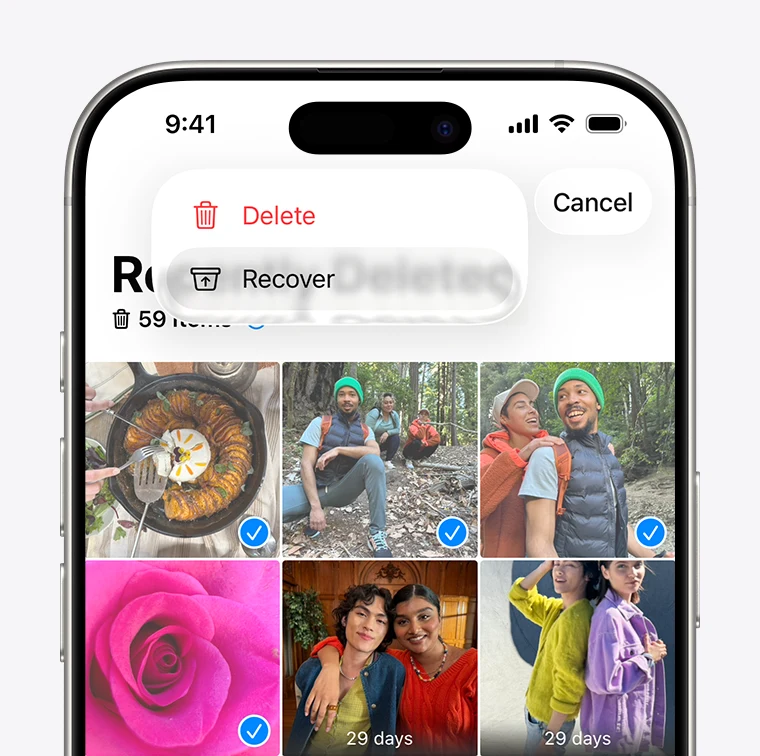
Photo recovery works when an original or usable copy still exists in Recently Deleted, a cloud account, a backup or another storage location. An app’s preview is not proof that it can restore the full original. Start with the phone and cloud service’s own recovery routes before paying for a recovery claim.
How-to guide
Oct 24, 2026
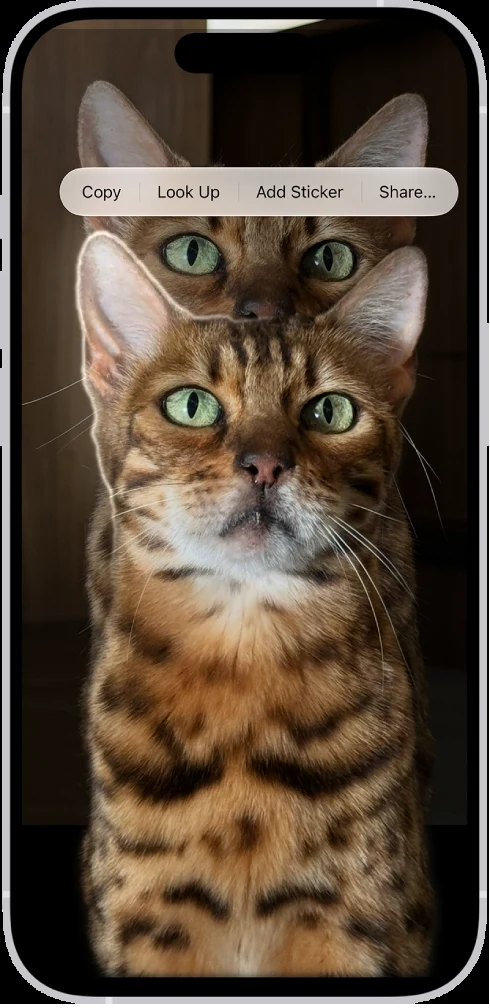
Open a suitable photo full screen, touch and hold its subject, then use the available Copy or Share action. Send the cutout to an app or file workflow that preserves transparency. Open the saved result on a contrasting background; a white preview alone does not establish whether the background is transparent.