How-to guide
Oct 24, 2026
For a simple collage, create a shortcut with Select Photos, enable multiple selection, add Combine Images with the arrangement you want, then add Save to Photo Album. Run it on a few photos and inspect the saved result. Use a design editor such as Canva when you need captions or more flexible layout.
How-to guide
Oct 24, 2026
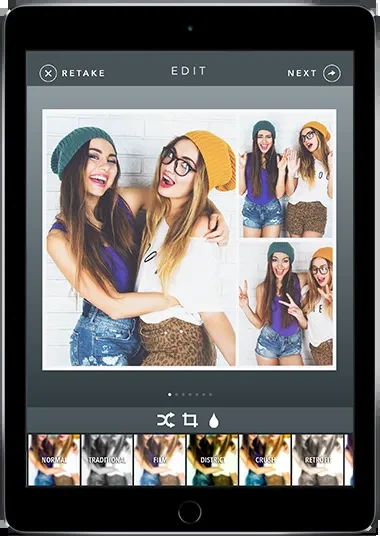
Mount the iPad securely, face it toward even light, configure a short capture sequence and choose a delivery method before guests arrive. Use a real sample capture to check framing, layout and the final print or download. Prepare a digital fallback if the printer or connection fails.
How-to guide
Oct 24, 2026
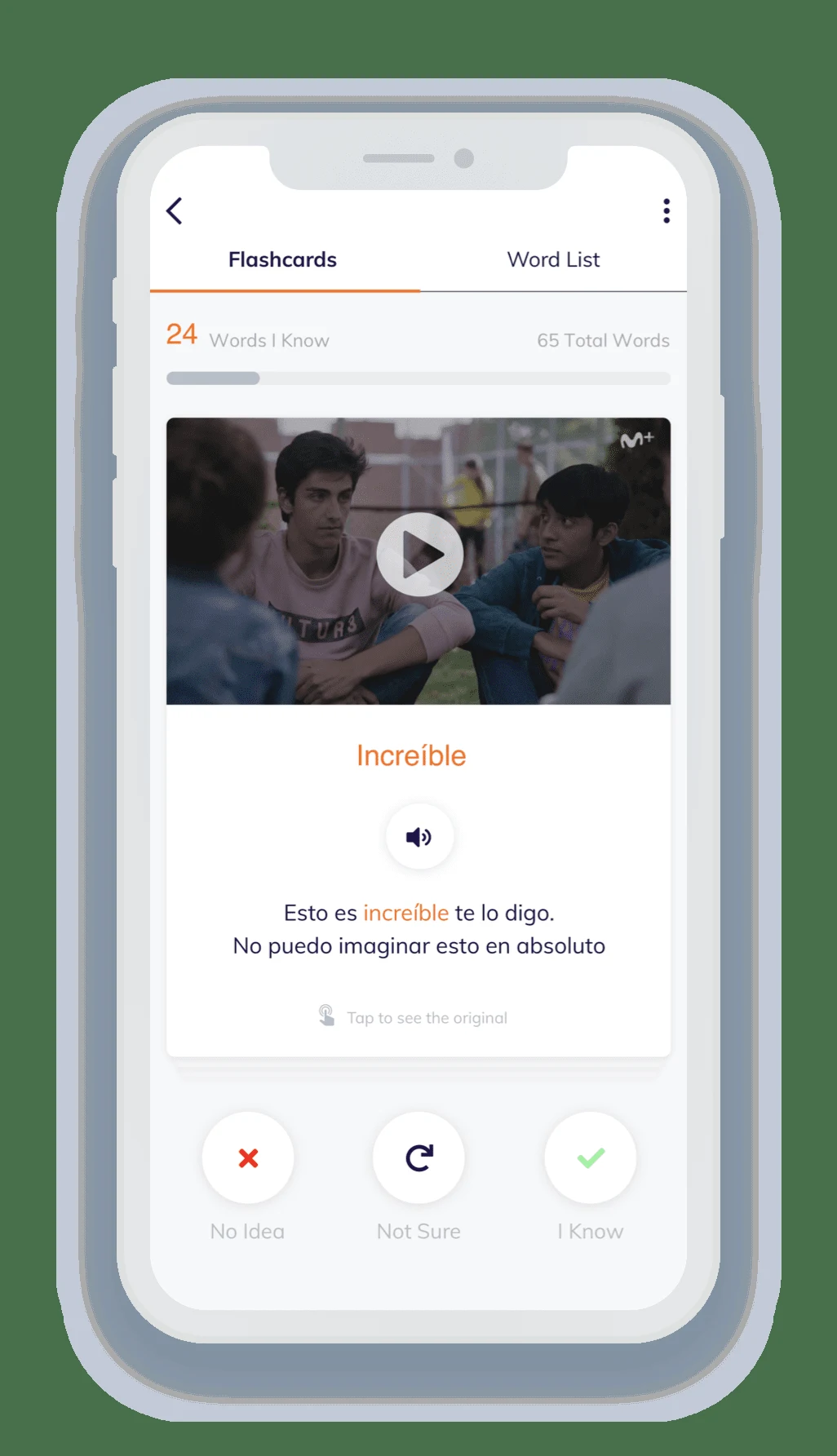
Choose a short Lingopie scene that you can partly understand, watch for the overall meaning, then revisit it with clickable vocabulary and subtitles. Save a small set of useful expressions and return to the flashcards later. Adjust speed when needed, but finish by listening again at a natural pace.
How-to guide
Oct 24, 2026
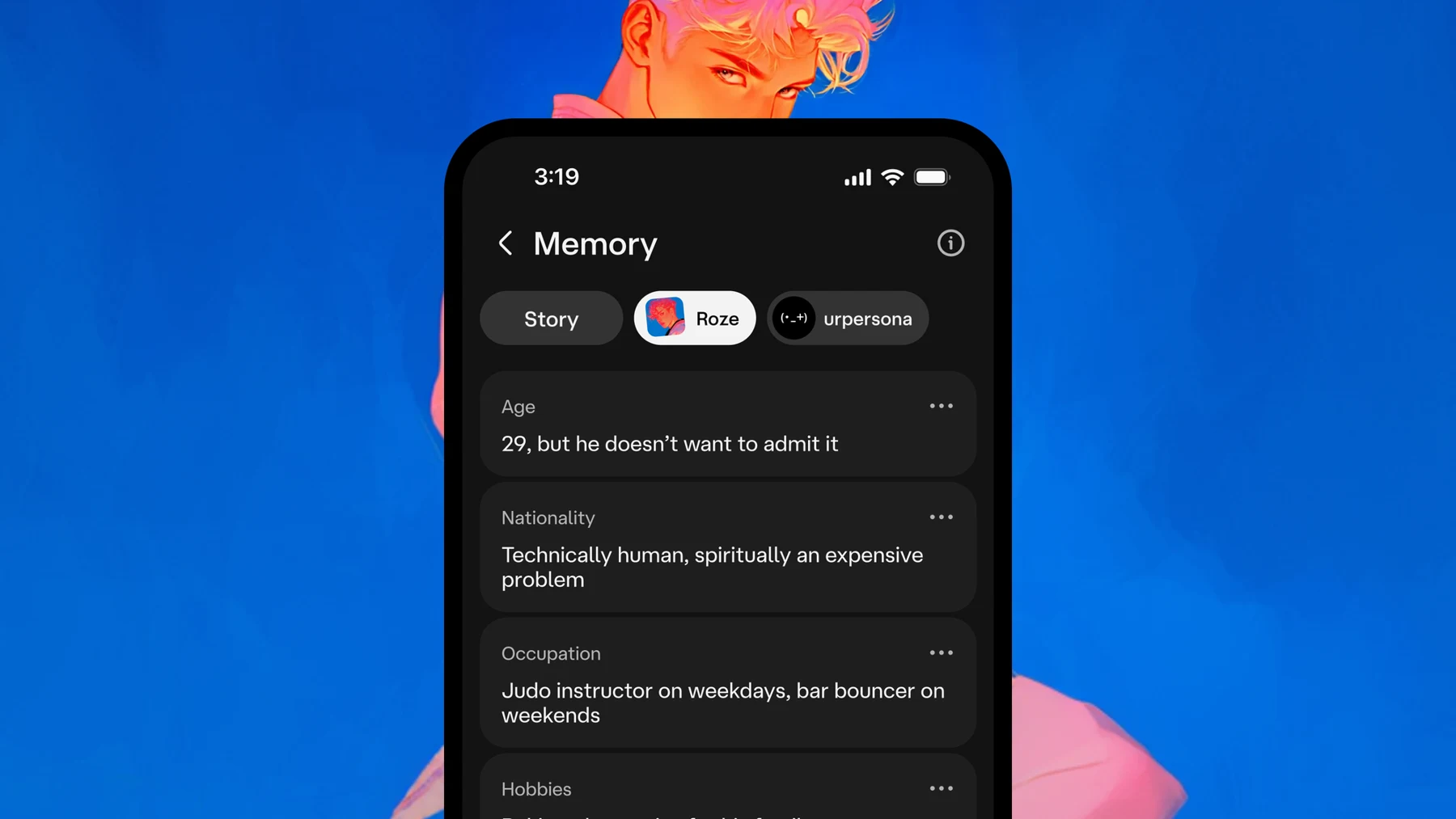
Manage character-chat privacy in three passes: save what you want to keep, review conversation and memory controls, then use the provider’s deletion or account route when needed. Hiding a conversation is not the same as deleting it, and a character’s fictional memory is not an explanation of the service’s data policy.
How-to guide
Oct 24, 2026
Choose the sources, specify a delivery time and time zone, and ask the agent to prioritize decisions over general summaries. Keep the first briefing read-only. A useful output contains a short priority list, links to the originals and a separate set of proposed actions for your review.
How-to guide
Oct 24, 2026
Use Meta’s official Muse entry point, confirm that your region and account can access it, then give it one clearly scoped job. Begin with research or a draft, identify the source apps and keep sending, purchasing and other consequential actions behind an explicit review.
How-to guide
Oct 25, 2026
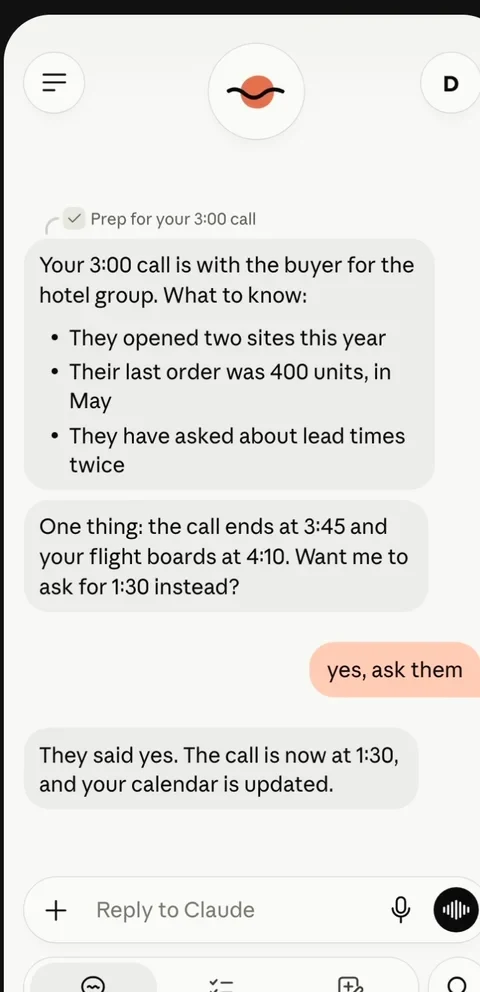
Join the official Claude Duet waitlist with the email used for your Claude account. The checked research preview requires an invited US Pro or Max account. Once invited, follow the provider’s setup link and begin with one small task before adding more connections.
How-to guide
Oct 24, 2026
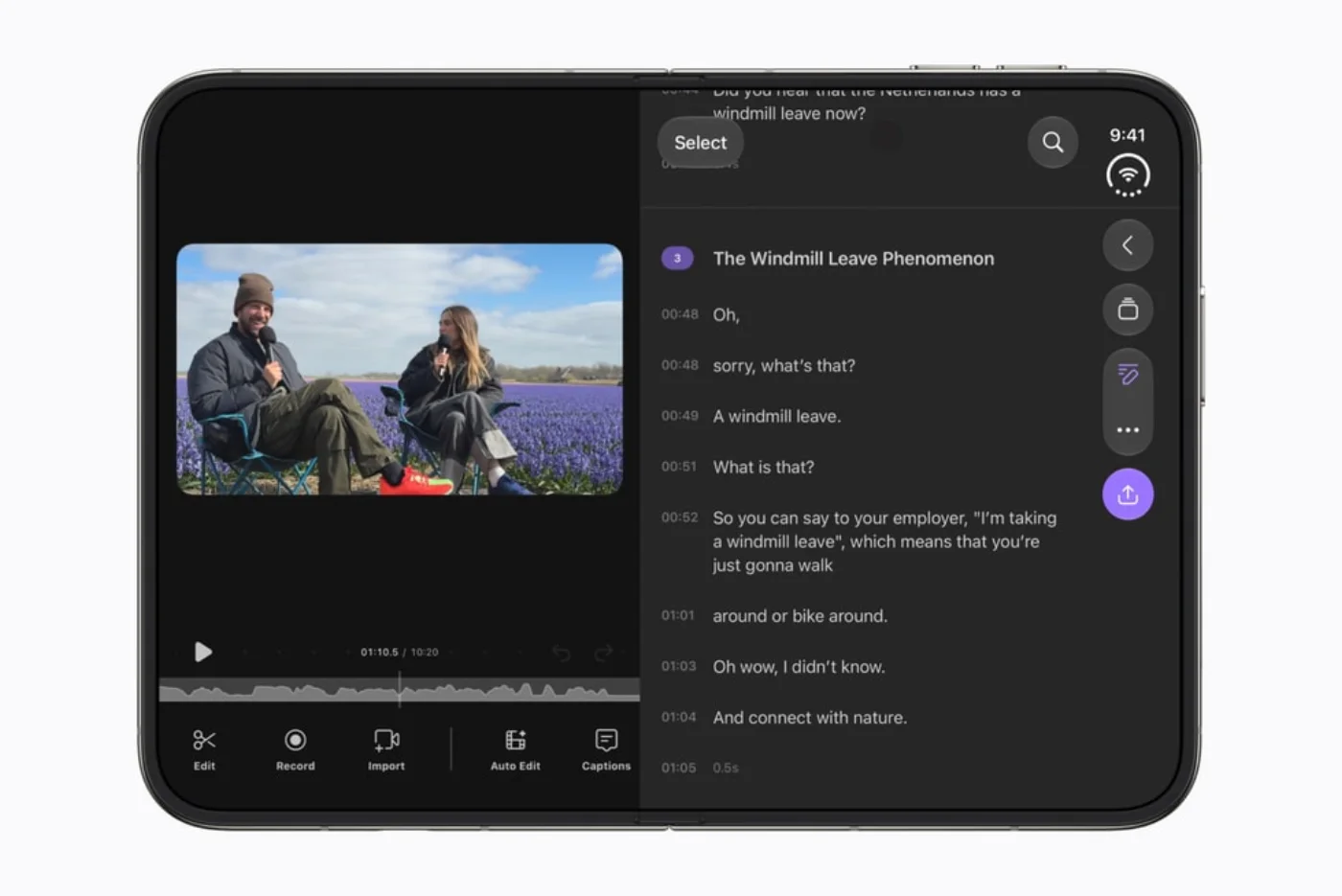
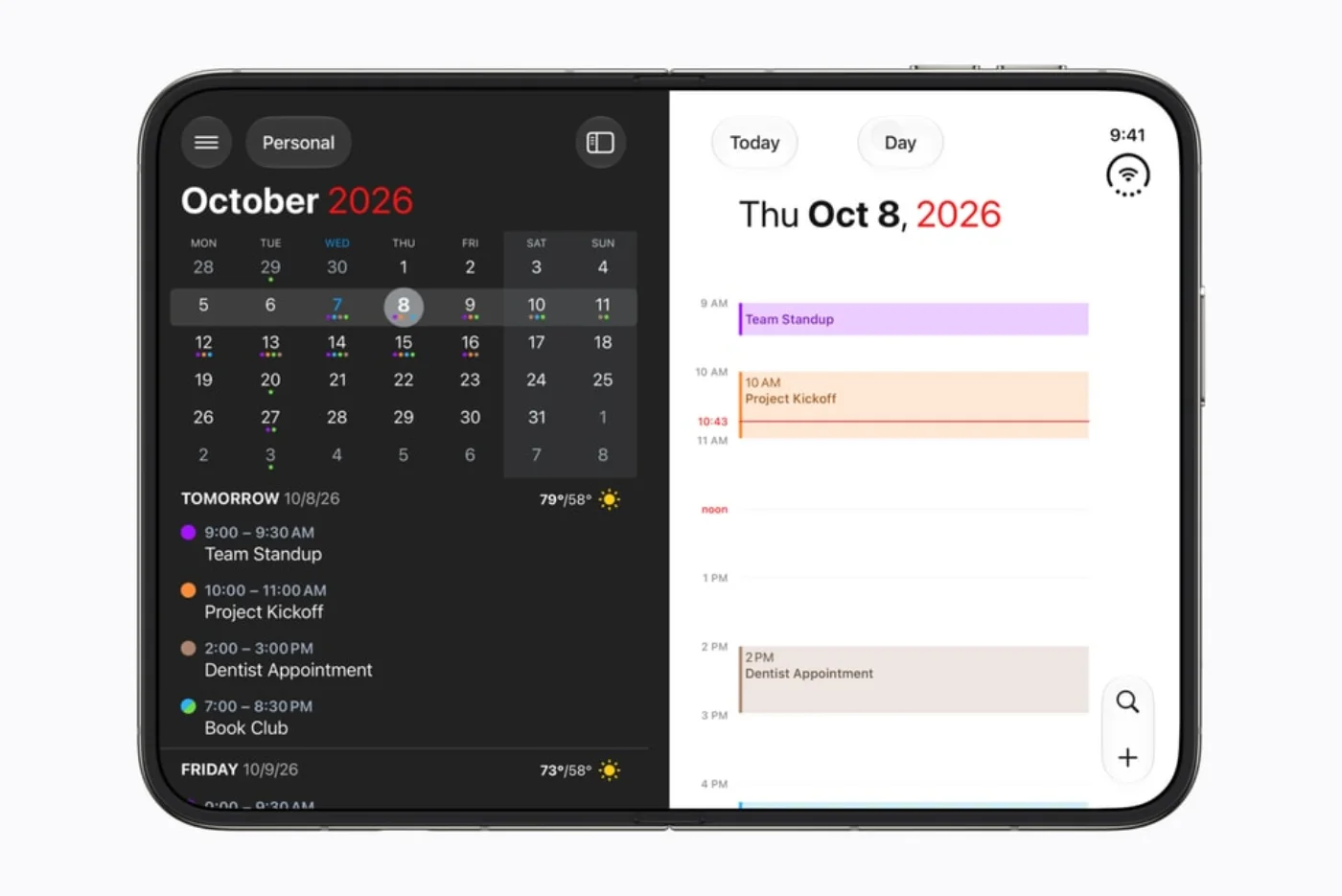
Look for a reason to open, prop up or close the device. An effective layout can keep two useful things visible, leave the device stable on a table, or move information to the display facing the right person. These are sourced examples, not our hands-on findings.
How-to guide
Oct 24, 2026
There is no single yes/no definition of Duo-ready. An app may run, adapt to the wider display, or add pose-specific behavior. This tracker separates the evidence for each claim and keeps an announced enhancement distinct from an available release.
 Apple Books
 Step-by-step guide
How-to guide
Oct 24, 2026
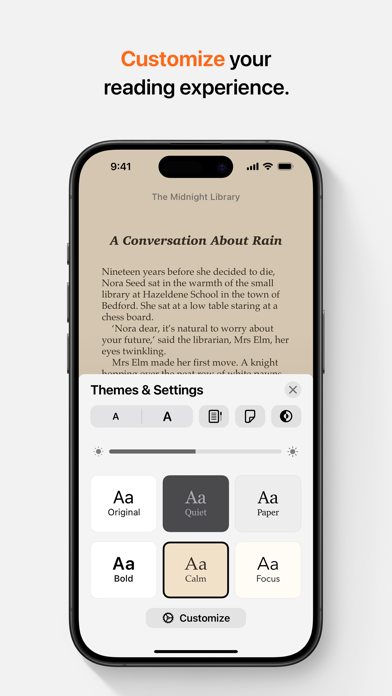
Save the EPUB to your iPhone or iCloud Drive, locate it in Files and open it with Books. Apple documents this route for EPUB files exported from Pages. For a third-party book, confirm that you have an actual EPUB file and that its access restrictions permit the reader you are using.
 PDF Extractor
 Step-by-step guide
How-to guide
Oct 24, 2026
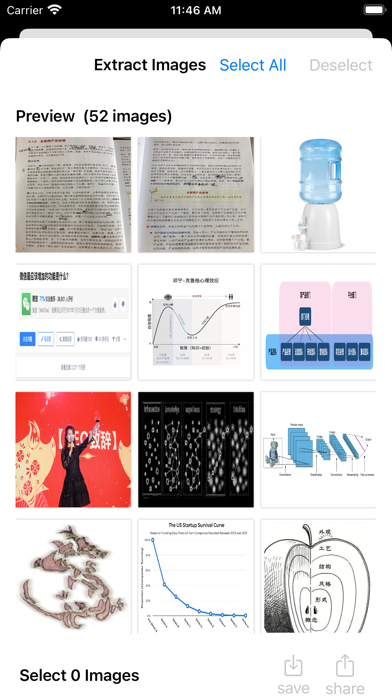
If words cannot be selected because the PDF is a scan, use OCR. Current Preview documentation includes an Embed Text option when exporting PDF; Camera Live Text can help with a short physical passage. Neither extracting embedded pictures nor taking a screenshot by itself creates reliable editable text.
 Step-by-step guide
How-to guide
Oct 24, 2026
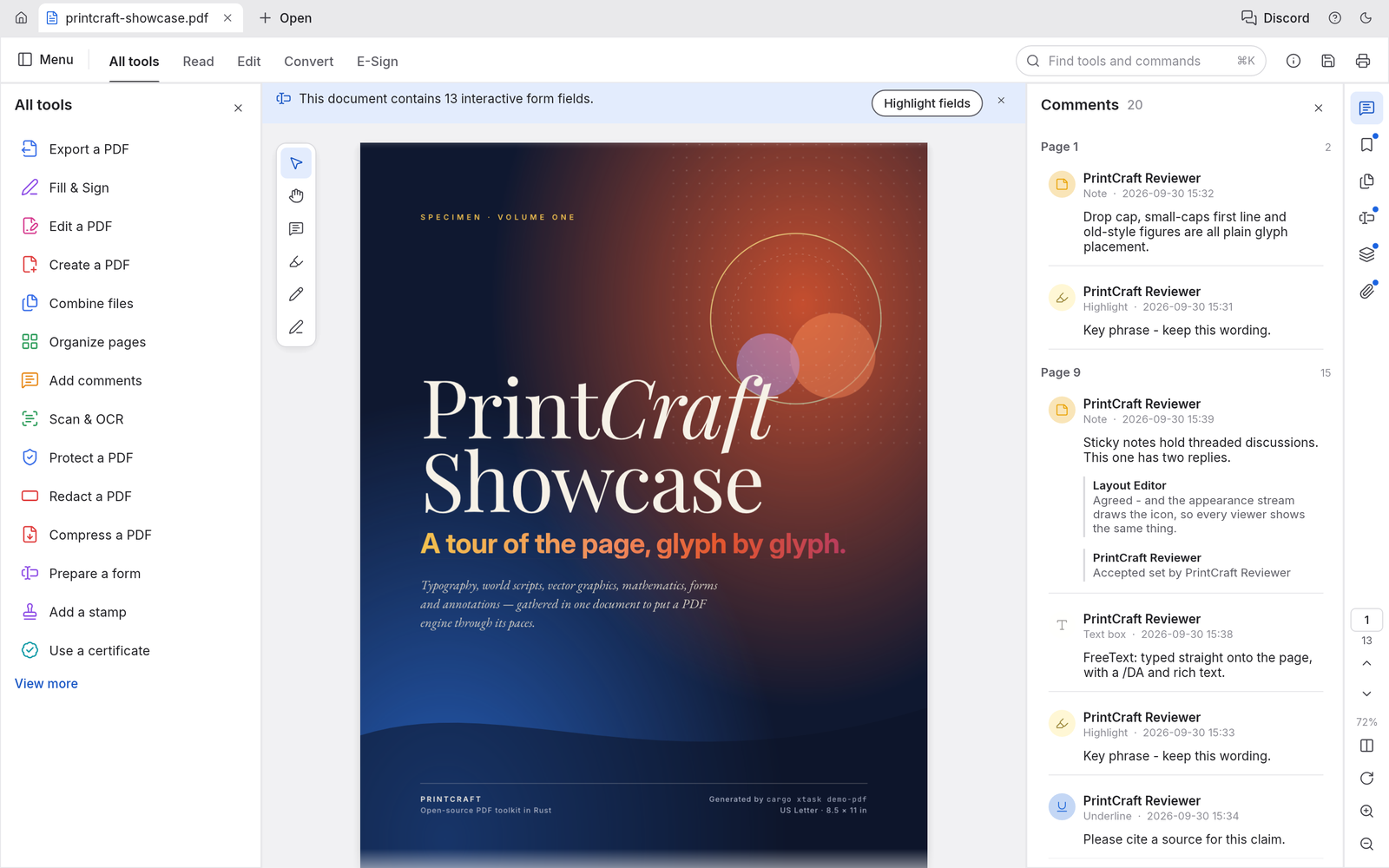
For a simple page subset, select the required thumbnails in Preview, open Print, verify that only the selected pages are included and use the PDF save option to create a new file. Keep the original; printing a PDF is not a guarantee that every interactive feature survives.