Reading & learning
Apple Books
Apple’s reading library and bookstore; a useful baseline before paying for a specialist reader.
Try the included reading app before adding another service for ordinary ebook reading.
Save articles, follow publications, read books, and revisit highlights.
 Readwise Reader
 ZoteroApple Books
Find an approach for: read and annotate research papers.
 NetNewsWireReadwise Reader
 Reeder
Find an approach for: follow websites with rss.
Apple Books GoodLinksReadwise Reader
Find an approach for: organize reading highlights.
Apple BooksReadwise ReaderFind an approach for: read epub books.
Readwise ReaderReederNetNewsWireI want a clean reading view across Apple devices
GoodLinksReadwise ReaderI need a private read-later app

Build a repeatable watch, save and review routine around material you can partly understand.
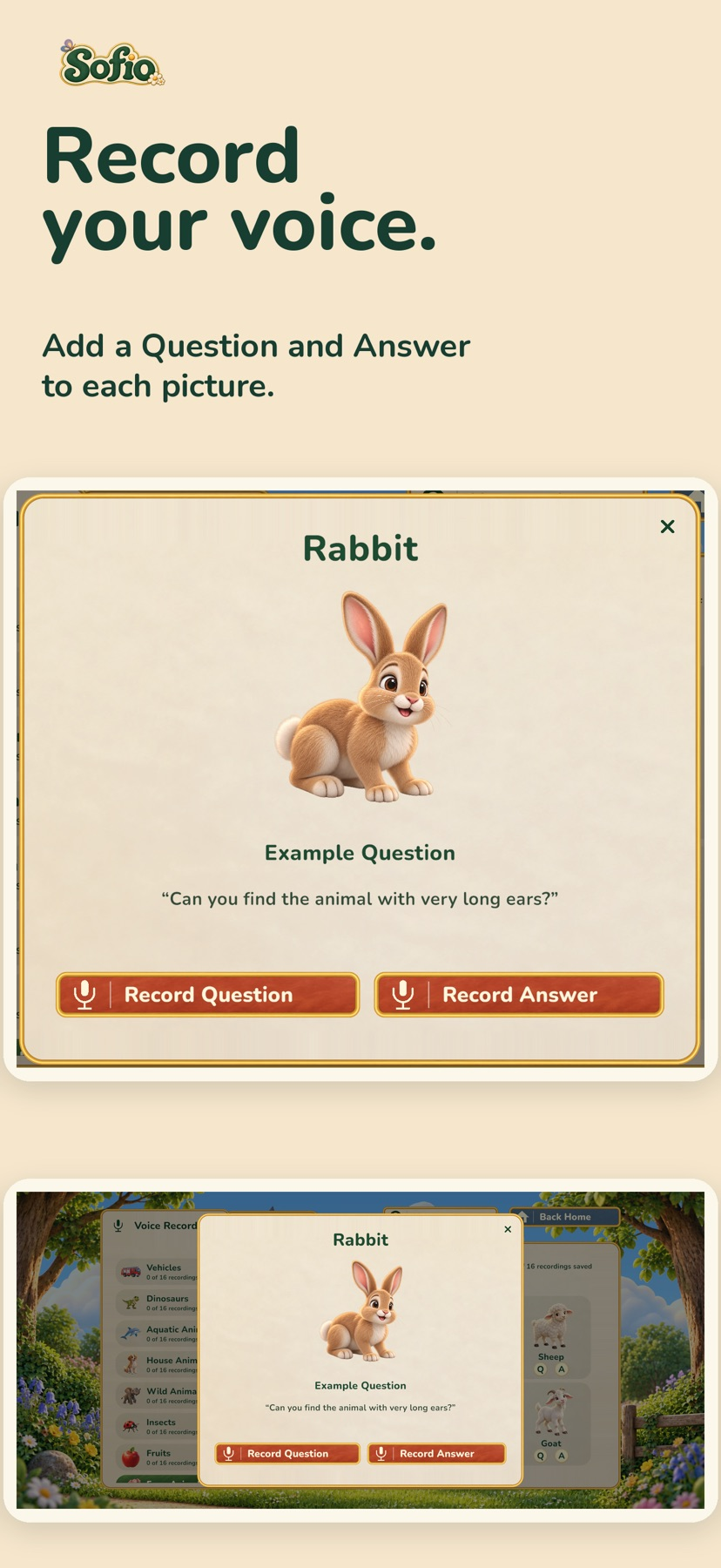
Prepare a small picture game with grown-up recordings before playing together.

Choose the arithmetic level first, then use the story and written help to support a short practice session.
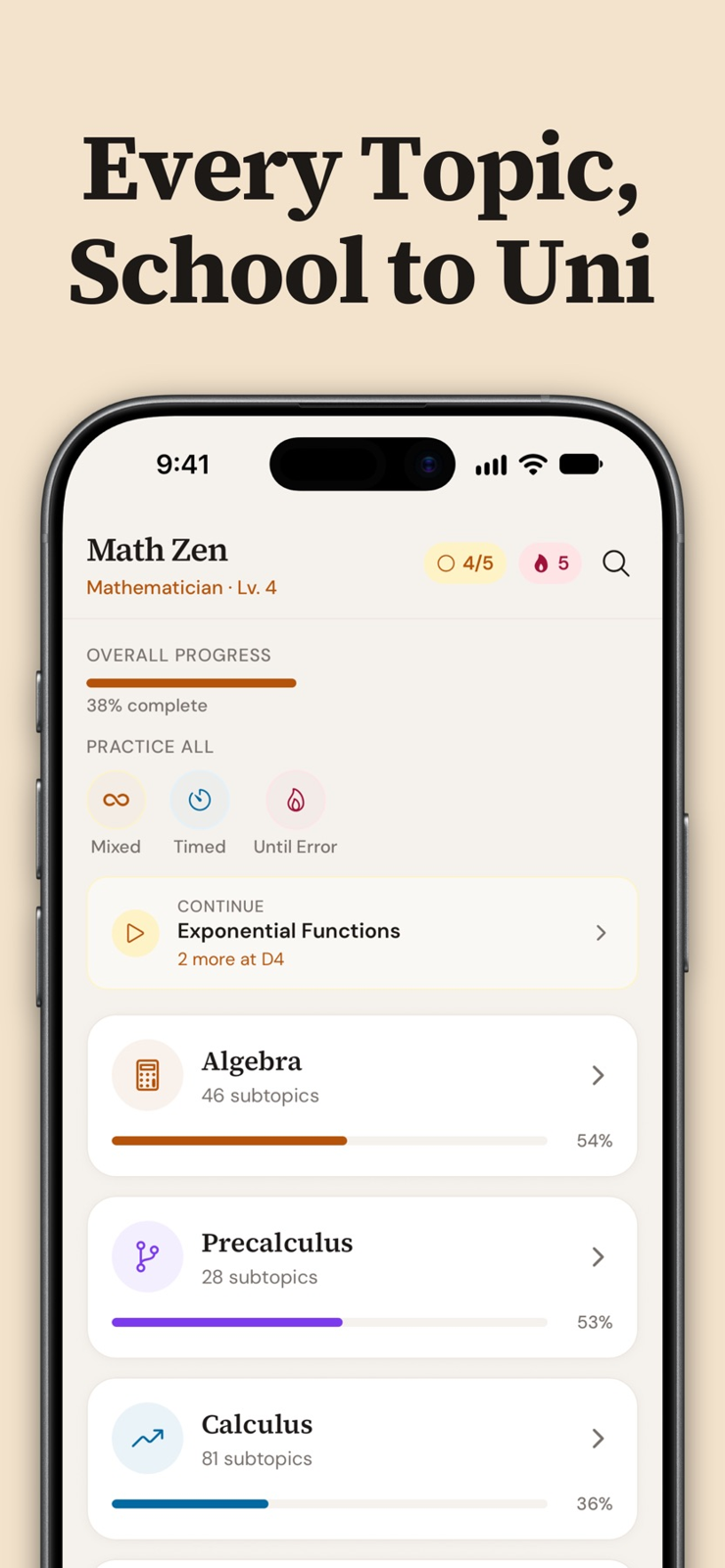
Connect the rule to a fresh problem of the same type.
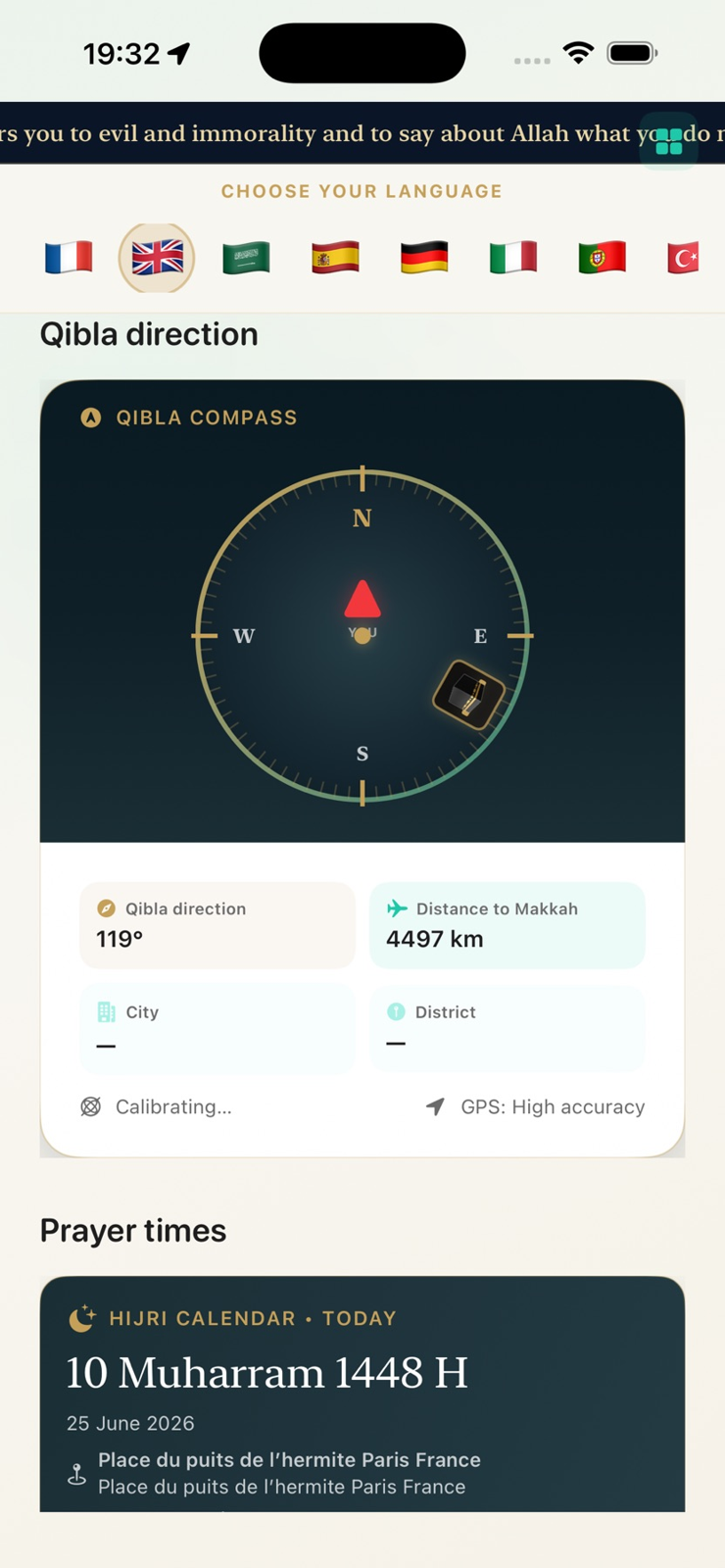
Move from a chapter to its recitation and related study material.
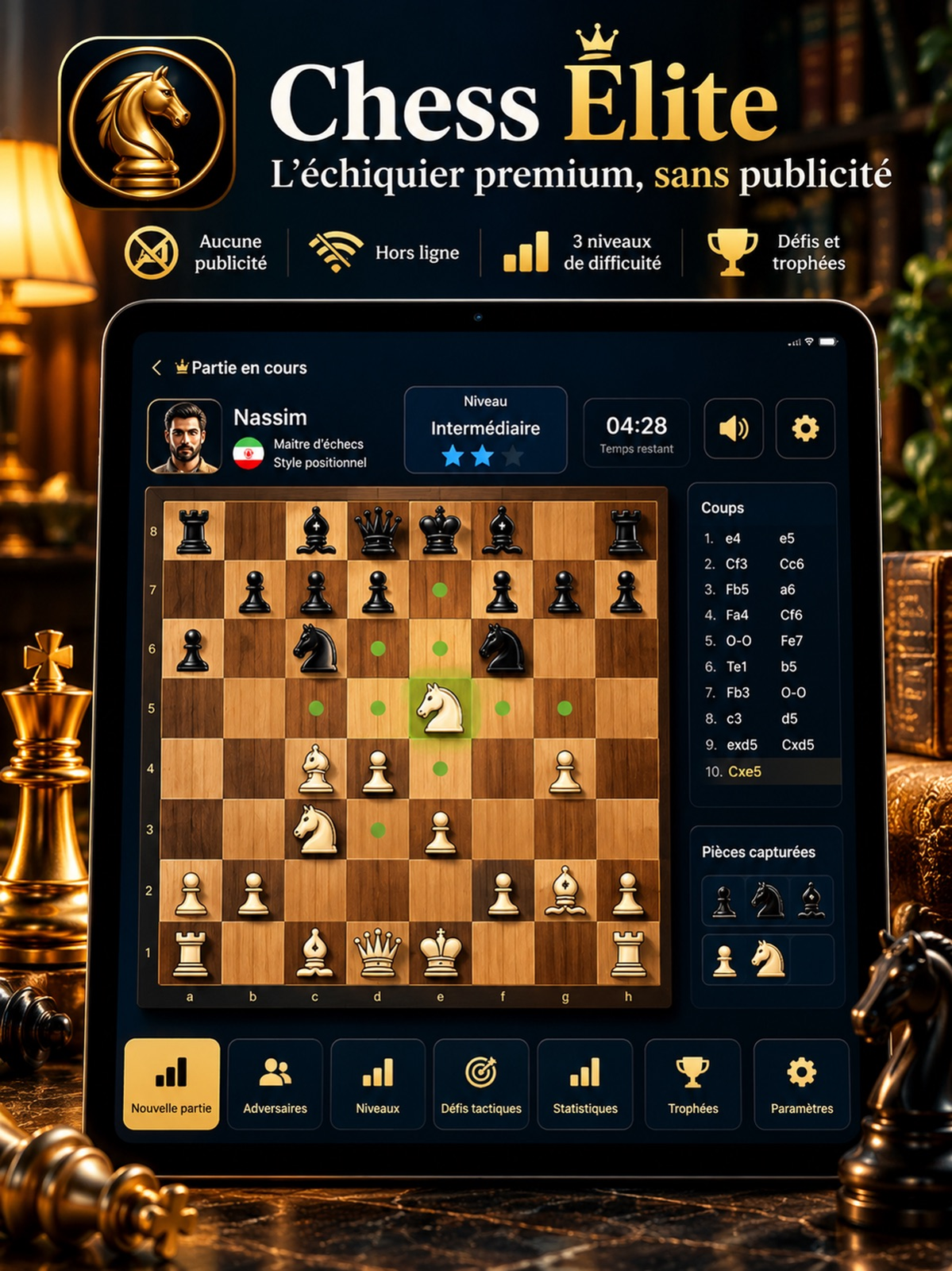
Use a difficulty setting and beginner cues for a focused solo game.
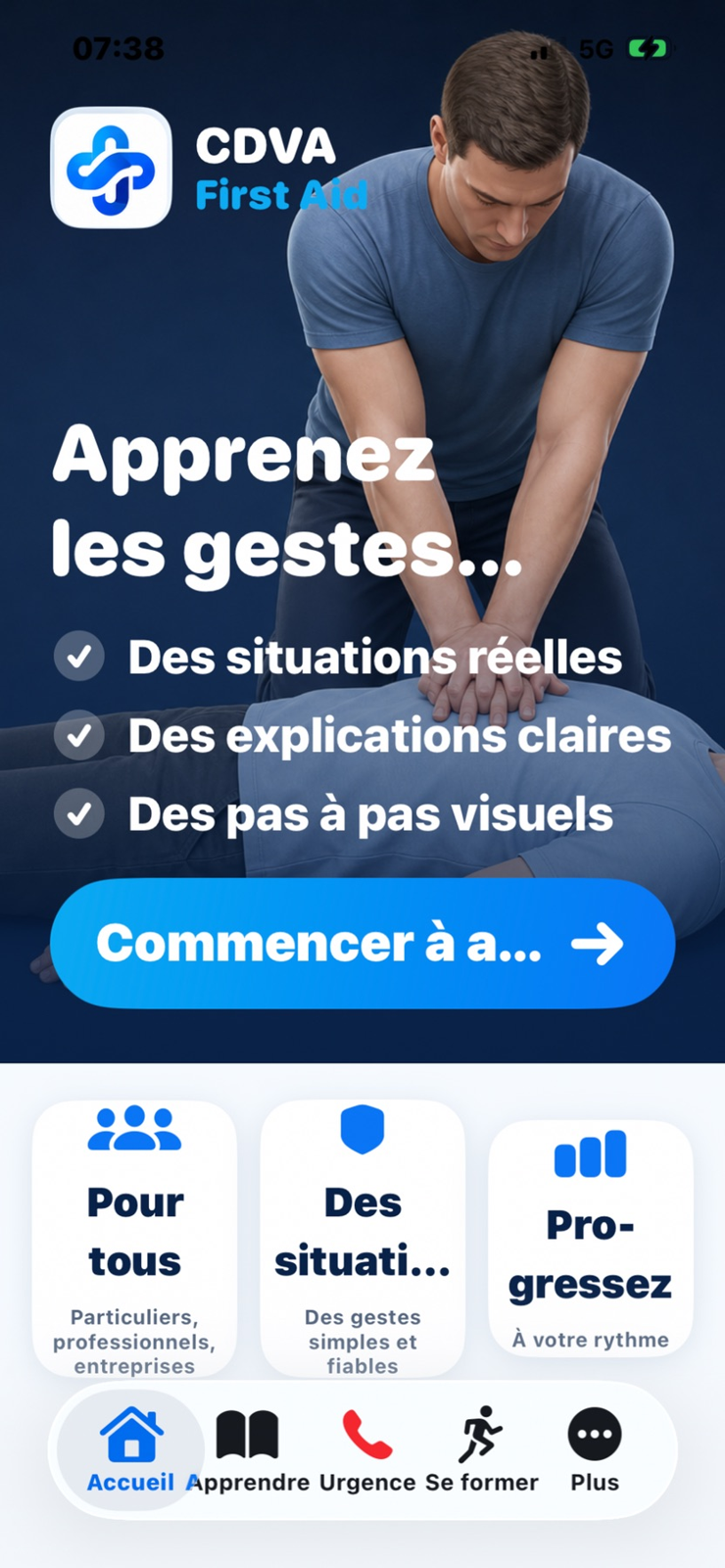
Inspect an educational reference alongside qualified training.

Combine age-appropriate writing activities with observations over time.
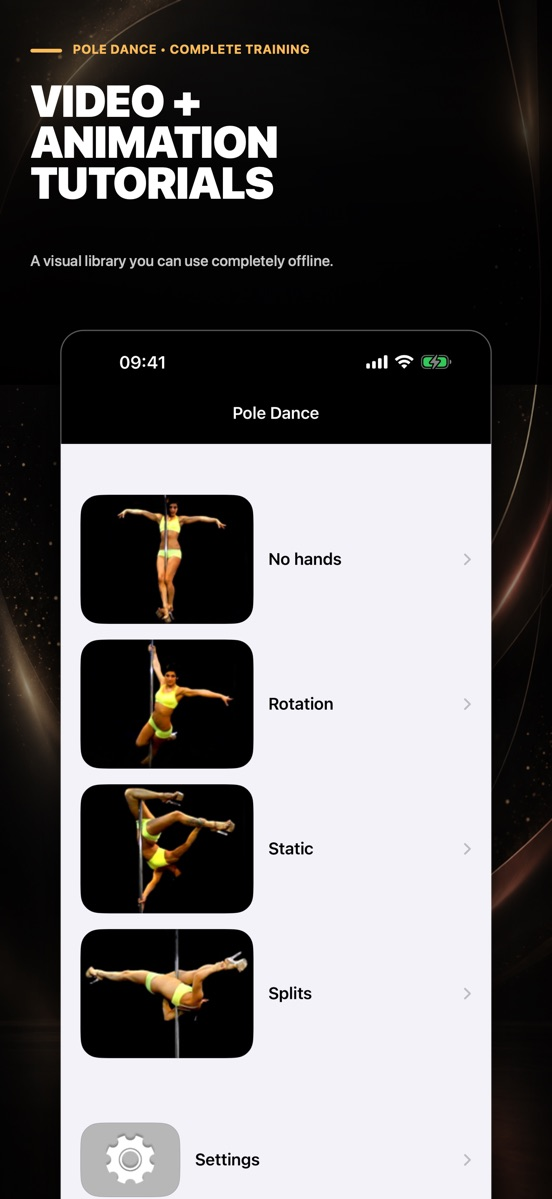
Compare camera views and individual frames before taking a movement into practice.
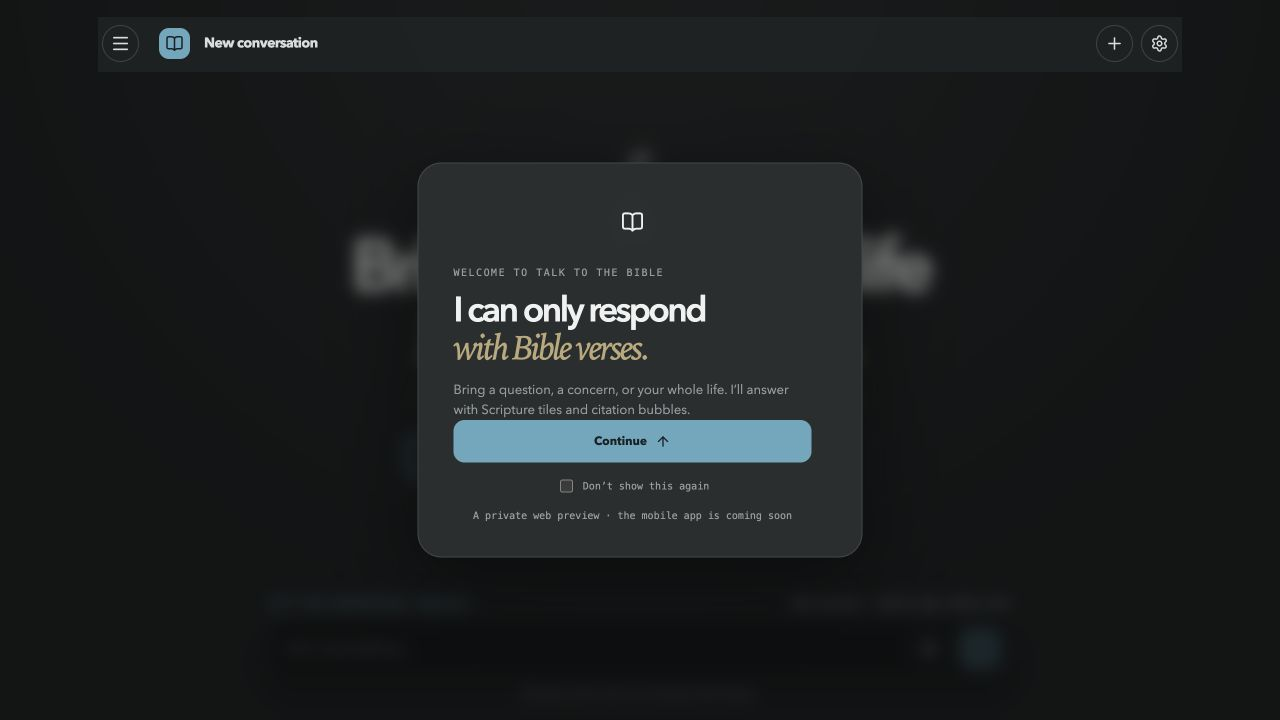
Inspect the format, translation choices and access limits before relying on a web preview.
Showing 1–19 of 19
Apple’s reading library and bookstore; a useful baseline before paying for a specialist reader.
Try the included reading app before adding another service for ordinary ebook reading.

Shortlist Bella and Pan for a child who enjoys a story alongside arithmetic practice. Choose a difficulty by the skills the child is working on, use the optional animated working when a question needs explanation, then let the child retry it. The one-time purchase and offline play suit families who want a contained activity; this is supplemental practice rather than a complete curriculum or a teacher-reporting system.
BookFusion
An ebook library and reader for organizing books and syncing reading progress and annotations.
Book
Feedly Inc.
A feed reader for following publications, websites and topics in one place.
News
Enux Education Limited
A language-learning service that uses real-world videos with interactive captions and study tools.
Education
An Apple-device article library with clean reading, tagging and annotation tools.
Choose it for saved web articles, tags, highlights and Shortcuts-based workflows across Apple devices.
Instant Paper, Inc.
A read-later service for saving web articles and reading them in a simplified format.
News
Konstantin Bukreev
An ebook reader for reading and organizing digital books in multiple formats.
Book
A browser extension with subtitles and vocabulary tools for studying languages through supported video services.
Reading & learning
Lingopie combines a video catalogue with clickable vocabulary, a word bank and flashcard review.
Lingopie combines a video catalogue with clickable vocabulary, a word bank and flashcard review. It fits learners who want to watch and review in one service on web or mobile. Choose the language entitlement and billing channel carefully: the mobile monthly plan does not include the general seven-day trial.
LiquidText, Inc.
A document-reading workspace for annotating files, extracting passages and connecting ideas.
Productivity
A practical starting point for following websites in a native Apple RSS client.
Rustem Mussabekov
A bookmark manager for organizing web links into collections with tags and search.
Productivity
Readwise, Inc
A reading service for collecting highlights and revisiting saved passages, alongside the Readwise Reader app.
Education
A reading workspace that connects saved documents, annotations and downstream notes.
Shortlist it when saved documents and highlights feed an ongoing research or knowledge-management routine.
The current timeline-based Reeder, not the older Reeder Classic RSS client.
Consider it for following feeds and keeping up with sources, rather than managing academic references.
Apple's web browser, with tabs, bookmarks, Reading List and browsing controls across Apple devices.
Reading & learning

Sofio suits a grown-up who wants to prepare a small, personal picture game for a child. Record one name or fact for Explore and a separate clue for Find It, then play together. The recording step is central: this is not a ready-narrated lesson library or a tested intervention for language development.
A reference library connecting bibliographic records, attached papers and research annotations.
Choose a reference manager when author, publication and citation metadata matter as much as the PDF itself.
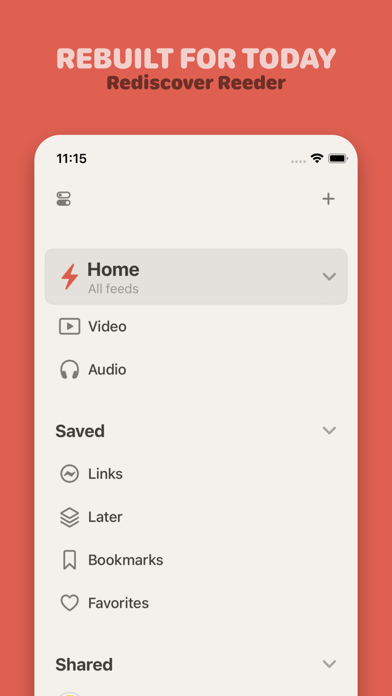
Choose current Reeder for a timeline mixing several source types. Choose Reeder Classic for its traditional RSS and read-later workflow, especially when a supported external service matters. Confirm the exact app and regional purchase screen before migrating.
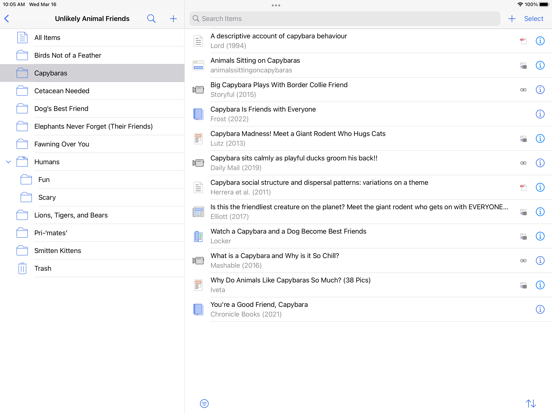
Start on a device where the PDF still opens. Confirm it is a stored attachment, check upload and storage errors, then check the iPad download. Reference data and PDF files sync separately; resetting the library is not the first fix.
Save a paper into Zotero, open its stored attachment, annotate it and verify the destination you need. A visible reference record is not proof that its PDF has downloaded; sharing a file and syncing Zotero annotations are separate workflows.
Start with NetNewsWire for a free, conventional RSS queue. Choose current Reeder for a mixed-source timeline. Check Reeder Classic separately if you want a traditional reader with third-party service connections.
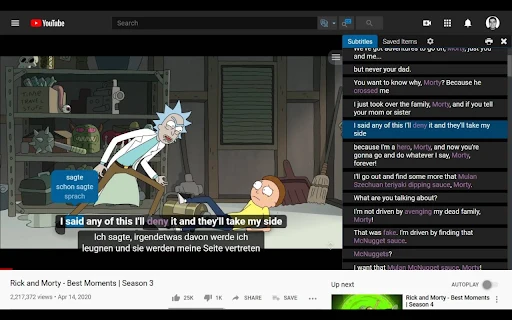
Language Reactor offers a free route with plan-dependent features; its paid page distinguishes source subtitles and advanced learning tools. Lingopie is a paid service with qualified trial offers, not a permanently free catalog. For a free-first routine, start with accessible content and verify which subtitle and review features are actually included.
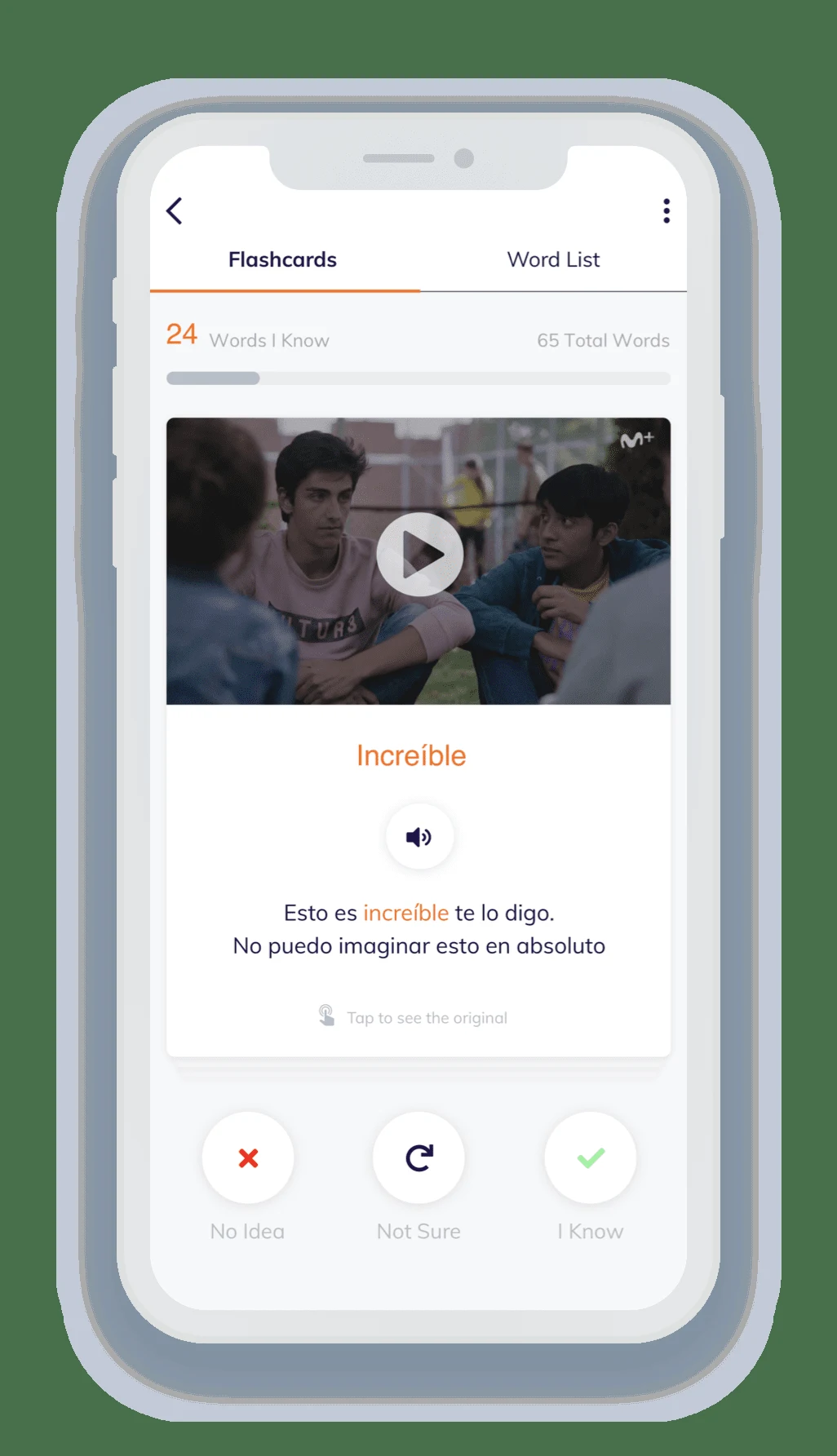
Choose a short Lingopie scene that you can partly understand, watch for the overall meaning, then revisit it with clickable vocabulary and subtitles. Save a small set of useful expressions and return to the flashcards later. Adjust speed when needed, but finish by listening again at a natural pace.
Lingopie combines its viewing experience with vocabulary tools. Language Reactor adds learning controls to supported content in desktop Chrome. Choose Lingopie for a dedicated routine when its catalog fits; choose Language Reactor when your existing browser-viewing habits and available subtitle tracks already provide the material you need.
Choose Lingopie when you want a dedicated viewing-and-vocabulary workflow. Choose Language Reactor when desktop Chrome and supported Netflix or YouTube material fit your routine. The key difference is where the content comes from and how words return for review, not simply whether both products display two subtitle lines.
Apple Books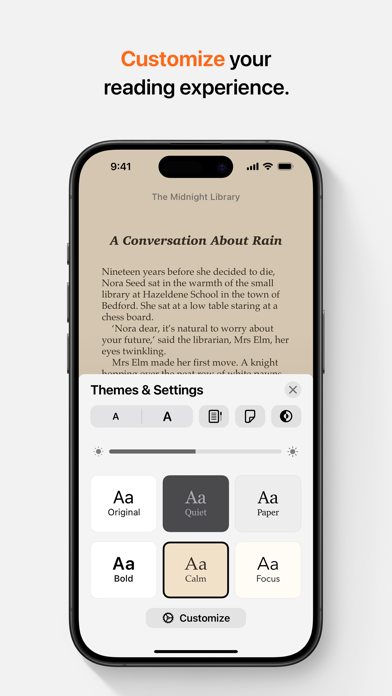 Step-by-step guide
Save the EPUB to your iPhone or iCloud Drive, locate it in Files and open it with Books. Apple documents this route for EPUB files exported from Pages. For a third-party book, confirm that you have an actual EPUB file and that its access restrictions permit the reader you are using.
NetNewsWire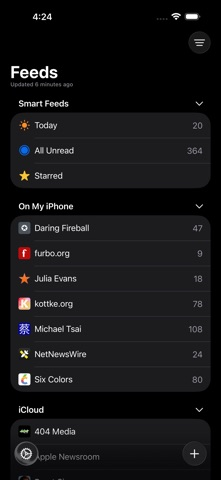 Step-by-step guide
NetNewsWire is the first free RSS candidate to consider for a conventional iPhone reading queue. Its official site describes a free open-source app. This guide does not certify an ad-free experience for every feed: publishers can include sponsorship and advertising in the content they send.
GoodLinks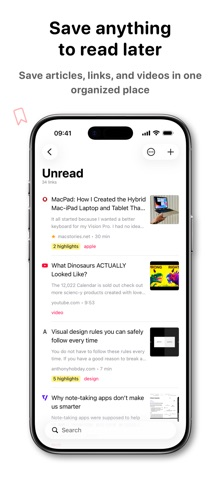 Step-by-step guide
Start with Safari Reading List for a simple saved-page queue without an additional app subscription. Consider GoodLinks for a more organized article library: its official policy gives permanent access to unlocked features, while optional Premium covers later feature upgrades. It is not a promise of every future feature for one payment.
NetNewsWire Step-by-step guideAdd a website or direct feed address, choose the intended account and folder, then check that items arrive. The linked detailed help targets 6.1, while the current listing is version 7; use the equivalent controls in your installed version.