Aiko
Sindre Sorhus
An audio-transcription app that uses Whisper models to turn speech recordings into text.
Productivity
Record, edit, transcribe, and caption audio and video.
 Ferrite Recording Studio
 iMovie
 LumaFusion
Find an approach for: convert audio and video formats.
Ferrite Recording StudioFind an approach for: edit podcast audio.
iMovieLumaFusionFind an approach for: edit a video on ipad.
 Buzz
 MacWhisper
 TinyStudio
I need subtitles without uploading my video
Ferrite Recording StudioFind an approach for: record and organize voice notes.
BuzzMacWhisperI need an on-device interview transcript
 Promptia: Video Teleprompter
Choose a teleprompter with integrated recording when you must read and film on one iPhone.
 CarScreen: Video in Your Car
For one compatible video, try the existing player and AirPlay first.
Find live radio streams, save favourite stations and listen across compatible devices.
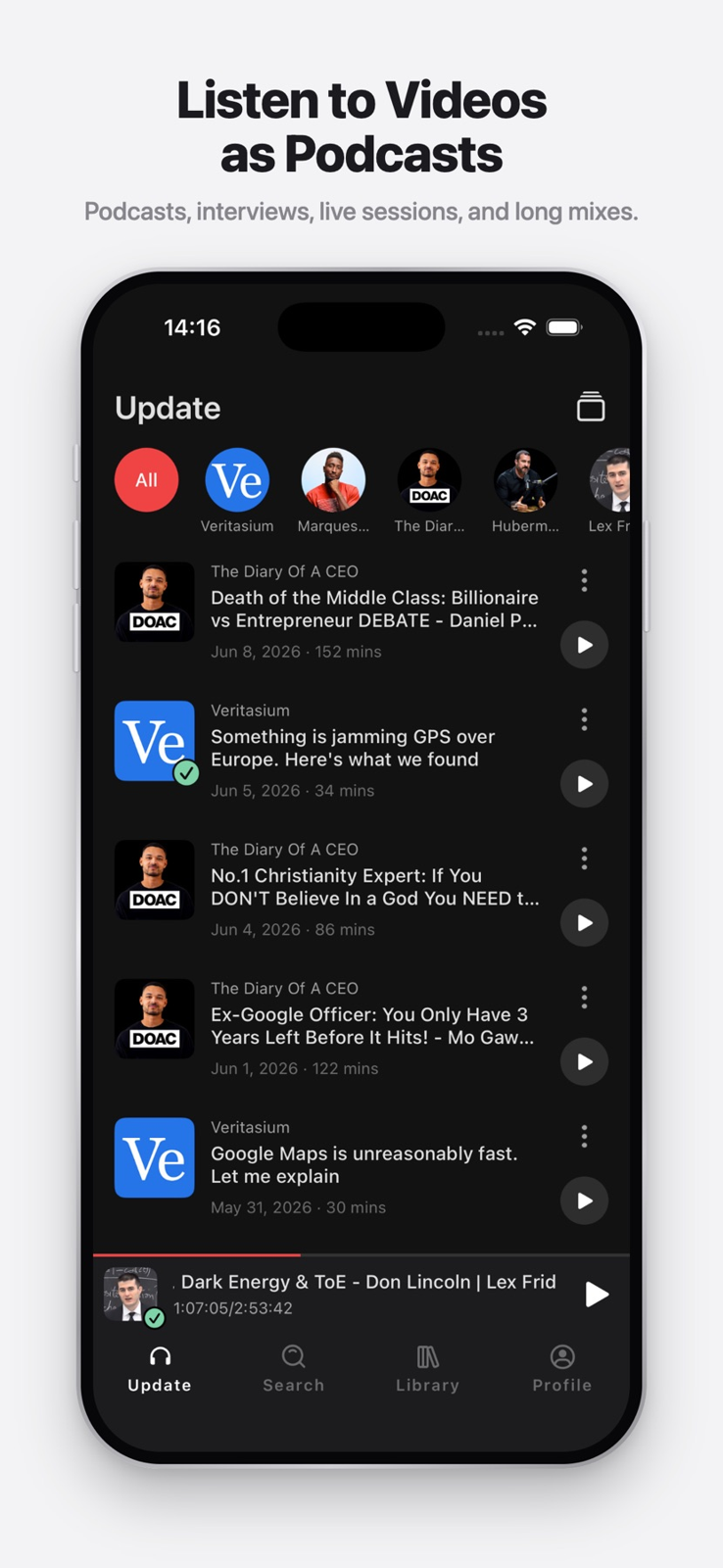
Build an audio feed for interviews, lectures and other videos that work without the picture.
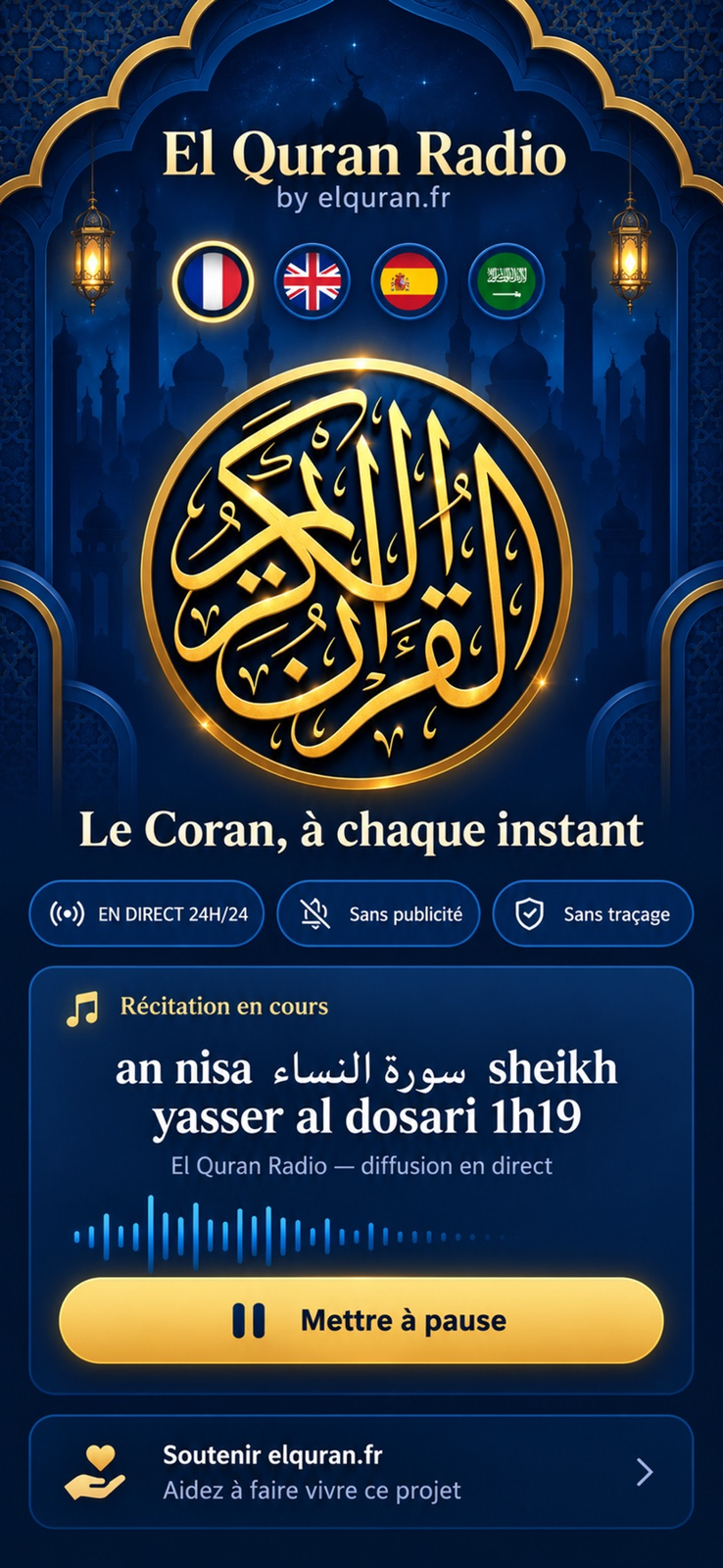
Keep a live recitation stream available while using another app.
Showing 1–20 of 31
Sindre Sorhus
An audio-transcription app that uses Whisper models to turn speech recordings into text.
Productivity
Apple
Apple's audio-recording app for capturing, organizing and editing voice recordings.
Utilities
An open-source audio editor and recorder for working with audio tracks and recordings.
Audio, video & subtitles
BIGVU INC
A video-creation service with a teleprompter, recording tools and captioning features.
Photo & Video
An open-source desktop route to offline speech transcription and timed subtitle files.
Consider it when inspectable software and subtitle export matter more than a commercial transcript workspace.
Organize personal videos and choose a compatible external playback route.
Choose CarScreen when personal files and supported links need one library with playlists and external-screen options. For a single clip, try its existing player and AirPlay controls first. CarPlay itself is audio-only, and output compatibility depends on the source and receiver.
Blackmagic Design Inc
A video post-production application for editing, color grading, visual effects and audio work.
Photo & Video

Consider Diktator for dictation into an existing writing workflow rather than a meeting transcription service. Choose the edition first: the direct Mac build, Mac App Store adaptation and iPhone/iPad keyboard have different insertion paths and licensing.
A spoken-word recording and editing candidate for interviews, narration and podcasts on iPhone or iPad.
Shortlist it for podcast editing, reusable templates and keyboard-driven cleanup rather than music production.
A macOS media-conversion interface for working with FFmpeg encoding and processing features.
Audio, video & subtitles
Apple's iPad video editor for assembling footage, editing timelines and producing videos.
Photo & Video
Apple
Apple's music-creation app for recording audio, playing software instruments and arranging tracks.
Music
An open-source video transcoder for converting video files and adjusting encoding settings.
Audio, video & subtitles
An audio-production application designed for spoken-word editing, podcasting and radio workflows.
Audio, video & subtitles
Apple’s video editor is a baseline to try before buying a more complex editing workflow.
Start here for a simple movie project before paying for a more complex timeline editor.
Firecore, LLC
A video player for browsing and playing media stored locally or on supported network and cloud sources.
Entertainment
Open Planet Software
An audio-recording app with transcription and recording organization across supported Apple devices.
Utilities
A multitrack editor to investigate when an iPad project needs more deliberate control over layers and sound.
Consider it when a simple movie editor no longer fits your multitrack editing workflow.
A Mac transcription candidate with a broader workflow than a simple subtitle generator.
Shortlist it when you need transcript editing and exports as well as captions. Pick a local model when the intended workflow is on-device.
Digital Workroom Ltd
A note-taking app that links written notes to moments in an audio recording.
Productivity
Use iMovie first for a straightforward video with clips, titles and music. Consider LumaFusion when a particular layer arrangement, audio adjustment or interchange requirement justifies its extra controls and cost.
Buzz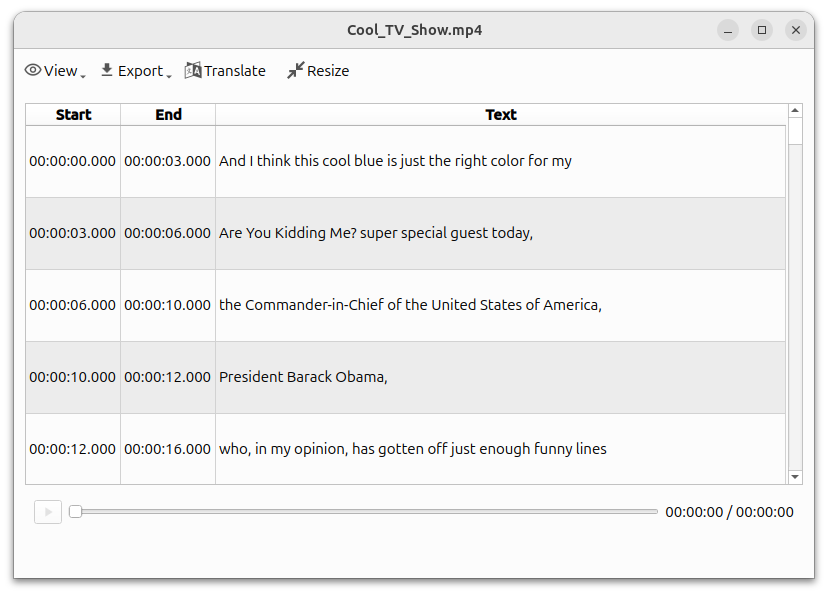 Step-by-step guide
Buzz is a free open-source candidate for local transcription on Mac. Download the required model before disconnecting and select a local backend, not a hosted API. Check hardware support: the current installation guide requires Apple silicon and identifies 1.4.5 as the last Intel-compatible release.
MacWhisper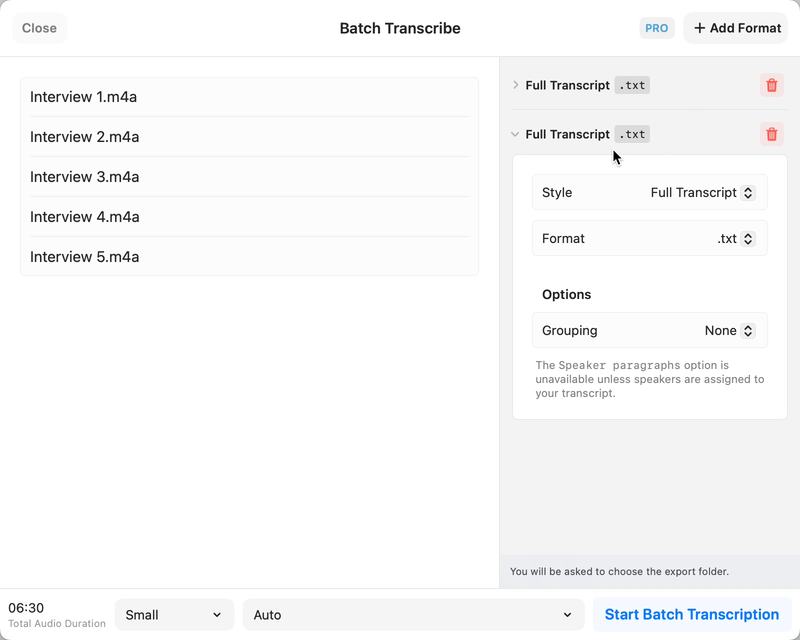 Step-by-step guide
Choose a local model for a local interview workflow, leave optional cloud actions disabled, and review names and speaker turns against the recording. MacWhisper’s official documentation describes the workflow; optional integrations are separate processing choices.
TinyStudio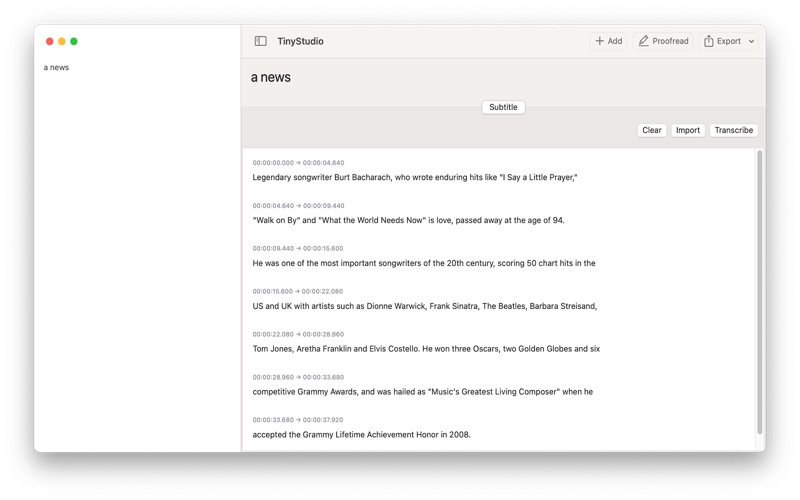 Step-by-step guide
Use this draft as a preparation and verification checklist for a TinyStudio subtitle run, not a claim that we have executed the latest app. The intended result is a corrected, timed subtitle file that plays with your video.
LumaFusion Step-by-step guide
Start with three short clips, one title and a defined export target. Follow the linked LumaFusion reference guide for import, assembly and export, then check the finished movie outside the editor.
TinyStudioMacWhisperChoose TinyStudio for a focused Mac subtitle workflow. Choose MacWhisper when reviewing, reusing and exporting transcripts is a larger part of your work. TinyStudio’s Mac listing is free; MacWhisper offers Free and Pro editions. Neither positioning establishes an accuracy or speed winner.