Fontie may suit someone decorating a short bio, caption or message. Six text styles are free, while Pro expands the fonts and themes. Styled Unicode and colorful image stickers behave differently, so preview the result in the destination app before sharing.
Research reviewed
Six styles free. US Fontie Pro: $2.99/month, $9.99/year or $19.99 lifetime for premium styles and themes.
Consider Fotorist for trying several art treatments on the same photo. Compare faces, lettering and fine edges at the final viewing size before converting a larger set. Download required styles before relying on offline processing.
Research reviewed
Free US App Store download; Remove Ads purchase $1.99. Offline style processing does not mean all app functions are free of network traffic.
GestureCam suits a group photo where the person holding the phone wants to join in. The free palm trigger provides a hands-free starting point, and the optional Auto Capture workflow is aimed at successive poses without returning to the phone. Check the saved photos and framing before committing to an important group shot.
Research reviewed
Free palm-triggered capture. US Pro: $9.99 one-time for Auto Capture, voice, extra hand poses, burst and manual controls.
Ghost Motion is a focused spatial prediction puzzle for someone who likes timing and inferred movement. Its basic loop makes the ball invisible while it keeps moving, then scores the player's estimate. The Turkish listing currently labels advertising and a paid ad-removal option, which matters when considering the free release.
Research reviewed
Free with advertising. Remove Ads: US $2.99; Turkey ₺149.99. Regional prices checked separately.
GLAZE BYTE may suit a puzzle player who wants to reason about a group move rather than swap two pieces. Its free chapter and Time Trial provide a limited starting point. Advertising is part of continuing free play, while one permanent purchase opens the full game.
Research reviewed
Chapter 1 and Time Trial free with ad conditions. US Full Game: $2.49 once for all chapters and arcade modes, with no ads. No subscription.
GlowBack may suit someone who wants one personal record for an existing medication routine and related daily observations. Its value is organization: doses, symptoms and weight can be reviewed together. It is not dosing advice or a treatment assessment. Free injection entries have a quota, while scanning, longer trends and other tools require eligible paid access.
Research reviewed
Free with an injection-record quota; manual logs and 30-day weight view included. US IAP: $19.99/month, $29.99/quarter; several annual entries $35.99–$59.99. Current offer/trial unknown.
G
Business & sales
Gojiberry AI discovers prospects from signals and lookalikes and can move them into outreach campaigns.
Gojiberry AI discovers prospects from signals and lookalikes and can move them into outreach campaigns. It fits teams that need a traceable reason to research an account. A signal is not proof of purchase intent, and campaign enrollment can enable contact rather than merely create a draft.
Research reviewed
Core subscription with optional agents, lead sources, seats or credits; confirm the full quote for the intended setup.

Reading & learning
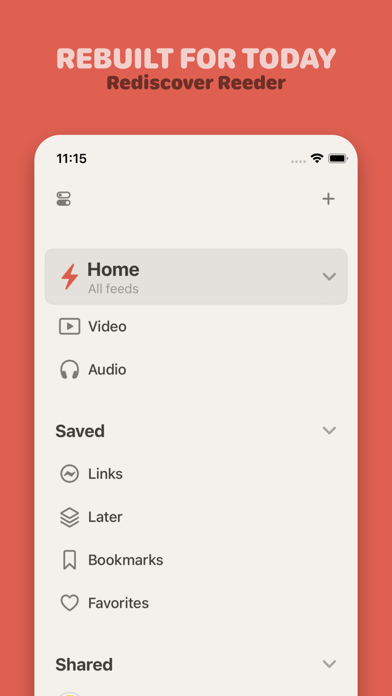
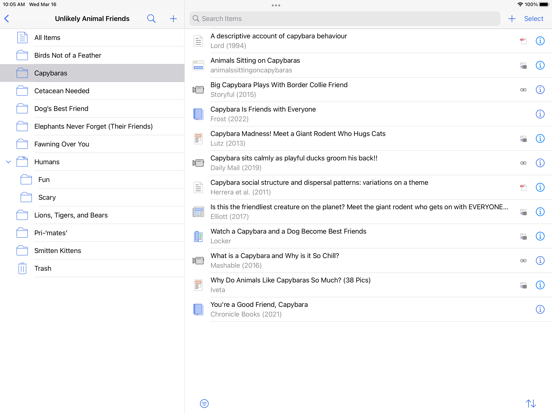
An Apple-device article library with clean reading, tagging and annotation tools.
Choose it for saved web articles, tags, highlights and Shortcuts-based workflows across Apple devices.
Research reviewed
$9.99 app · optional $4.99 annual feature upgrade
Tasks & time
Coordinate shared events with family, a team or a community.
Choose GroupCal for a schedule shared with a family, team or community, especially when membership and editing permissions matter. For an all-Apple group, compare the shared iCloud calendar route first. Choose a shared task list instead when the main job is allocating undated chores.
Research reviewed
Free download; optional paid features. See feature and purchase boundaries below.
Consider GYST Baby when keeping the practical details of family life together matters more than using separate planners and trackers. Start with the free plan and form-based Log, then choose an Unlock extra only if its shortcut or report-sharing option solves a recurring need. Use the record to prepare questions for your care team; the app organizes information and does not diagnose or monitor a parent or child.
Research reviewed
Free core planning, form-based logs, timers, on-screen reports and CSV export. Optional one-time Unlock for four extras; current amount not established. No subscription.
Shortlist HealthMaxxing when keeping several everyday logs together matters more than having a specialist app for each one. Start with its free core tracking; consider Pro for wider pattern access and advanced tools. Personal associations and nutrition estimates need interpretation, rather than being treated as diagnoses or measured outcomes.
Research reviewed
Core tracking is free. Optional Pro: website US examples $5.99/month or $49.99/year; verify current storefront terms.
Consider HEVCut when a photo library is full of large videos or photos you want to keep in a smaller form. Its useful distinction is the review step between compression and removing originals. Start with representative files and inspect detail, resolution, motion and sound before applying settings to a large library. A smaller file involves format and quality tradeoffs; it is not an archival substitute for an original.
Research reviewed
Free download with a limited compression allowance. Pro adds unlimited compression and controls; weekly, annual and lifetime options. Check current local prices.
H
Photos & design
Higgsfield is a browser-based creative platform with effects, image/video tools and production workflows.
Higgsfield is a browser-based creative platform with effects, image/video tools and production workflows. Choose it for a named shot or effect you need, then check the selected model’s input, generation charge and export terms. Free-account generations carry a visible Higgsfield watermark.
Research reviewed
Paid plans with feature- and model-specific access; verify the selected workflow at checkout.
Holter Log offers a patient-entered diary rather than a connection to a Holter monitor. Its iPhone and Apple Watch workflow separates capturing a time from adding details, then brings entries together for a PDF. It does not read or analyze ECG signals, detect conditions or provide a diagnosis.
Research reviewed
US App Store: $0.99 paid download. No in-app purchase or subscription entries observed. No verified free trial; offered access code not redeemed.

PDF & document tools
A PDF toolkit with mobile apps and web tools; document each execution environment explicitly.
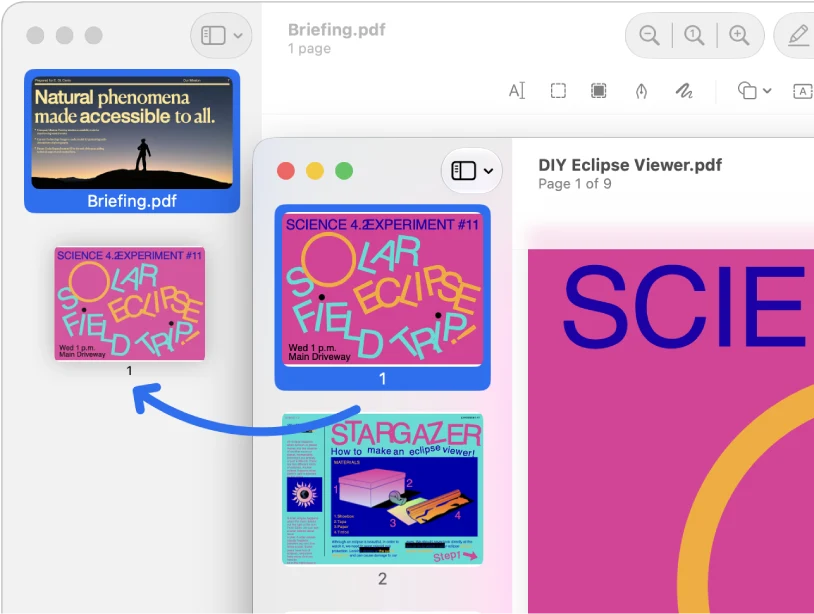
Choose it when image extraction sits alongside merging, splitting and conversion. The iPhone follow-up recovered the three unique pictures as JPGs.
Research reviewed
Free tier · Premium $5.49/month or $44.99/year
Audio, video & subtitles
Apple’s video editor is a baseline to try before buying a more complex editing workflow.
Start here for a simple movie project before paying for a more complex timeline editor.
Research reviewed
Free download
Consider Invoice Koi for jobsite paperwork that starts offline and turns into an estimate or invoice. Drafting is free, but issuing new numbered documents requires a subscription. Compare subscription and optional payment-collection costs separately.
Research reviewed
Free setup and drafts. US solo plan: $99.99/year or $9.99/week; eligible trials vary. Issuing new numbered documents needs payment. Collection/Stripe fees are separate.
Shortlist JustGains when a routine needs to become a usable workout rather than remain a saved idea. Build or clone the plan, adjust its exercises and record the work as you go. The free core tracking and optional squads suit people who want history and sharing together; compare Pro’s specific features with your own workflow before subscribing.
Research reviewed
Free core workout tracking. US Pro: $9.99/month or $79.99/year. Squads, chat and leaderboards are free; partner sessions require Pro. Other limits may apply.
KanaSprout may suit a parent introducing kana to a child aged six to eight in short, shared practice sessions. It combines seeing, hearing and tracing a character rather than only displaying vocabulary. Check what remains free on the device you use: Android names three free hiragana islands, while the iOS listing does not quantify its free course content.
Research reviewed
Free download with optional annual access. US iOS: $22.99/year, 14-day trial; free-content quantity unspecified. Android: first3 hiragana islands free; annual price/trial not verified.
Kept may suit adults who want a small prompt for making time together. One person can choose a ritual in the app and pass it on by text, which reduces the setup needed from the other partner. The person using the app needs a subscription, so check that price before treating the free download as an ongoing free plan.
Research reviewed
US: subscription required. $19.99/month or $59.99/year; yearly plan lists a 3-day trial. Partner may participate by text.