Consider Ntfyx for following a computer task away from the desk and returning a supported answer from the phone. Choose the topic type and integration deliberately: a notification, an authenticated answer and a completed external action are different events.
Research reviewed
Free: 100 messages per UTC day, up to 10 Calls/10 questions, 1 monitor/1 subscription. US Plus $1.99/month; Pro $9.90/month. Calls/questions count within message totals.
Consider Nurse Note AI for organizing de-identified rough observations into a draft you review. Its website is an official source, despite the submission’s independent-review label. An unresolved privacy-label discrepancy deserves attention before use.
Research reviewed
Free download with US Monthly Pro $9.99 or Yearly Pro $79.99. The exact free allowance and trial eligibility were not established.
Consider OLENRI when you feel uncertain about a situation and want to explore possible directions before choosing an action. Speak or type the situation, examine the generated interpretation and options, and decide on a small next step yourself. Its purpose extends beyond storing a journal entry, but a plausible AI explanation does not establish what is true or what you should do.
Research reviewed
Free download with a free tier and optional Plus / Pro subscriptions. Numeric free limits, tier boundaries and current billing periods are not established; check the purchase screen.
Consider OneOpen when a shared file needs a readable preview without first moving it to a desktop application. A distinctive free workflow is opening HTML inside a ZIP with its bundled relative images and styles. Check the exact format limits before paying for Advanced Access, and choose offline or Safe Preview deliberately when the package contains executable web content.
Research reviewed
Everyday viewing is free. US IAP shows $0.99/year and $0.00 lifetime; the lifetime entry is unresolved. Website China reference: ¥9.90/year or ¥19.90 lifetime.
oorio Sudoku may suit a solver who wants to understand a deduction and revisit how a puzzle was solved. Its documented tools combine candidates, a technique library, Coach and result analysis. The puzzles are free, while detailed analysis and alternate solution paths use a separate result allowance.
Research reviewed
Free puzzles. Analysis:7 initial trials, then 1 new result/day via rewarded ad. US Ad-free $1.49/mo; Premium $2.99/mo; yearly options available.

PDF & document tools
A focused iPhone and iPad app for combining PDF files in a chosen order, rather than managing an entire PDF editing suite.
Shortlist it for a focused file-merging workflow with control over input order. Compare PDFgear when you also need a broader mobile PDF toolkit; Preview and PdfCraft are separate Mac choices.
Research reviewed
Free download · $2.99 Full Access offer

PDF & document tools
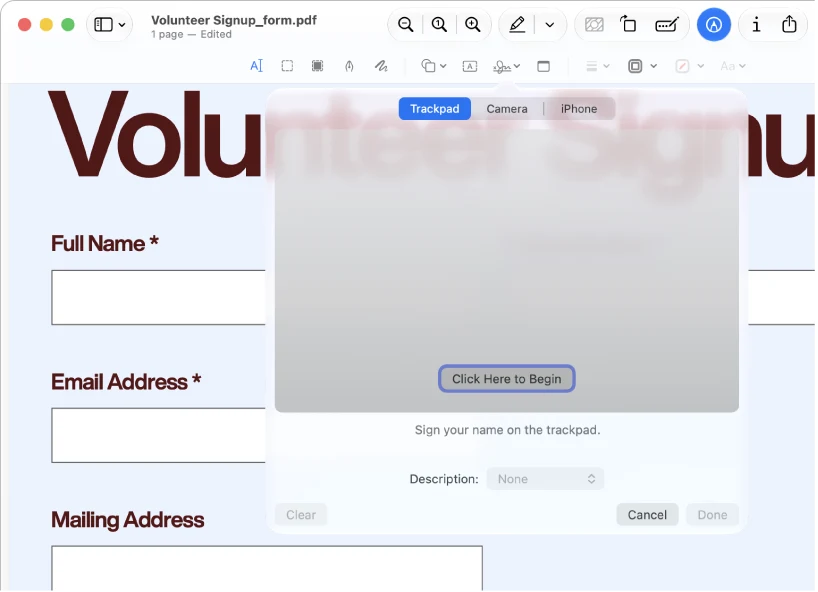
An Apple-focused PDF workspace spanning reading, annotations, signatures and paid document editing.
Shortlist it for a document workspace with reading, markup and paid editing capabilities rather than one isolated conversion.
Research reviewed
Free download · paid editing plans

PDF & document tools
PDF content recovery and document conversion on Mac, iPhone and iPad
Consider PDF Extractor 1.02 for focused content reuse rather than a full PDF editor. It describes local conversion and OCR with a one-time full-access purchase. Try a representative file before upgrading; our earlier version 1.01 iPhone image sample does not establish version 1.02 conversion quality or Mac behavior.
Research reviewed
Free limited use · one-time full-access purchase, no subscription
P
PDF & document tools
An open-source PDF workbench for reading, merging, splitting and organizing pages, with a native Mac download.
A desktop/self-hosted option for document assembly. Its external tutorial makes the page-management workflow easier to assess before installing.
Research reviewed
Free open-source software

PDF & document tools
A broad PDF utility suite worth investigating before paying for routine document operations.
A sensible shortlist for merging, reading and other routine document tasks. Use the platform-specific documentation: desktop and mobile tools are not interchangeable.
Research reviewed
Free iPhone and iPad download
Consider Peek Pod when a small group wants occasional visual updates on the home screen rather than a public feed. Agree on what may appear around bystanders, and treat surprise posting as hidden from recipients rather than anonymous to the service.
Research reviewed
Free download. US list: Remove ads $0.99, Premium $0.99/month, $6.99/year or $12.99 lifetime. Free-feature boundaries and ad-removal entitlement were not tested.

Journaling & memory keeping
An English-language photo journal app that generates scrapbook-style pages from photos and a short note.
Shortlist PetaNote when you want a generated visual memory page rather than arranging every element yourself. Choose a manual editor if exact placement matters; choose a diary if searchable, exportable records are the priority. A generated illustration is not a faithful replacement for an original photo.
Research reviewed
Free download. English description: US$3.99 / $4.99 / $7.99 monthly memberships; points sold separately. Quotas and per-page costs are not established.
Pole Dance is a focused visual reference for examining how a movement unfolds. Its synchronized views and frame controls can make repeated observation more convenient than searching a long video. Try the free selection before paying for the library, and use the material alongside suitable instruction: the app has not been tested here as a technique assessor or a substitute for supervised practice.
Research reviewed
Free download; selected lessons free. US: $0.99/month, $5.99/year, or $9.99 for a permanent complete-library unlock. Older $2.99 paid-app material is outdated.

PDF & document tools
Apple’s built-in PDF and image tool; mobile and Mac versions must be documented separately.
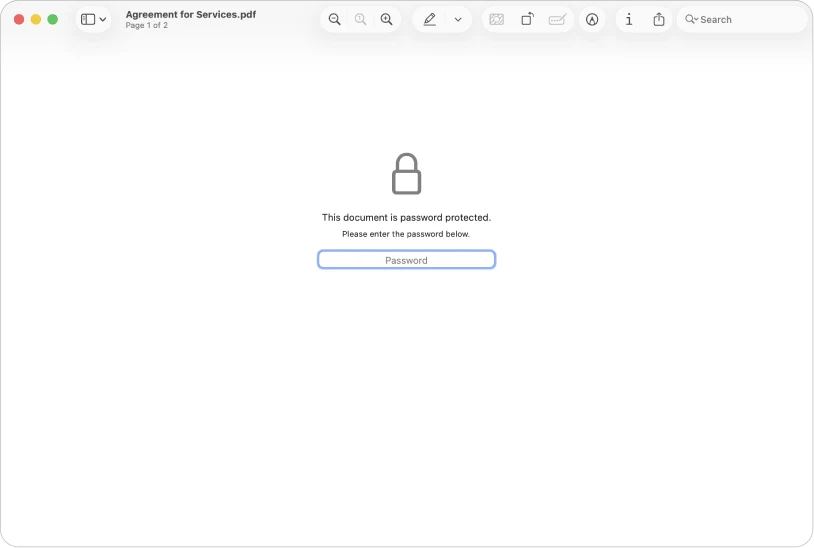
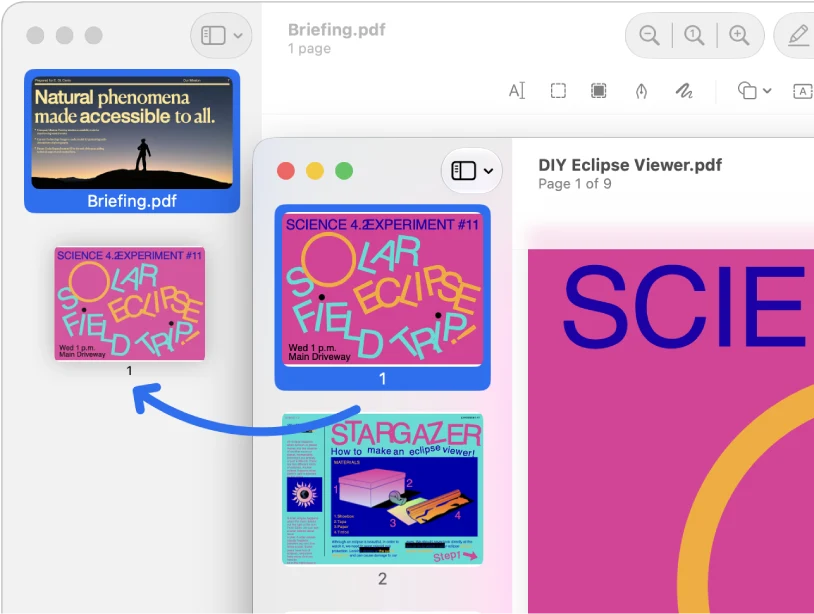
For ordinary viewing, annotation and page operations, start with the tool already on your Mac before installing a larger PDF suite.
Research reviewed
Included with macOS

Audio, video & subtitles
Read a script while preparing a timed video or speech.
Choose Promptia when you want timing estimates, script organization and optional voice-following in one teleprompter. Start with the free scripts for rehearsal; choose Pro specifically for unlimited voice follow or integrated recording. Look elsewhere if automatic iCloud script sync is essential.
Research reviewed
Free download; optional paid features. See feature and purchase boundaries below.
Consider Psycled for keeping a searchable emotional journal and revisiting the people, activities and places that recur in it. Its tags, filters and word cloud provide ways back to your own entries. Treat AI feedback as one interpretation to examine, and read the cloud-processing and purchase terms before adding sensitive material. The provider presents a reflection tool, not therapy or a verified assessment.
Research reviewed
Free download with limited free AI analysis shown in product examples. Terms describe subscriptions; allowance/reset rules, paid features, amounts and periods are not established.
Pyre Fitness may appeal to runners who want a story and live pursuit cues alongside their route, distance and pace. The campaign is the core distinction: movement advances missions rather than only filling a workout log. Downloading is free, but use after the trial requires a subscription; this guide does not establish outdoor performance, training outcomes or watch reliability.
Research reviewed
Free download; 1-week trial, then subscription required. US: $9.99/month or $59.99/year, auto-renewing. Regional prices and trial eligibility may differ.
Qutrum brings a publishing editor and messenger into the same community. The store describes dictation, post read-aloud, chat threads and shared shopping or to-do lists with discussions. Android, web and a linked Windows client should be considered separate channels; an iOS release was not found.
Research reviewed
US Google Play: free installation with ads. No in-app purchase or subscription marker observed. Exact free limits and Windows/web pricing remain unknown.

Reading & learning
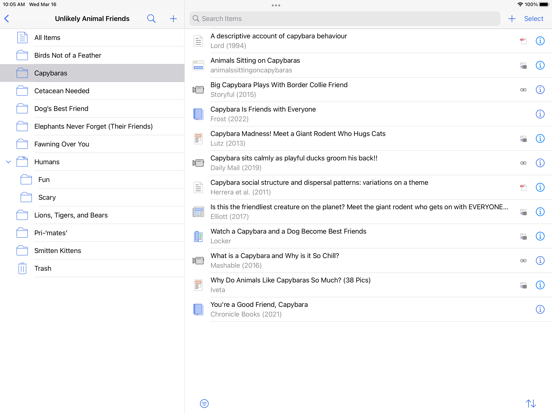
A reading workspace that connects saved documents, annotations and downstream notes.
Shortlist it when saved documents and highlights feed an ongoing research or knowledge-management routine.
Research reviewed
30-day trial · Full $9.99/month billed annually

Reading & learning
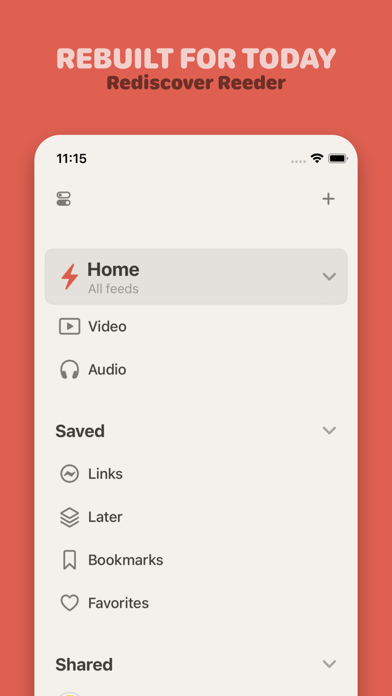
The current timeline-based Reeder, not the older Reeder Classic RSS client.
Consider it for following feeds and keeping up with sources, rather than managing academic references.
Research reviewed
Free download · $1.99/month or $14.99/year